
 Babalooon floxocataateit XeroxCopies AnneniYedim HighAllTheDay Aris2020 Shinlord Svmv3l10 Lil_gaaaay aldolinux le_sampaio misterzinN Kaldimak Niccixy KingPiston henriboii suadee cripchik2017 sebxus_ MoodyMav __Xilef__ JayDotty VillagerBuff9442 Kisamme GKs15 Flemlix Derostat mincamiagamer89 KazuFnr Abido12 Pucho_25 Ilon_Maks lieguy12345 BowserJr_67 YeGoodIQ smull1033 RocketWeeb13 Bixence Bezi_ AciiDUp LaloGamer777_YT T_Steak medko4 ShadowPunx HelloJun0 resKP_ HantleZAuchana joannairl Pittyplatsch256 Dukzoo SteveTheMinion SINMIRAL NCK_Up ATOLADORDETCHUXU KERONEME NaSeonA LordZottel Edurn Xspidergamer TsuyoiVerto
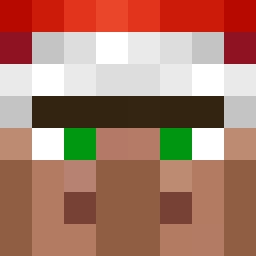
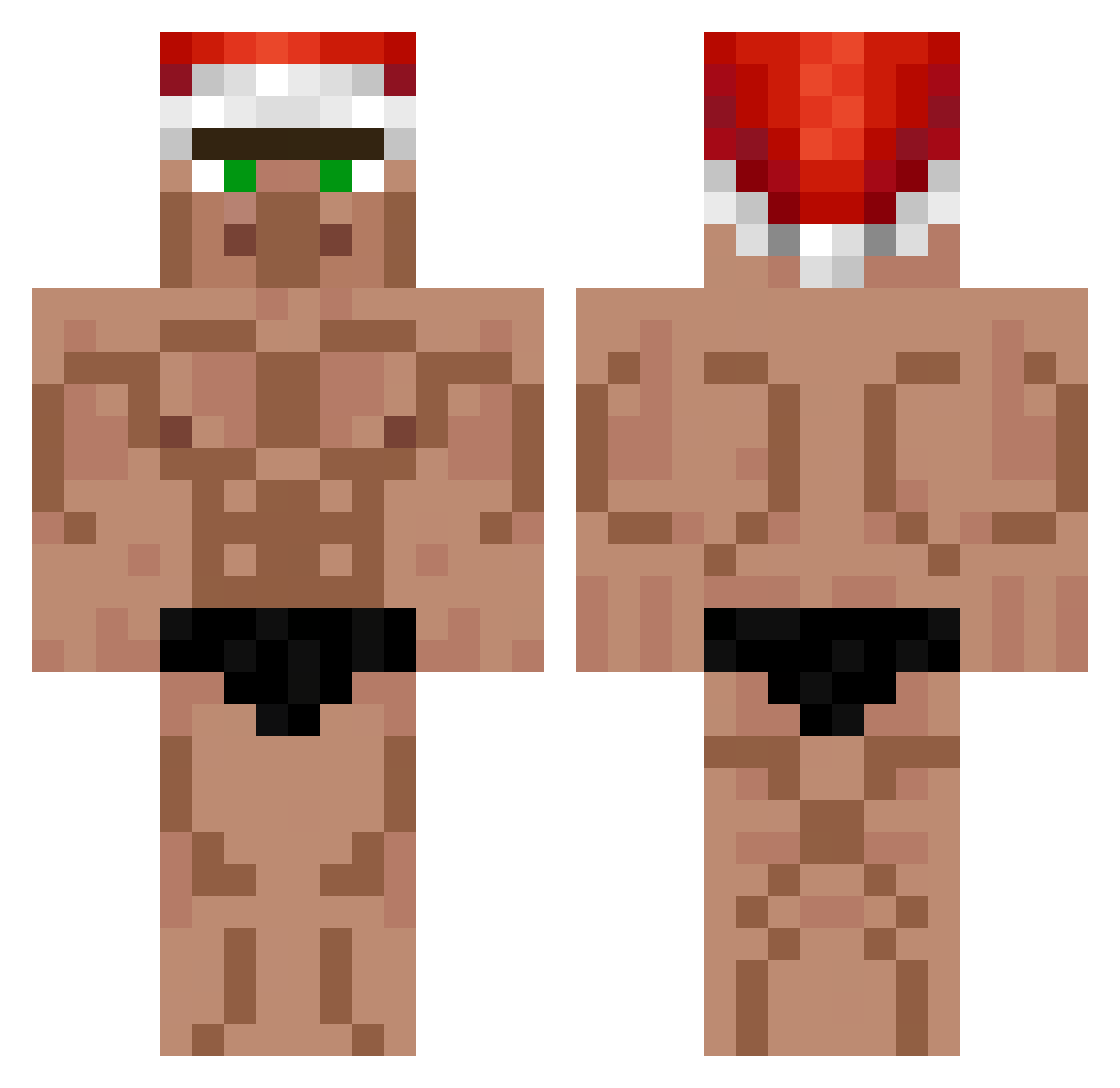
Minecraft skin of BaroniusBoyo. Rotate the 3D model with your mouse or finger to view the skin from every angle, then download it as a PNG file and use it in Minecraft: Bedrock Edition or Java Edition for free. Rate the skin with stars to help other players find the best skins in our collection.
How to install the BaroniusBoyo skin
- Press the Download button above to save the skin as a PNG file.
- Minecraft: Bedrock Edition (PE): open the Dressing Room from the main menu (or tap your character → Edit Character), go to Classic Skins → Owned, press the + (new skin) button, choose the downloaded PNG and pick the Classic (Steve) model. Works on PC and mobile; consoles cannot import custom skins.
- Minecraft: Java Edition: open the Minecraft Launcher, go to the Skins tab, click New Skin, load the PNG, pick the Classic (Steve) model and press Save & Use. You can also upload it at minecraft.net → Profile → Change Skin.
The skin does not show up after import - what should I do?
Restart Minecraft and open the Dressing Room again - imported skins sometimes appear only after a restart. Also make sure you selected the imported skin and picked the Classic (Steve) model.
Which model should I choose, Classic or Slim?
This skin is designed for the Classic (Steve) model. If you pick the wrong model, the arms of the skin will look stretched or squeezed.
Is this skin free to use?
Yes. Press Download, save the PNG file and use it in Minecraft: Bedrock Edition or Java Edition - no payment or registration needed. The skin also works on multiplayer servers and Realms.
More Buff Minecraft skins
More skins
Looking for more? Go back to all Minecraft skins and check the top skins of the week, month and all time, or find any player's skin by nickname.