
Dizzy_32 - Minecraft Skins & Skin History
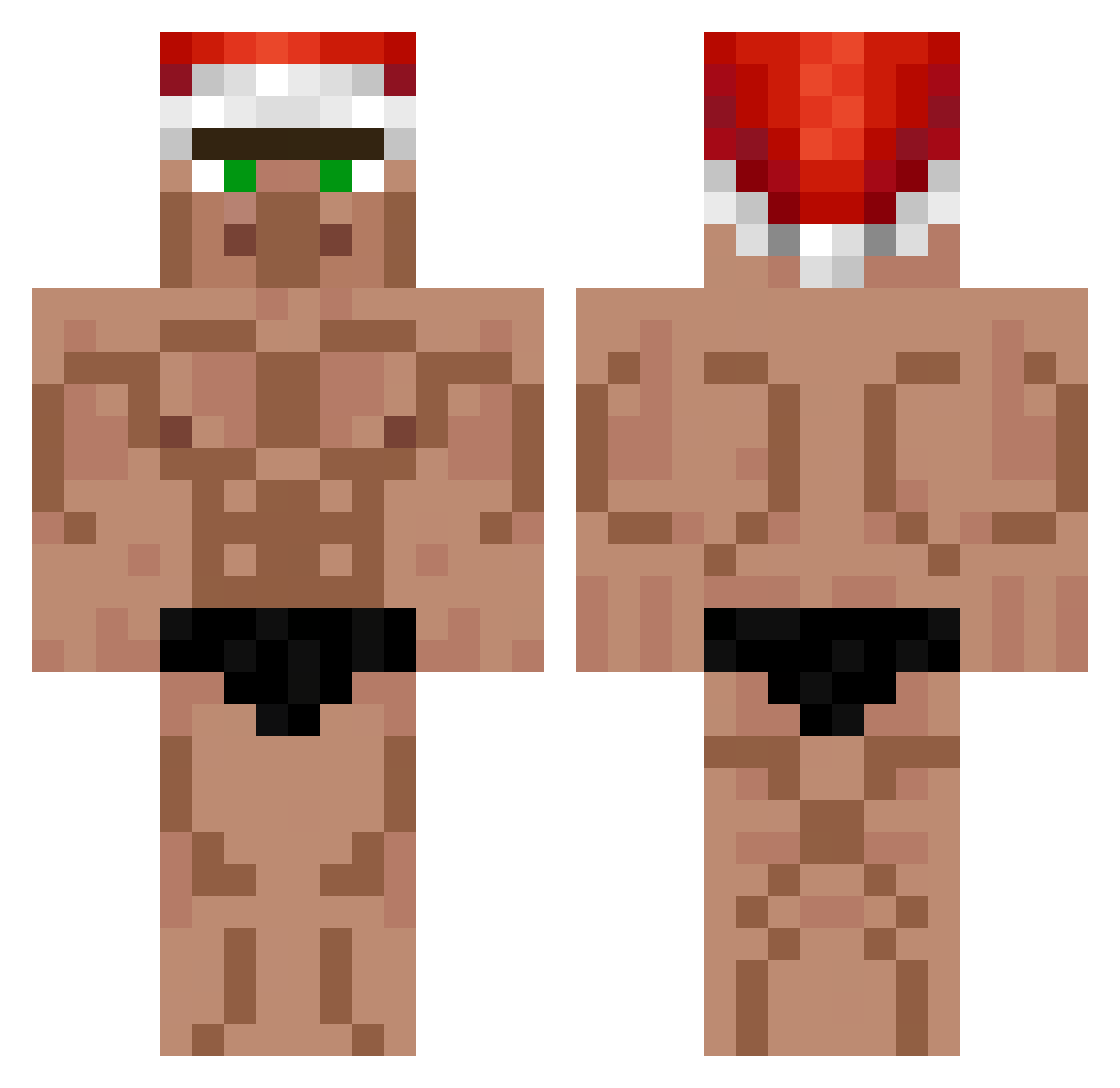
Current Minecraft skin of the player Dizzy_32, loaded from the official Mojang API. Rotate the 3D model with your mouse or finger, then download the skin as a PNG file and use it in Minecraft: Bedrock Edition or Java Edition for free. When Dizzy_32 changes their skin, this page updates automatically and the old skin stays in the history below.
Other players with this skin (552)
Dizzy_32 was the 242nd player we have seen with this skin, first spotted on 12.09.2026. The same skin was seen on these players. Open a nickname to see their current skin and skin history.
 ByHoRium s1lentandmyst1c Knzde Nowsinho peanut11u Vimerrrs MasterHXD OG_POTUS InternetRamboHH TRownss wrotek gigabyte21 block6942O eviyom PelonGOD xDieDose Ol1ver__ oTintinSword dzejzi Kachmann Warmmacher Adamoo0 b3rkay5 Krigee soramame114514 Lulucifer58 shopeee Matty2022 TGNTristan YuchengShi BuzzSpaceRanger SweetyAli Bizoro777777 ssqueemen Nonote321 BGtimidedu1026 _macias_ Silent_Ghost_152 N0VIR slekkone GigaW lebonpepe MARSHD2 case13113 NathanB1201 Hykatsu Nigelmaize vell2 Amoureuxx 7ESCUE Magonix GtaRoleplay 7ian__ mokatildev killer_fox420 Chiwa1215 Gegepeti Frankie1202 russfarts SmallishSpy
More Buff Minecraft skins
How to install the Dizzy_32 skin
- Press the Download button above to save the skin as a PNG file.
- Minecraft: Bedrock Edition (PE): open the Dressing Room from the main menu (or tap your character → Edit Character), go to Classic Skins → Owned, press the + (new skin) button, choose the downloaded PNG and pick the Classic (Steve) model. Works on PC and mobile; consoles cannot import custom skins.
- Minecraft: Java Edition: open the Minecraft Launcher, go to the Skins tab, click New Skin, load the PNG, pick the Classic (Steve) model and press Save & Use. You can also upload it at minecraft.net → Profile → Change Skin.
The skin does not show up after import - what should I do?
Restart Minecraft and open the Dressing Room again - imported skins sometimes appear only after a restart. Also make sure you selected the imported skin and picked the Classic (Steve) model.
Which model should I choose, Classic or Slim?
This skin is designed for the Classic (Steve) model. If you pick the wrong model, the arms of the skin will look stretched or squeezed.
Is the skin of Dizzy_32 free to download?
Yes. Press Download, save the PNG file and use it in Minecraft: Bedrock Edition or Java Edition - no payment or registration needed. The skin also works on multiplayer servers and Realms.
More skins
Looking for more? Go back to all Minecraft skins and check the top skins of the week, month and all time, or find any player's skin by nickname.