
 KeSiKeSiK XlcGamer_HD DarthSchnarch onejean cbone99 Arjonaa11 Tahitu WarriorNatsu Spinjamin gangang96 monkegaming001 IIimDrippinII VelcroStrap fat_d83 Body_line _Rambo97_ a02dar Napeach922 yimdm96 gajeros CuzImBrauni Mascayunques Noni_is_taken PompaGeng danielid7 antos2020 LeBall0n amzing wjf2333 NESKUlT Lolonope davidzhou9498 Michalczang Frocikk Gummibaerchen1 yZyka_ BlessingAbyss44 Bartasse 0ToT2 Shuffle_gundam Coolster253 Brozayteen KauanH TKV942 vdmerde xxasure zipson1 Ghanim_ Chelya elput0wen7 T3R3NC3G4M1NG AtherArtz Toboska UndatedHeart605 somachi1 ProFFersis lovelyclairo ViMedSkills Wibb3n zRychard
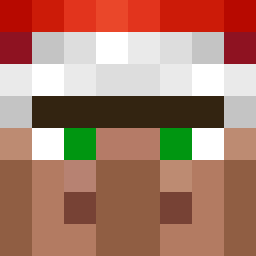
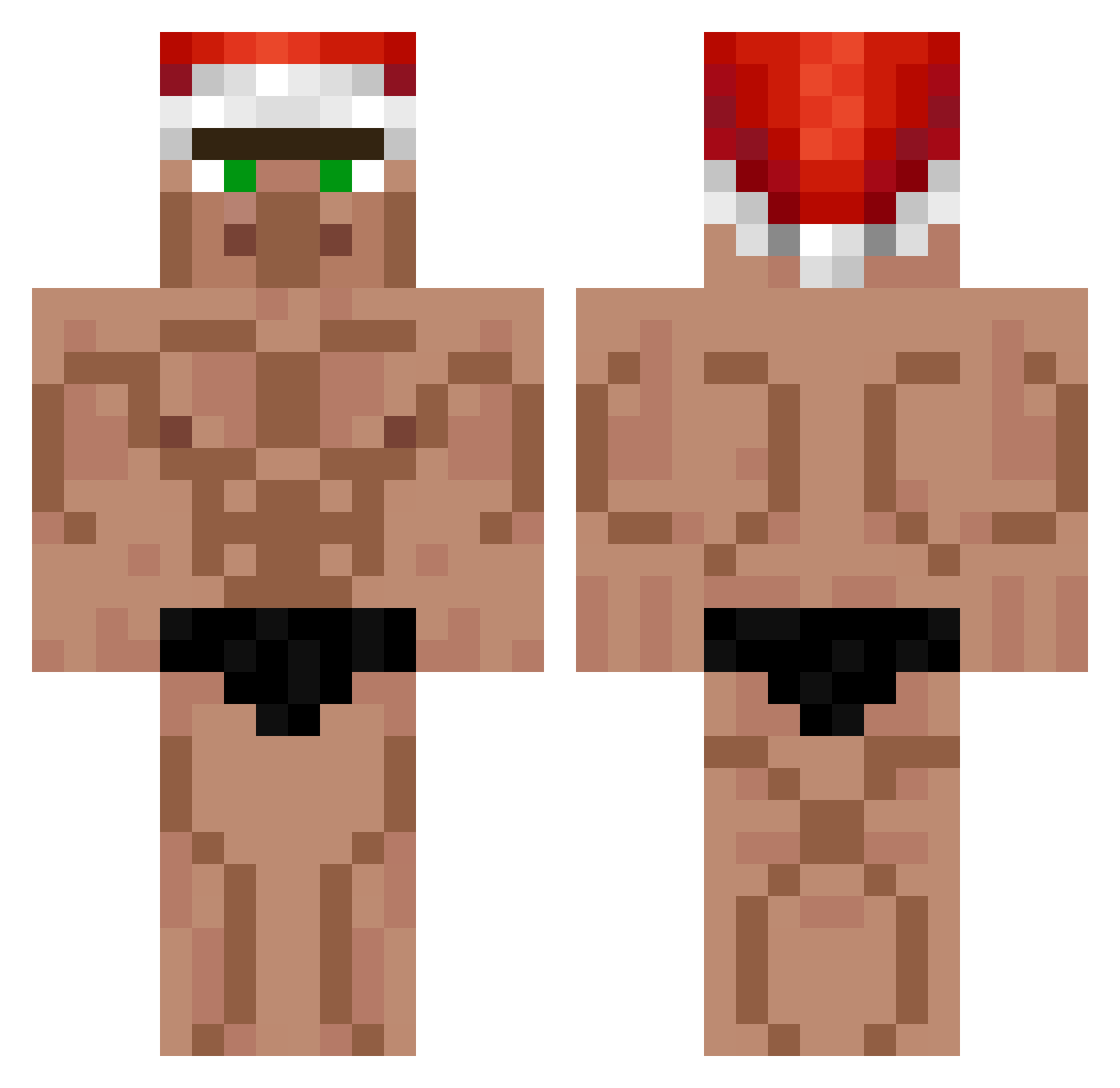
Minecraft skin of dydoshina23. Rotate the 3D model with your mouse or finger to view the skin from every angle, then download it as a PNG file and use it in Minecraft: Bedrock Edition or Java Edition for free. Rate the skin with stars to help other players find the best skins in our collection.
How to install the dydoshina23 skin
- Press the Download button above to save the skin as a PNG file.
- Minecraft: Bedrock Edition (PE): open the Dressing Room from the main menu (or tap your character → Edit Character), go to Classic Skins → Owned, press the + (new skin) button, choose the downloaded PNG and pick the Classic (Steve) model. Works on PC and mobile; consoles cannot import custom skins.
- Minecraft: Java Edition: open the Minecraft Launcher, go to the Skins tab, click New Skin, load the PNG, pick the Classic (Steve) model and press Save & Use. You can also upload it at minecraft.net → Profile → Change Skin.
The skin does not show up after import - what should I do?
Restart Minecraft and open the Dressing Room again - imported skins sometimes appear only after a restart. Also make sure you selected the imported skin and picked the Classic (Steve) model.
Which model should I choose, Classic or Slim?
This skin is designed for the Classic (Steve) model. If you pick the wrong model, the arms of the skin will look stretched or squeezed.
Is this skin free to use?
Yes. Press Download, save the PNG file and use it in Minecraft: Bedrock Edition or Java Edition - no payment or registration needed. The skin also works on multiplayer servers and Realms.
More Buff Minecraft skins
More skins
Looking for more? Go back to all Minecraft skins and check the top skins of the week, month and all time, or find any player's skin by nickname.