
 RawDawger_ chosick xxGamerGirl20xx Waliita Hoooxxxx lowietn JAYYYYY111111111 HarryJ123 Hugo_XV Nactarum OregonSprings123 thecorruptedJosh SpyWear51 PortalActor5819 PodGod22 Cabbelito07 ReisLeo Bog078 xUtmost Mongoose_90 Abrahamowicz Giggity00 APatheticLion ReallyHighGuy420 ZYCX7 Diduxo Ullipop Ernesto74 LCW11121 kibelekkabelek hanscp ReillyKed sMrEmre TlPPl Lotte0413 Tango722 Karilos06 Rodney2411 serenbr turnmeupMb LnrQX tweni420 Razor20593 sxbzxz Markiplier0702 kauan0202 iiGzazh EmeraldEdger420 RUSS_UA ciganybuzi wdhi hgbvi theReal262 Theo_der_lauch june6722 Quallenfish WildWolfUA MooseMarauder GuiAkashi Shvzvm
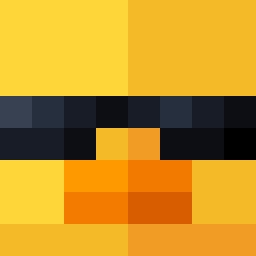
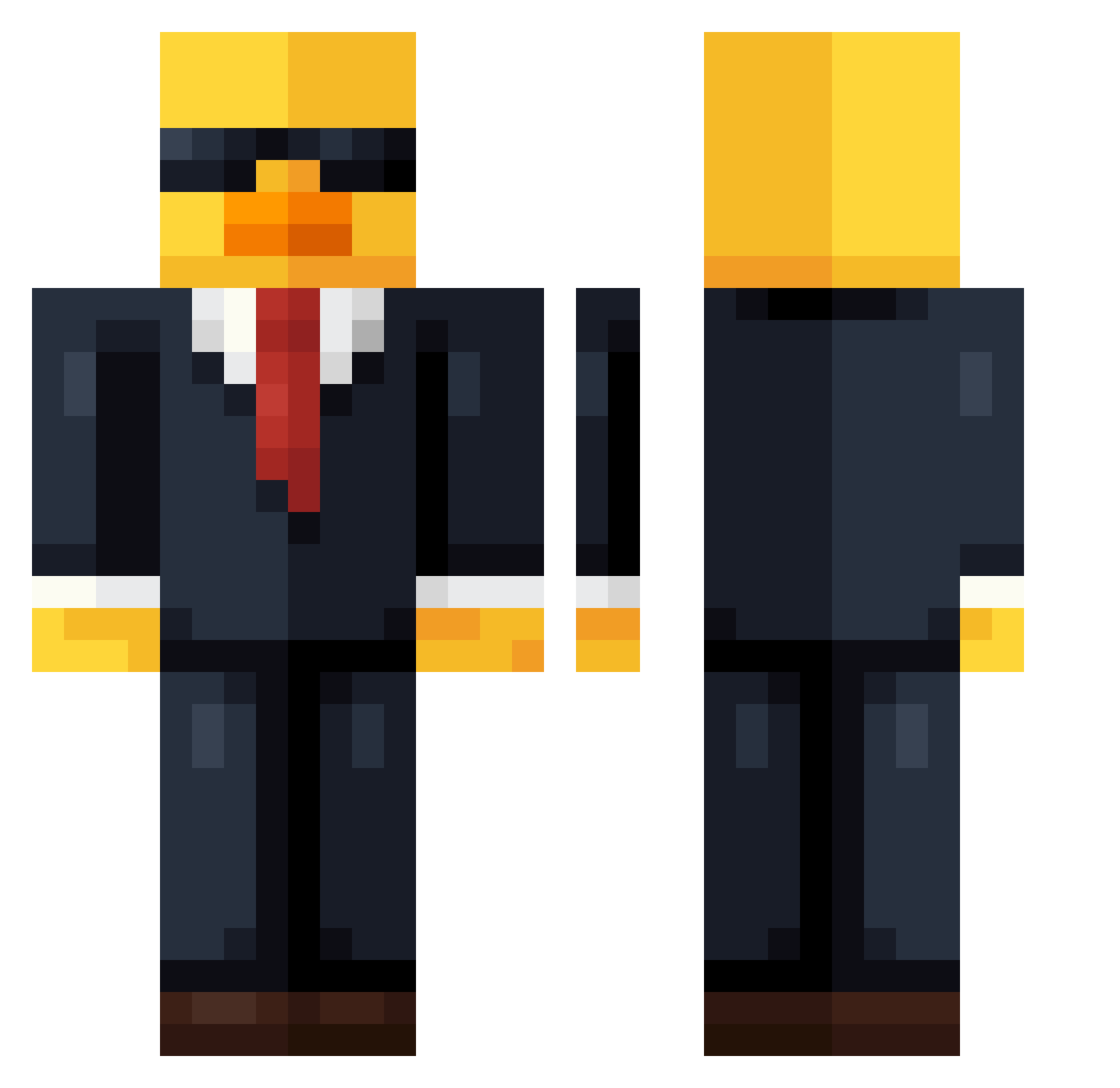
Minecraft skin of KelloggsKing. Rotate the 3D model with your mouse or finger to view the skin from every angle, then download it as a PNG file and use it in Minecraft: Bedrock Edition or Java Edition for free. Rate the skin with stars to help other players find the best skins in our collection.
How to install the KelloggsKing skin
- Press the Download button above to save the skin as a PNG file.
- Minecraft: Bedrock Edition (PE): open the Dressing Room from the main menu (or tap your character → Edit Character), go to Classic Skins → Owned, press the + (new skin) button, choose the downloaded PNG and pick the Classic (Steve) model. Works on PC and mobile; consoles cannot import custom skins.
- Minecraft: Java Edition: open the Minecraft Launcher, go to the Skins tab, click New Skin, load the PNG, pick the Classic (Steve) model and press Save & Use. You can also upload it at minecraft.net → Profile → Change Skin.
The skin does not show up after import - what should I do?
Restart Minecraft and open the Dressing Room again - imported skins sometimes appear only after a restart. Also make sure you selected the imported skin and picked the Classic (Steve) model.
Which model should I choose, Classic or Slim?
This skin is designed for the Classic (Steve) model. If you pick the wrong model, the arms of the skin will look stretched or squeezed.
Is this skin free to use?
Yes. Press Download, save the PNG file and use it in Minecraft: Bedrock Edition or Java Edition - no payment or registration needed. The skin also works on multiplayer servers and Realms.
More Duck Minecraft skins
More skins
Looking for more? Go back to all Minecraft skins and check the top skins of the week, month and all time, or find any player's skin by nickname.