
 3r1ck99 Kuromoboko DEL_SHIBATON Mushroom6298 SoyFelipe777 Joebama2000 SOONSEI Jerryward Dark_Hider gcio xqwc LolikonBrrr XpaiDeR axolotl36 xxSpindexx Syren47 kaganki BERKYlol PerfectGold Arimonios ThncT le3ohhh Xesus_ lucasuf Malsonowski SlurpLul JagodaPtak Scutii7 Laser2gaming134 Jameeee1 _MWT_ maxencce Iangr07 dntjqwjd DonMarunio Pato2301 MagischesAlpaka Aquila427 hebochan Matteojaya NachoDuck24 _MIKOX babacool69 OnixSpectre M0RGANAT0R Defqon_be ArthurST12 Vesra0220 Assh330 Larppadingdong_ FRozenFlame67 pauko2305 maillenox Bersad ItsNotMeSJ Hyoeun1004 eXzero_gaming MrChaosy Trumpy130249 dwarfballtickler
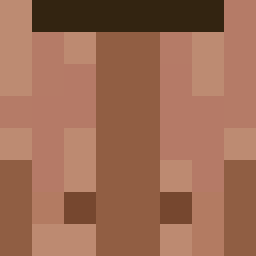
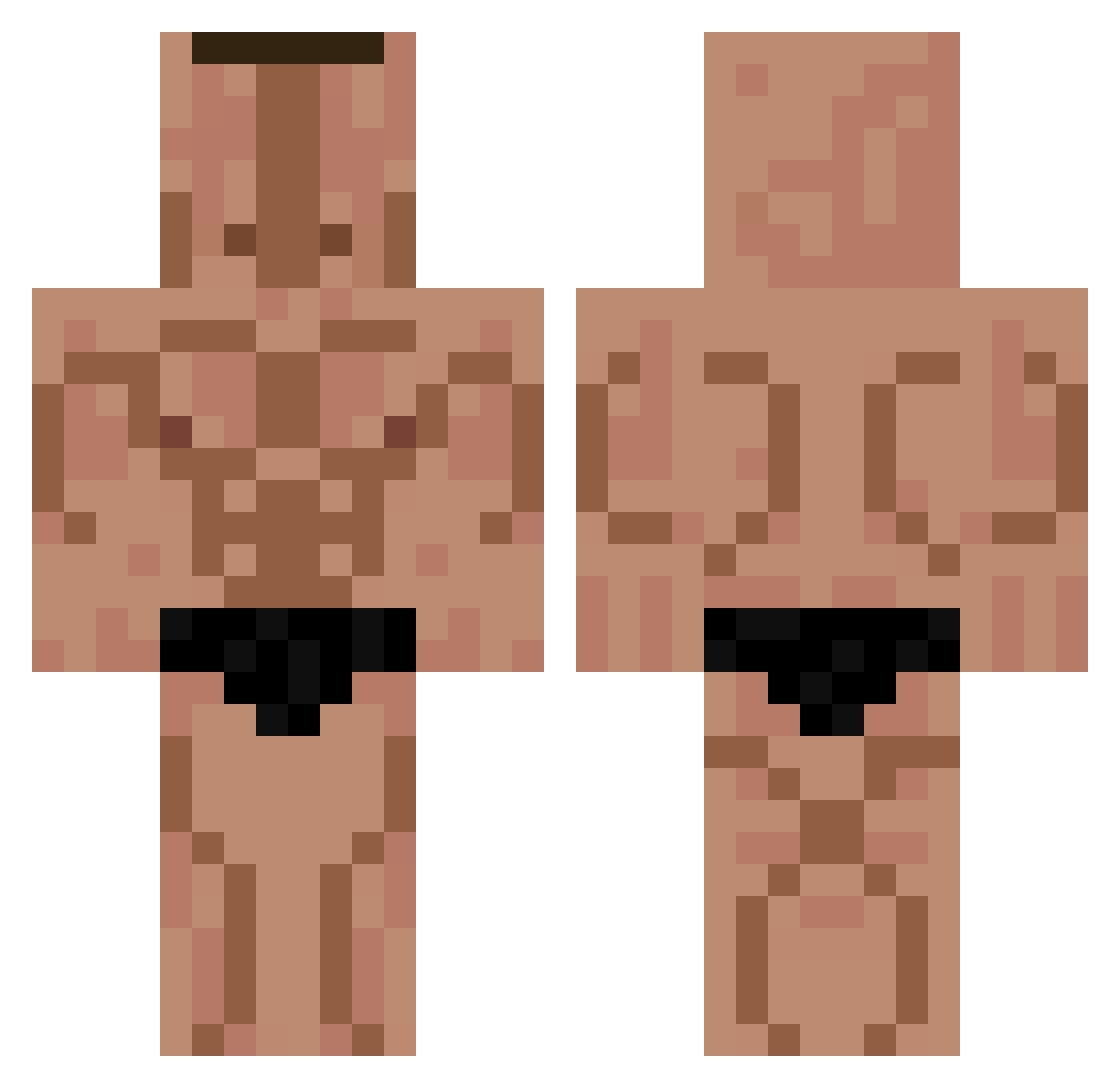
Minecraft skin of That_Ash_Though. Rotate the 3D model with your mouse or finger to view the skin from every angle, then download it as a PNG file and use it in Minecraft: Bedrock Edition or Java Edition for free. Rate the skin with stars to help other players find the best skins in our collection.
How to install the That_Ash_Though skin
- Press the Download button above to save the skin as a PNG file.
- Minecraft: Bedrock Edition (PE): open the Dressing Room from the main menu (or tap your character → Edit Character), go to Classic Skins → Owned, press the + (new skin) button, choose the downloaded PNG and pick the Classic (Steve) model. Works on PC and mobile; consoles cannot import custom skins.
- Minecraft: Java Edition: open the Minecraft Launcher, go to the Skins tab, click New Skin, load the PNG, pick the Classic (Steve) model and press Save & Use. You can also upload it at minecraft.net → Profile → Change Skin.
The skin does not show up after import - what should I do?
Restart Minecraft and open the Dressing Room again - imported skins sometimes appear only after a restart. Also make sure you selected the imported skin and picked the Classic (Steve) model.
Which model should I choose, Classic or Slim?
This skin is designed for the Classic (Steve) model. If you pick the wrong model, the arms of the skin will look stretched or squeezed.
Is this skin free to use?
Yes. Press Download, save the PNG file and use it in Minecraft: Bedrock Edition or Java Edition - no payment or registration needed. The skin also works on multiplayer servers and Realms.
More Buff Minecraft skins
More skins
Looking for more? Go back to all Minecraft skins and check the top skins of the week, month and all time, or find any player's skin by nickname.