
 LeLoMiNi Cleffy_VGC Max_McCann6969 Little_Ni_Zi AltiarMaster xo_Curly_ox NORTH18 NyxNodeTTV The_EvilRose2008 Xnyf toughenough6 GreyratLia amiyadgo LittleSashimii blucherv LLLLLLUCKY Familist gkpttan AnnaKwienicka TourneyMaster meritya Jerz0r Mu_yueJ BIGMarshmello AngelBlade Secenary soapster87 CPCookieMan Kawaii12345678 Sowaa711 NOEMI271 Thaiyou ApkaIIIa noxh69 ItsJustKatiee MC_LONGYAN Maerkc zzalmaa white_snown zuzia667 UniStella TwistedLuna Dellsy Nathi_Stink lovelyer77 disenthrall JosefineFalk anonymous_crack Laurasia01 cleariron Reokiy Qylus A0Y0A Nightstarchen DemoneyeQWQ saileiya GARAGUS Synatikz Arowana2002 Less_common
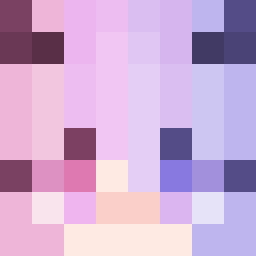
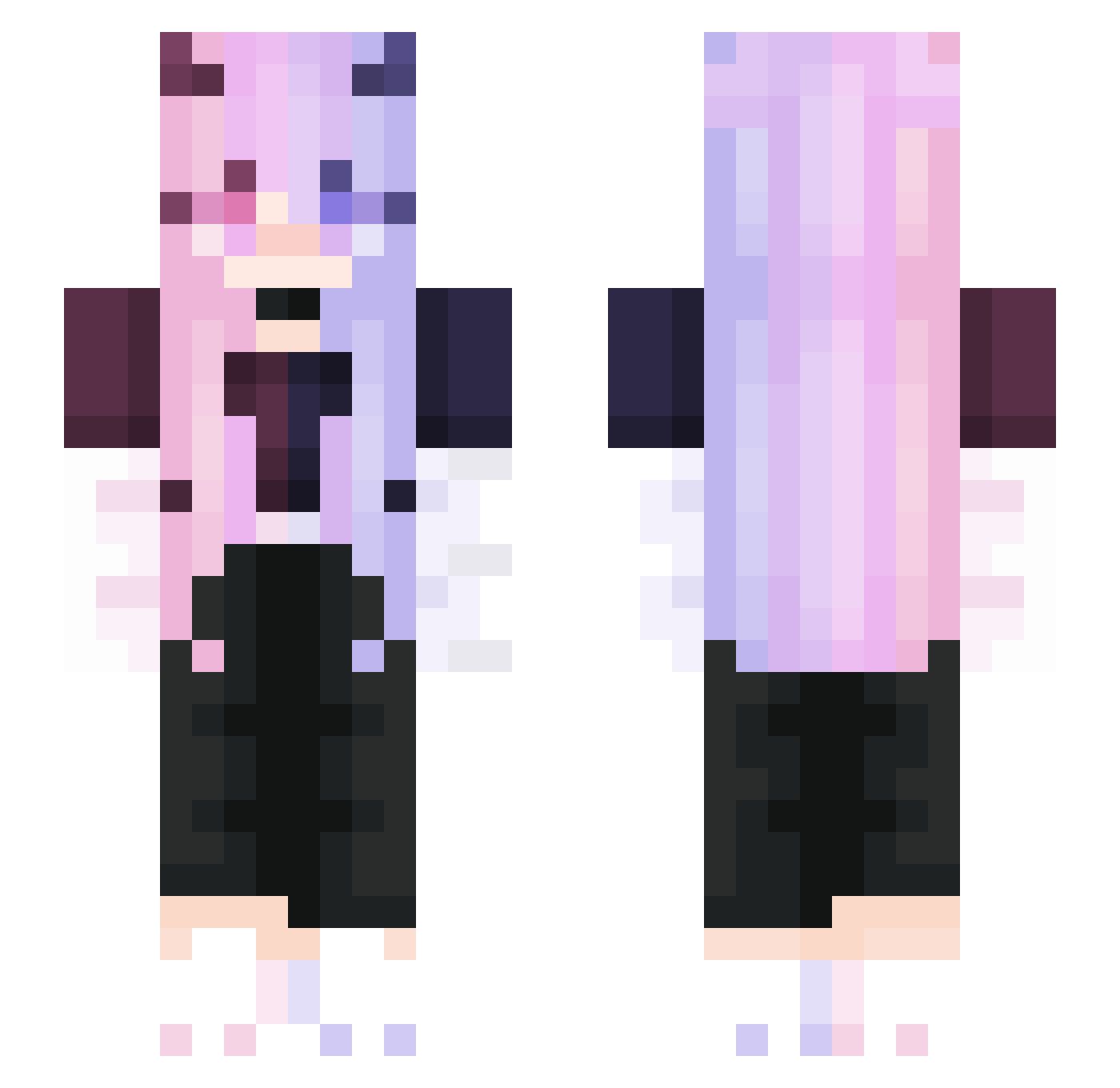
Minecraft skin of CrazyTes. Rotate the 3D model with your mouse or finger to view the skin from every angle, then download it as a PNG file and use it in Minecraft: Bedrock Edition or Java Edition for free. Rate the skin with stars to help other players find the best skins in our collection.
How to install the CrazyTes skin
- Press the Download button above to save the skin as a PNG file.
- Minecraft: Bedrock Edition (PE): open the Dressing Room from the main menu (or tap your character → Edit Character), go to Classic Skins → Owned, press the + (new skin) button, choose the downloaded PNG and pick the Slim (Alex) model. Works on PC and mobile; consoles cannot import custom skins.
- Minecraft: Java Edition: open the Minecraft Launcher, go to the Skins tab, click New Skin, load the PNG, pick the Slim (Alex) model and press Save & Use. You can also upload it at minecraft.net → Profile → Change Skin.
The skin does not show up after import - what should I do?
Restart Minecraft and open the Dressing Room again - imported skins sometimes appear only after a restart. Also make sure you selected the imported skin and picked the Slim (Alex) model.
Which model should I choose, Classic or Slim?
This skin is designed for the Slim (Alex) model. If you pick the wrong model, the arms of the skin will look stretched or squeezed.
Is this skin free to use?
Yes. Press Download, save the PNG file and use it in Minecraft: Bedrock Edition or Java Edition - no payment or registration needed. The skin also works on multiplayer servers and Realms.
More Demon Minecraft skins
More skins
Looking for more? Go back to all Minecraft skins and check the top skins of the week, month and all time, or find any player's skin by nickname.