
zhan_1127 - Minecraft Skins & Skin History
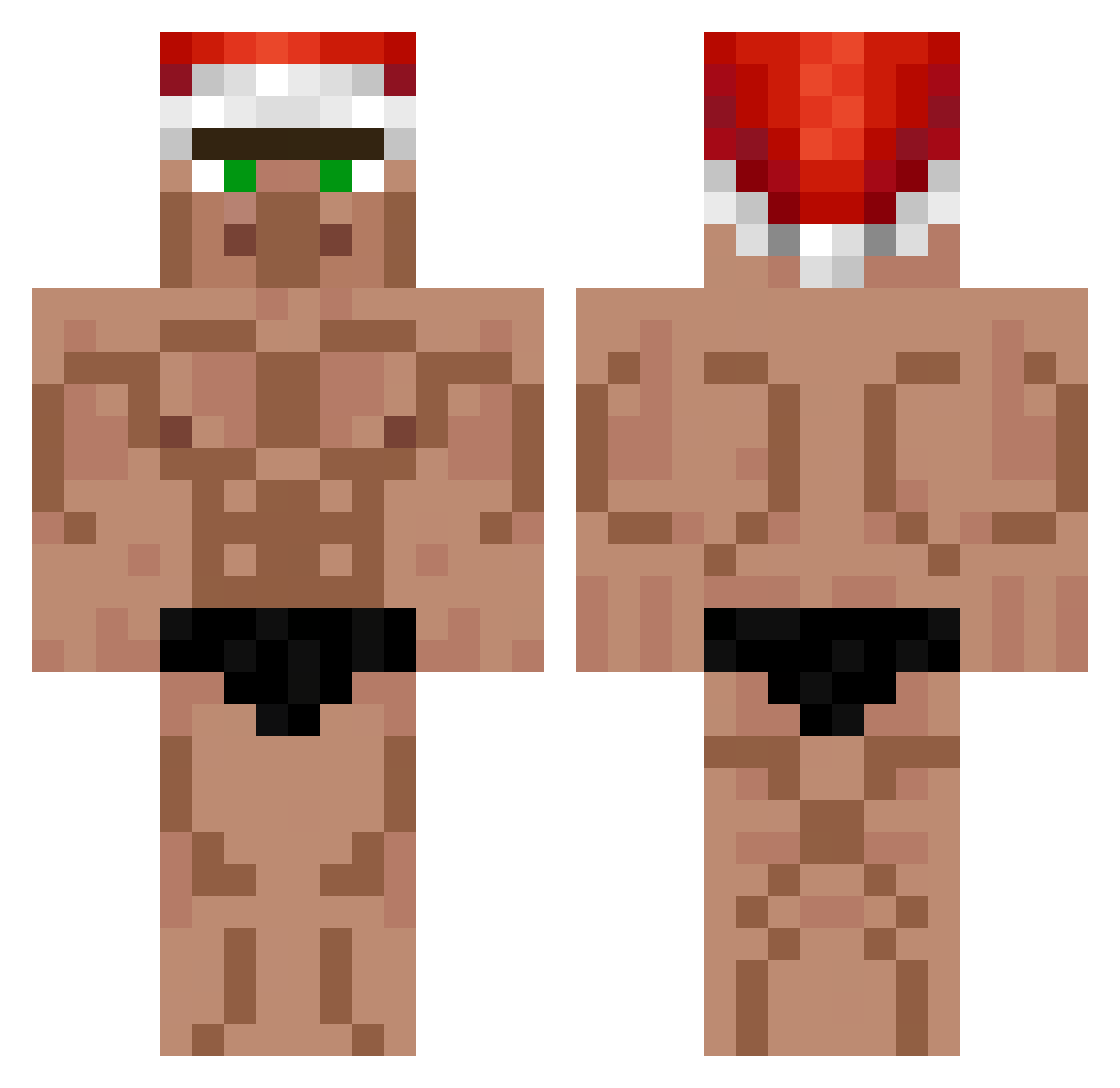
Current Minecraft skin of the player zhan_1127, loaded from the official Mojang API. Rotate the 3D model with your mouse or finger, then download the skin as a PNG file and use it in Minecraft: Bedrock Edition or Java Edition for free. When zhan_1127 changes their skin, this page updates automatically and the old skin stays in the history below.
Other players with this skin (556)
zhan_1127 was the 321st player we have seen with this skin, first spotted on 28.09.2026. The same skin was seen on these players. Open a nickname to see their current skin and skin history.
 PhilipFrond dmdguardian Ryiuc Spalanzani1 Booruu Matxxxxx lou2howda DootGuy0 Condorilo kraja123 llMeepll llIlcazllIl dnlm7t MDKDuffman gamemandu Tuio_22 Lyschko JOKER_SuY Azanza Mexmute wqqrt EinTooom zhazhahui0 to4ik_ Lockmut KarollXD XtheRealFefe khnguy kamisamadansyaku mrpresident124 gabrieleROM CX9D Sou0920 Worryyyyyyy Sejuxe baconballs kongjorn Baykuslar santoazul100 Roboflo CodyBanks07 Korea12army SLOVAQUITA Hollow_228 BogdadFM Blobfish_973 peu5353 MPF805 rkdgustlr bo3mar1 Big_Kloesschen bomba42 seek101 BarnaS2 MF_IVOC Divertivago Kakakaja LimaTheCreator zinedien2009 lozasso_legal
More Buff Minecraft skins
How to install the zhan_1127 skin
- Press the Download button above to save the skin as a PNG file.
- Minecraft: Bedrock Edition (PE): open the Dressing Room from the main menu (or tap your character → Edit Character), go to Classic Skins → Owned, press the + (new skin) button, choose the downloaded PNG and pick the Classic (Steve) model. Works on PC and mobile; consoles cannot import custom skins.
- Minecraft: Java Edition: open the Minecraft Launcher, go to the Skins tab, click New Skin, load the PNG, pick the Classic (Steve) model and press Save & Use. You can also upload it at minecraft.net → Profile → Change Skin.
The skin does not show up after import - what should I do?
Restart Minecraft and open the Dressing Room again - imported skins sometimes appear only after a restart. Also make sure you selected the imported skin and picked the Classic (Steve) model.
Which model should I choose, Classic or Slim?
This skin is designed for the Classic (Steve) model. If you pick the wrong model, the arms of the skin will look stretched or squeezed.
Is the skin of zhan_1127 free to download?
Yes. Press Download, save the PNG file and use it in Minecraft: Bedrock Edition or Java Edition - no payment or registration needed. The skin also works on multiplayer servers and Realms.
More skins
Looking for more? Go back to all Minecraft skins and check the top skins of the week, month and all time, or find any player's skin by nickname.