
steaq - Minecraft Skins & Skin History
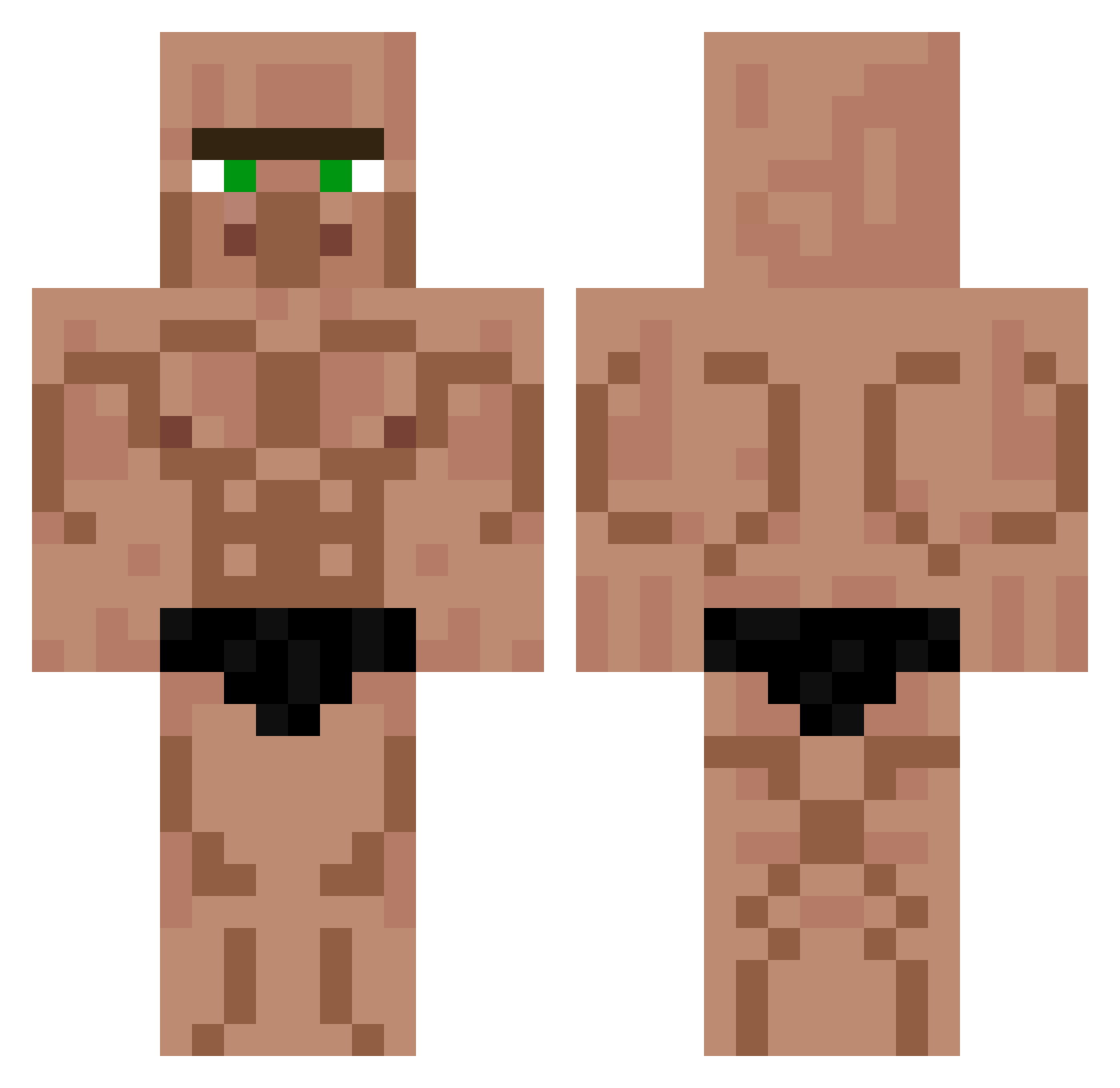
Current Minecraft skin of the player steaq, loaded from the official Mojang API. Rotate the 3D model with your mouse or finger, then download the skin as a PNG file and use it in Minecraft: Bedrock Edition or Java Edition for free. When steaq changes their skin, this page updates automatically and the old skin stays in the history below.
Other players with this skin (451)
steaq was the 110th player we have seen with this skin, first spotted on 24.08.2026. The same skin was seen on these players. Open a nickname to see their current skin and skin history.
 dyl4n124 _LeoSki_ ABDULLAHAVCI31 superkako Felix08OG ItsJustCoal oTuTo_tw B0raalas MarcoDelas Eiffel318 hunterhph csakben ElTaic_ Kong8511 BeeR16213 Lord_of_nerds Tonga2 Frosche9191 KleitomRasta enzosdp Guizin_4 Booba_Builder actionBooster Oukkeijboy Stinky_Tofu sebaa879 podddast daMuffin_Man Gifuchi Sk1b1d1r1zzGod Otaviezx TuLusk Waroxfr xxqc ebyr_tvoy_ halilovic58 Goatedatthisgame megaluca11
 zertox12 KeinAim2 jg_araujo joemama111111 GaraaxD Gustav0dk kepa_Jametx0 salonen97 GroovyBeard tamu810 fighterblue7 santycastillo32 Alihanci KarrimmeBenzehma Xinny2k DVTK_01 __raijin Yael_56 Ash31078135 boar7542 lemon_lover69 Vini11x
More Buff Minecraft skins
How to install the steaq skin
- Press the Download button above to save the skin as a PNG file.
- Minecraft: Bedrock Edition (PE): open the Dressing Room from the main menu (or tap your character → Edit Character), go to Classic Skins → Owned, press the + (new skin) button, choose the downloaded PNG and pick the Classic (Steve) model. Works on PC and mobile; consoles cannot import custom skins.
- Minecraft: Java Edition: open the Minecraft Launcher, go to the Skins tab, click New Skin, load the PNG, pick the Classic (Steve) model and press Save & Use. You can also upload it at minecraft.net → Profile → Change Skin.
The skin does not show up after import - what should I do?
Restart Minecraft and open the Dressing Room again - imported skins sometimes appear only after a restart. Also make sure you selected the imported skin and picked the Classic (Steve) model.
Which model should I choose, Classic or Slim?
This skin is designed for the Classic (Steve) model. If you pick the wrong model, the arms of the skin will look stretched or squeezed.
Is the skin of steaq free to download?
Yes. Press Download, save the PNG file and use it in Minecraft: Bedrock Edition or Java Edition - no payment or registration needed. The skin also works on multiplayer servers and Realms.
More skins
Looking for more? Go back to all Minecraft skins and check the top skins of the week, month and all time, or find any player's skin by nickname.