
skibididiego - Minecraft Skins & Skin History
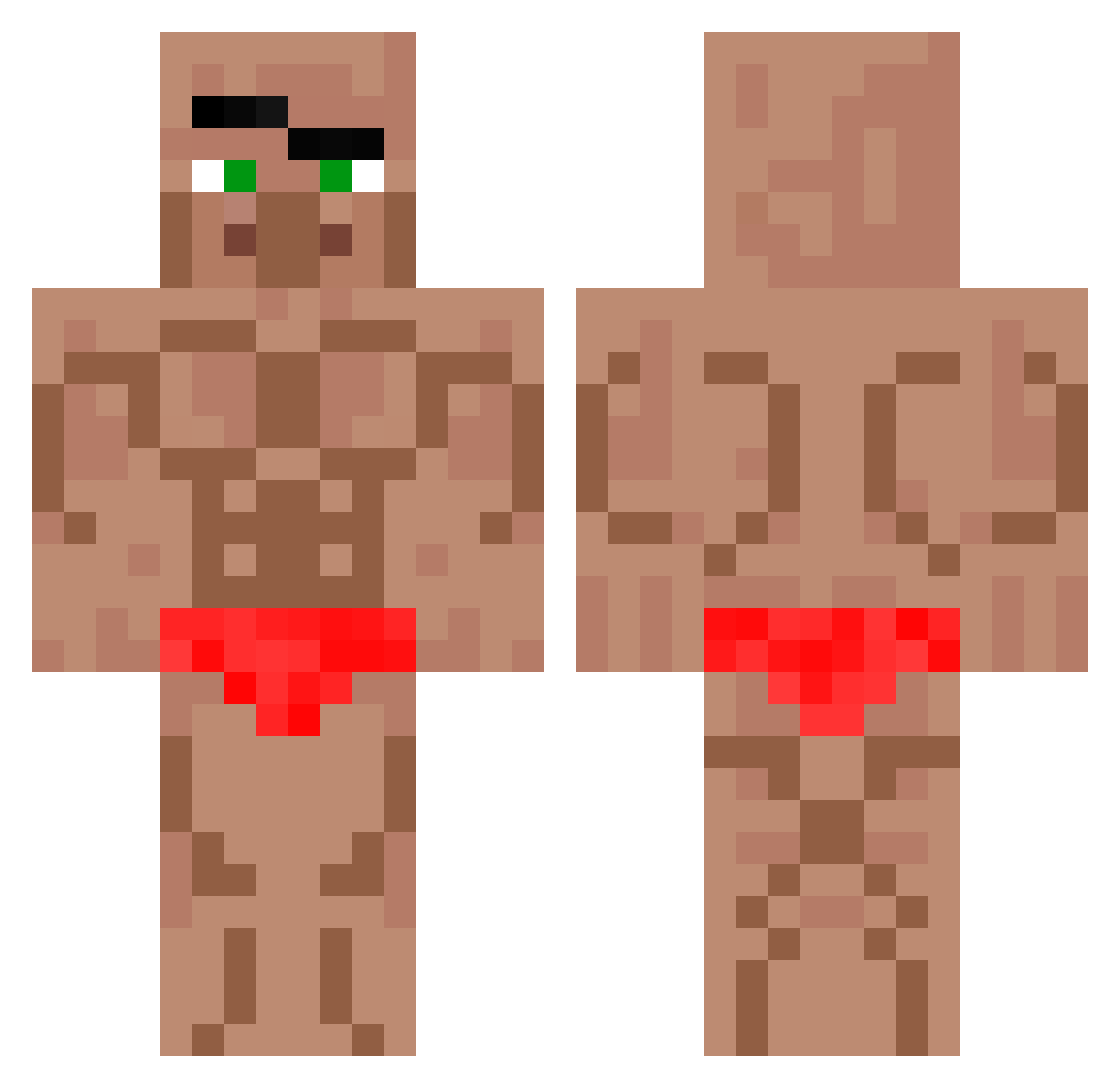
Current Minecraft skin of the player skibididiego, loaded from the official Mojang API. Rotate the 3D model with your mouse or finger, then download the skin as a PNG file and use it in Minecraft: Bedrock Edition or Java Edition for free. When skibididiego changes their skin, this page updates automatically and the old skin stays in the history below.
Other players with this skin (571)
skibididiego was the 572nd player we have seen with this skin, first spotted on 21.10.2026. The same skin was seen on these players. Open a nickname to see their current skin and skin history.
 germanicy RS_REOSUS LeBoucher55 Shrooded EwanFlyingPig lebron_toast dla4636 bociktedi Laogui0801 Larskingkong09 SpyZ2z vMakroo HotChicken123 fvclsr1597 Matt808hawaii Tempete78 mr_dylanb Feek777 BathtubDrinker22 KingArBor Vakezplays BadApple4322 Szwagru67 V1mk3 TurkzReal giddam WonkyJohnboy Diegoytsss 4ndrrea Muzz8677 minibiscuit9576 haoyi0121 Nated0g2011 CarlosAbr Newmz CaptainRex25E ratep11 wiciu1243x JAZER_26 nashOnTheTrack heokkyu wahab_on5g bugra5816 aktfk0904 Mruczek_Orginals Ben72434 COWBOYCS PolleteV2 bognag mxxnpie 33e4433 chubdub77 SenorMonke123 Aiden_Anderson7 mattmarsh603 daniel07ni ScreamGamerz liamhavusha CharlieBostrom Twinkle_Toes7
More Buff Minecraft skins
How to install the skibididiego skin
- Press the Download button above to save the skin as a PNG file.
- Minecraft: Bedrock Edition (PE): open the Dressing Room from the main menu (or tap your character → Edit Character), go to Classic Skins → Owned, press the + (new skin) button, choose the downloaded PNG and pick the Classic (Steve) model. Works on PC and mobile; consoles cannot import custom skins.
- Minecraft: Java Edition: open the Minecraft Launcher, go to the Skins tab, click New Skin, load the PNG, pick the Classic (Steve) model and press Save & Use. You can also upload it at minecraft.net → Profile → Change Skin.
The skin does not show up after import - what should I do?
Restart Minecraft and open the Dressing Room again - imported skins sometimes appear only after a restart. Also make sure you selected the imported skin and picked the Classic (Steve) model.
Which model should I choose, Classic or Slim?
This skin is designed for the Classic (Steve) model. If you pick the wrong model, the arms of the skin will look stretched or squeezed.
Is the skin of skibididiego free to download?
Yes. Press Download, save the PNG file and use it in Minecraft: Bedrock Edition or Java Edition - no payment or registration needed. The skin also works on multiplayer servers and Realms.
More skins
Looking for more? Go back to all Minecraft skins and check the top skins of the week, month and all time, or find any player's skin by nickname.