
not_knowyet - Minecraft Skins & Skin History
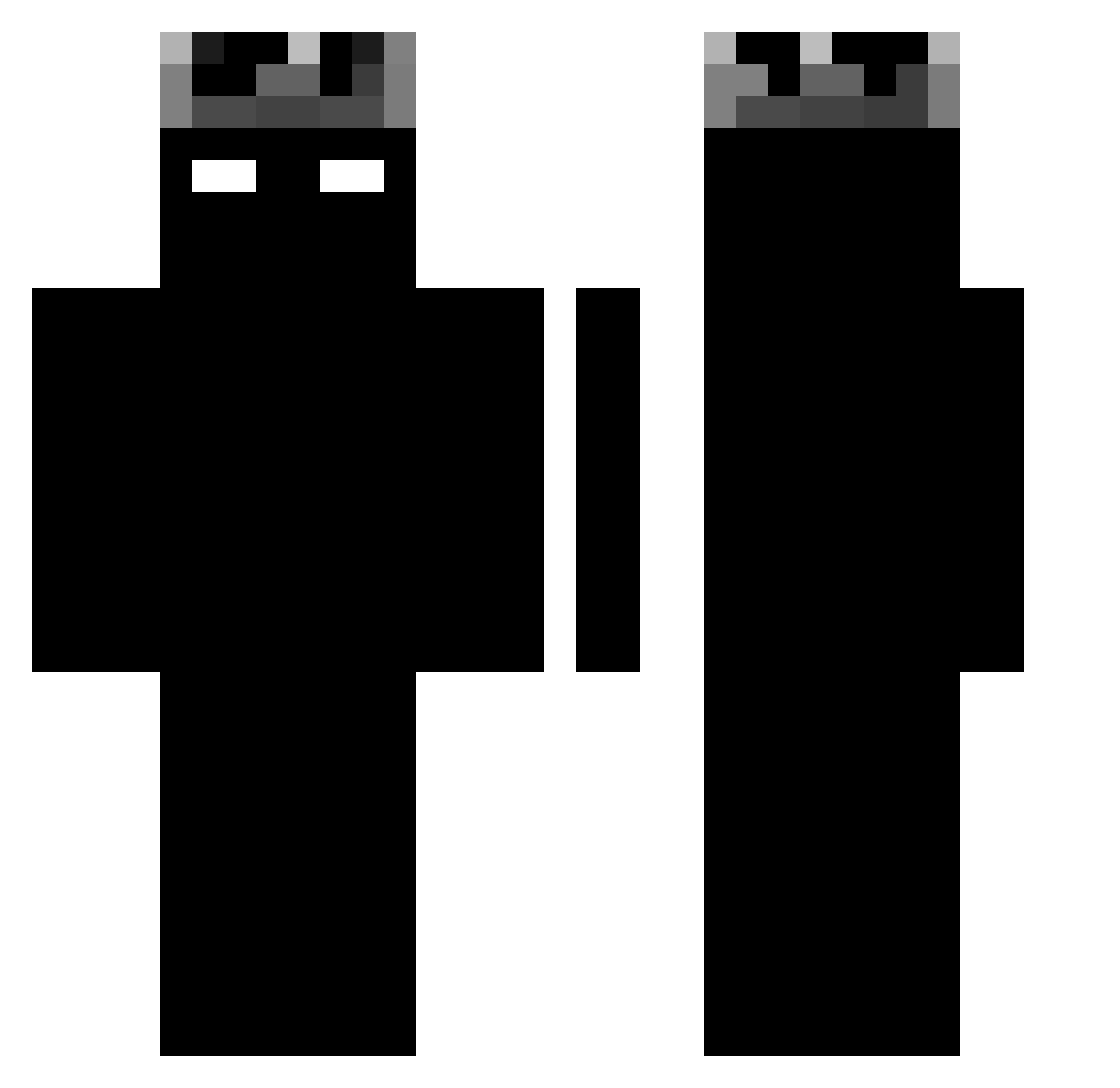
Current Minecraft skin of the player not_knowyet, loaded from the official Mojang API. Rotate the 3D model with your mouse or finger, then download the skin as a PNG file and use it in Minecraft: Bedrock Edition or Java Edition for free. When not_knowyet changes their skin, this page updates automatically and the old skin stays in the history below.
Other players with this skin (1188)
not_knowyet was the 916th player we have seen with this skin, first spotted on 14.10.2026. The same skin was seen on these players. Open a nickname to see their current skin and skin history.
 1_SecretKiller_1 Knx_Yxel12 Baihans bbkkee LARGOCRT slaveikov02 zJnzx Atomicflound jkj1128 BielMVC BecomeVoid ScaryBlackMan00 5little_Dragon7 kyro314 SinisterImages Strzk DominAlex Tarvyyn dekupng D_Uardo lockintwin7 Lukiig Aubinclem antoni66667 TiNito12 Luchi_07 blackboiaiden Zenaric Morterito yshme SlakX dxvi20 Nxward EuNeroz Derckg _ItsAce_ Kerimak23 HelloToAlbert13 Nexuva carvalhotls SoyArcits speedyrko2910 1Astrio Sachabaru Tolfu_x Nikolaitolev15 RaxRex Bluerocket3440 Franco0701 incorpse_ marterl crxazy GrayKMC ifly2233 _Shoota_ gocip FUUT_r9x ZHOUSIR1 tt3j _rewq
More Shadow Minecraft skins
How to install the not_knowyet skin
- Press the Download button above to save the skin as a PNG file.
- Minecraft: Bedrock Edition (PE): open the Dressing Room from the main menu (or tap your character → Edit Character), go to Classic Skins → Owned, press the + (new skin) button, choose the downloaded PNG and pick the Classic (Steve) model. Works on PC and mobile; consoles cannot import custom skins.
- Minecraft: Java Edition: open the Minecraft Launcher, go to the Skins tab, click New Skin, load the PNG, pick the Classic (Steve) model and press Save & Use. You can also upload it at minecraft.net → Profile → Change Skin.
The skin does not show up after import - what should I do?
Restart Minecraft and open the Dressing Room again - imported skins sometimes appear only after a restart. Also make sure you selected the imported skin and picked the Classic (Steve) model.
Which model should I choose, Classic or Slim?
This skin is designed for the Classic (Steve) model. If you pick the wrong model, the arms of the skin will look stretched or squeezed.
Is the skin of not_knowyet free to download?
Yes. Press Download, save the PNG file and use it in Minecraft: Bedrock Edition or Java Edition - no payment or registration needed. The skin also works on multiplayer servers and Realms.
More skins
Looking for more? Go back to all Minecraft skins and check the top skins of the week, month and all time, or find any player's skin by nickname.