
nj4g - Minecraft Skins & Skin History
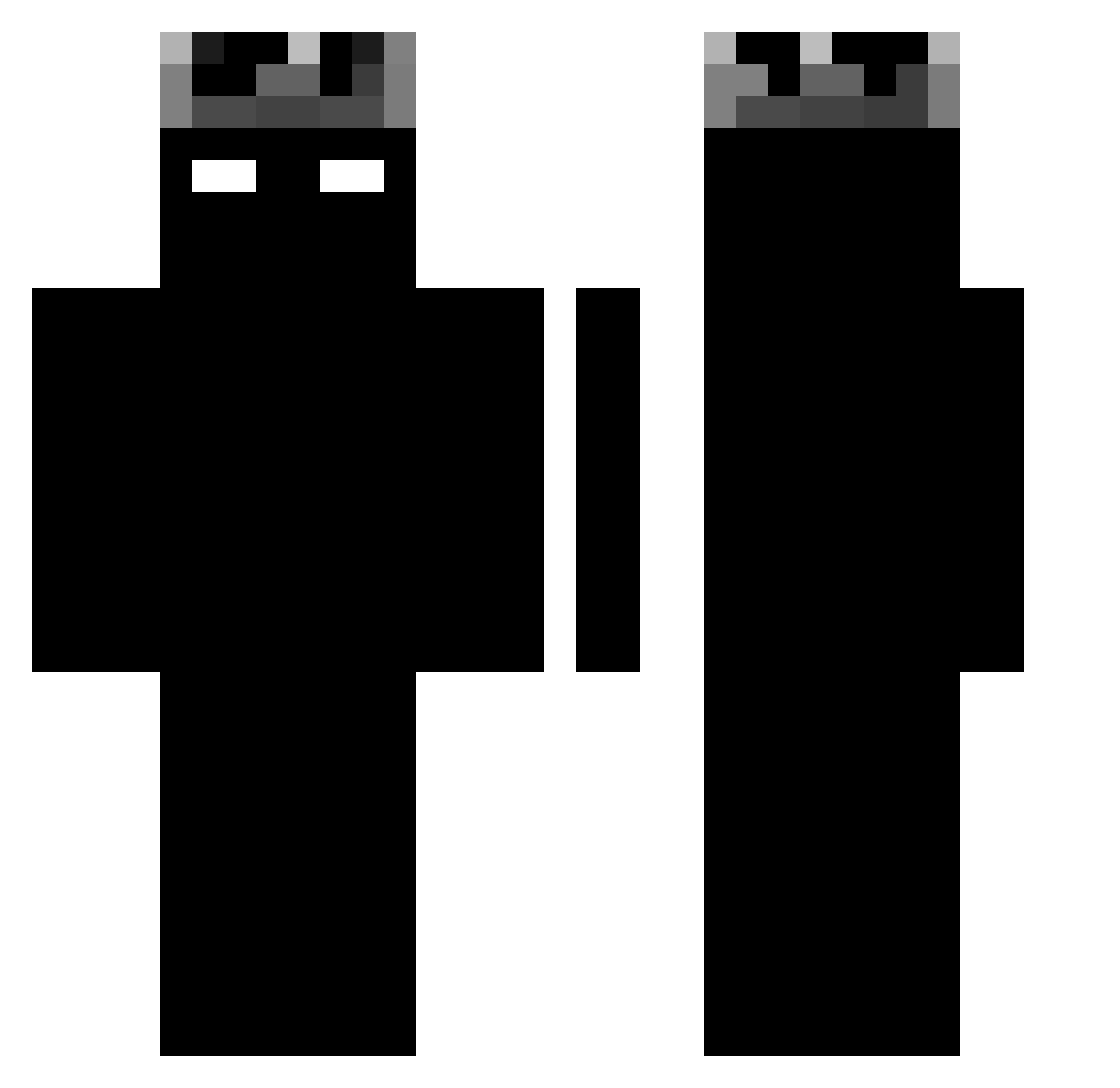
Current Minecraft skin of the player nj4g, loaded from the official Mojang API. Rotate the 3D model with your mouse or finger, then download the skin as a PNG file and use it in Minecraft: Bedrock Edition or Java Edition for free. When nj4g changes their skin, this page updates automatically and the old skin stays in the history below.
Other players with this skin (1188)
nj4g was the 75th player we have seen with this skin, first spotted on 30.07.2026. The same skin was seen on these players. Open a nickname to see their current skin and skin history.
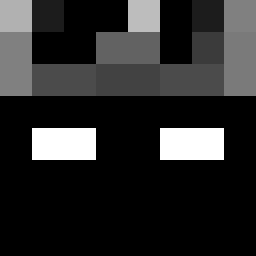 dzodzopl Too_fake soylukita123 llkkf MarKlash nyrsed 13Alien Ajmes07 pieset2137 172710 SoupCW Xpresso33 Cittadel siriuses _NaymZ KAZTR6177 SonFromTank Vision3989 Glgae Adqlf hunjeeni _Gh0stxd kurosawa_7 Kunnias leomartin200 ItzInvincible ItzPistacchio_ asdasd7 dongfengyadaoxif Alfredo_c MrRocks03 SaP04 RyzexV2 noogueira lildevil3506 Fellowhit
 KeriooleK salvax77 Durzep 8w8l ILLDOIT mhidoukilll psb030418 AliceTuaZia 2Lxrd ItzLux7 crycet7 BenjaNyg Berserk_v2 MINONLYOHA
 BR1335 Cupc4keee MrAlexKill Mrson1234 Lisseo
 rexu__ blitzedd EquineColt73847 BadblazeNoxMC
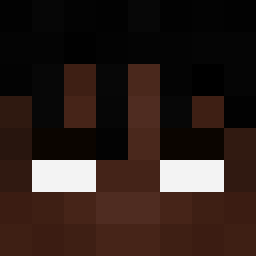 Maz3man
More Shadow Minecraft skins
How to install the nj4g skin
- Press the Download button above to save the skin as a PNG file.
- Minecraft: Bedrock Edition (PE): open the Dressing Room from the main menu (or tap your character → Edit Character), go to Classic Skins → Owned, press the + (new skin) button, choose the downloaded PNG and pick the Classic (Steve) model. Works on PC and mobile; consoles cannot import custom skins.
- Minecraft: Java Edition: open the Minecraft Launcher, go to the Skins tab, click New Skin, load the PNG, pick the Classic (Steve) model and press Save & Use. You can also upload it at minecraft.net → Profile → Change Skin.
The skin does not show up after import - what should I do?
Restart Minecraft and open the Dressing Room again - imported skins sometimes appear only after a restart. Also make sure you selected the imported skin and picked the Classic (Steve) model.
Which model should I choose, Classic or Slim?
This skin is designed for the Classic (Steve) model. If you pick the wrong model, the arms of the skin will look stretched or squeezed.
Is the skin of nj4g free to download?
Yes. Press Download, save the PNG file and use it in Minecraft: Bedrock Edition or Java Edition - no payment or registration needed. The skin also works on multiplayer servers and Realms.
More skins
Looking for more? Go back to all Minecraft skins and check the top skins of the week, month and all time, or find any player's skin by nickname.