
ne1hausa - Minecraft Skins & Skin History
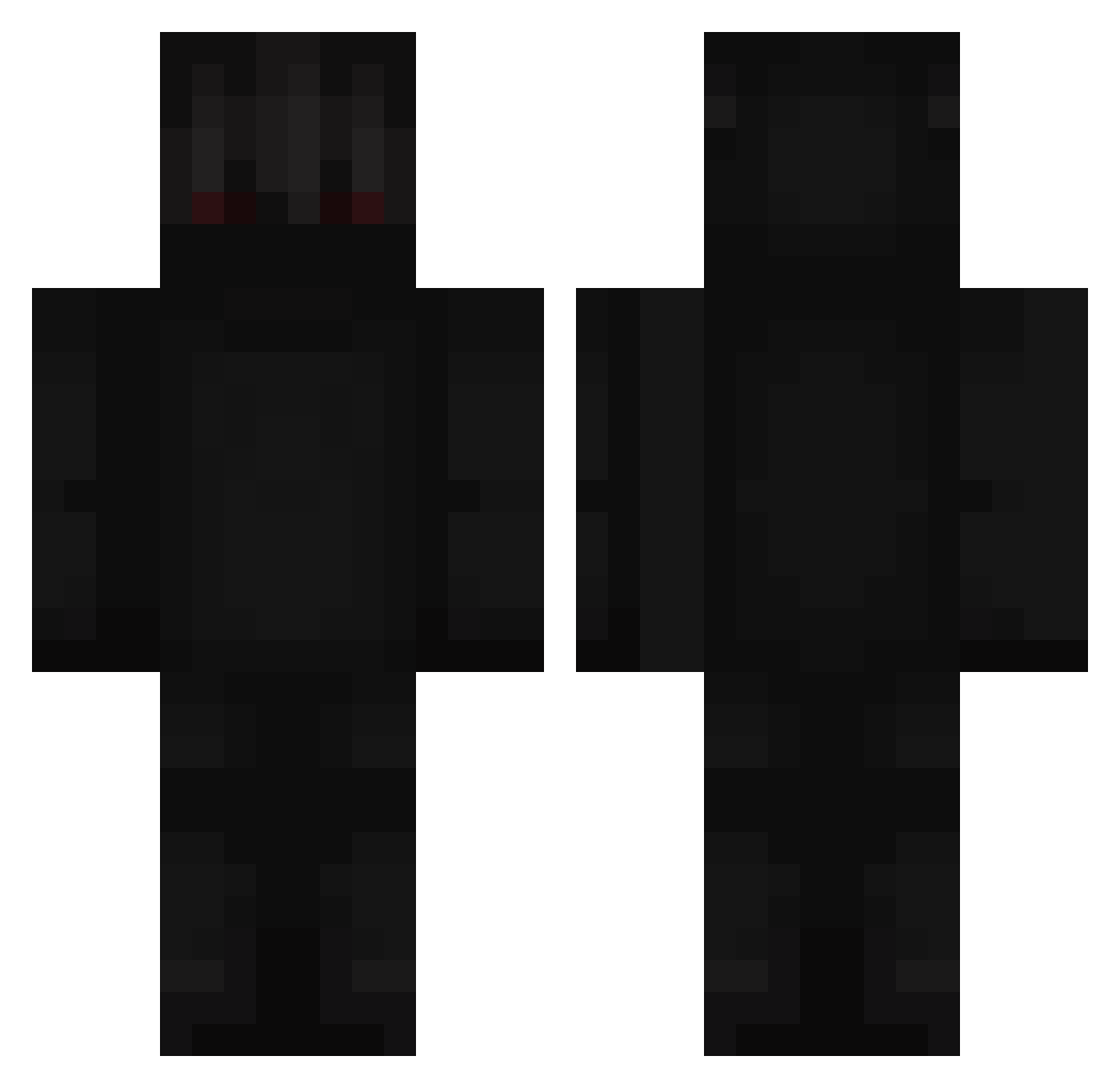
Current Minecraft skin of the player ne1hausa, loaded from the official Mojang API. Rotate the 3D model with your mouse or finger, then download the skin as a PNG file and use it in Minecraft: Bedrock Edition or Java Edition for free. When ne1hausa changes their skin, this page updates automatically and the old skin stays in the history below.
Other players with this skin (248)
ne1hausa was the 142nd player we have seen with this skin, first spotted on 03.10.2026. The same skin was seen on these players. Open a nickname to see their current skin and skin history.
 Verloq_ GoldPower21 iwo6443431 Methfred Trosh_ Dictateur_HeyZun Sean328i Henni_2000 DragxnMC caterpillar03 Piterpl1312 Swely b3ti MRX_Dennis caim2222 gmoretti girlpower112 Keibetsu21 A1exxito_ Josh_2016 alexis_martin onduh TeamUcrania leongalloway Enynom Apex271 KojexX levilizim B_U_B_L_I_K___ ExpertMurderer00 6_TMM X_Firegamer_X yrgxh hyperdude1 Spieler09 Bocy00 bajsmannen69 Klakcs3 GamerOrcaShark21 smevsmev ArkitNaha EncyMinecraft Monster_Abdel YuSSuF0 Juleke_2008 jaesunghoney Zhou_Ian pzql lMarvenl jboisjustbetter Hypixify Sam_yeah Jejuh Andrej1212 DiDhACked therealMask KUB3REXX Buckobruhh Fight_Masta Rugi_17
More Shadow Minecraft skins
How to install the ne1hausa skin
- Press the Download button above to save the skin as a PNG file.
- Minecraft: Bedrock Edition (PE): open the Dressing Room from the main menu (or tap your character → Edit Character), go to Classic Skins → Owned, press the + (new skin) button, choose the downloaded PNG and pick the Classic (Steve) model. Works on PC and mobile; consoles cannot import custom skins.
- Minecraft: Java Edition: open the Minecraft Launcher, go to the Skins tab, click New Skin, load the PNG, pick the Classic (Steve) model and press Save & Use. You can also upload it at minecraft.net → Profile → Change Skin.
The skin does not show up after import - what should I do?
Restart Minecraft and open the Dressing Room again - imported skins sometimes appear only after a restart. Also make sure you selected the imported skin and picked the Classic (Steve) model.
Which model should I choose, Classic or Slim?
This skin is designed for the Classic (Steve) model. If you pick the wrong model, the arms of the skin will look stretched or squeezed.
Is the skin of ne1hausa free to download?
Yes. Press Download, save the PNG file and use it in Minecraft: Bedrock Edition or Java Edition - no payment or registration needed. The skin also works on multiplayer servers and Realms.
More skins
Looking for more? Go back to all Minecraft skins and check the top skins of the week, month and all time, or find any player's skin by nickname.