
 Smaran HAYAAT0 Nripesh_ Kyoroa playcore01 Justdiego2008 RunScript JaviSkerss PowNRG Refue DevTune TheSwedishGoblin xDezconocido meesbird69 puttasart NeonBatu JakeBond Warrior71600 Sw8mat FrenchSuperior nomage zMqes rladbcks3 _ITS_ALEX_ emveegtg Endersof CYDONXE Hunter18XX Kryyr Nojus017 FightingMosquito accessors callumstock23 Folian13 UebErGOofloRd enayratboloss 1SDEH boruengYT DaeJoga IISAG3R itsiannis nyyvra Krixll CheiftanRoyal slytherclaw_21 __Miguelito__ only_73 Be354 zCrsnSW 1beef STEPson215 Abstract_Noodles cathyhong15 tayka207 SrPanico_ oJoaoCarlos27 thanxs Wee__Woo uVot Fubu_Gamer
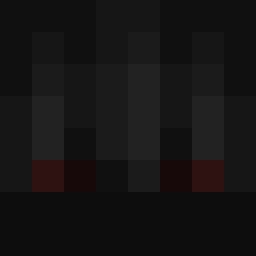
Minecraft skin of xFrosiNN. Rotate the 3D model with your mouse or finger to view the skin from every angle, then download it as a PNG file and use it in Minecraft: Bedrock Edition or Java Edition for free. Rate the skin with stars to help other players find the best skins in our collection.
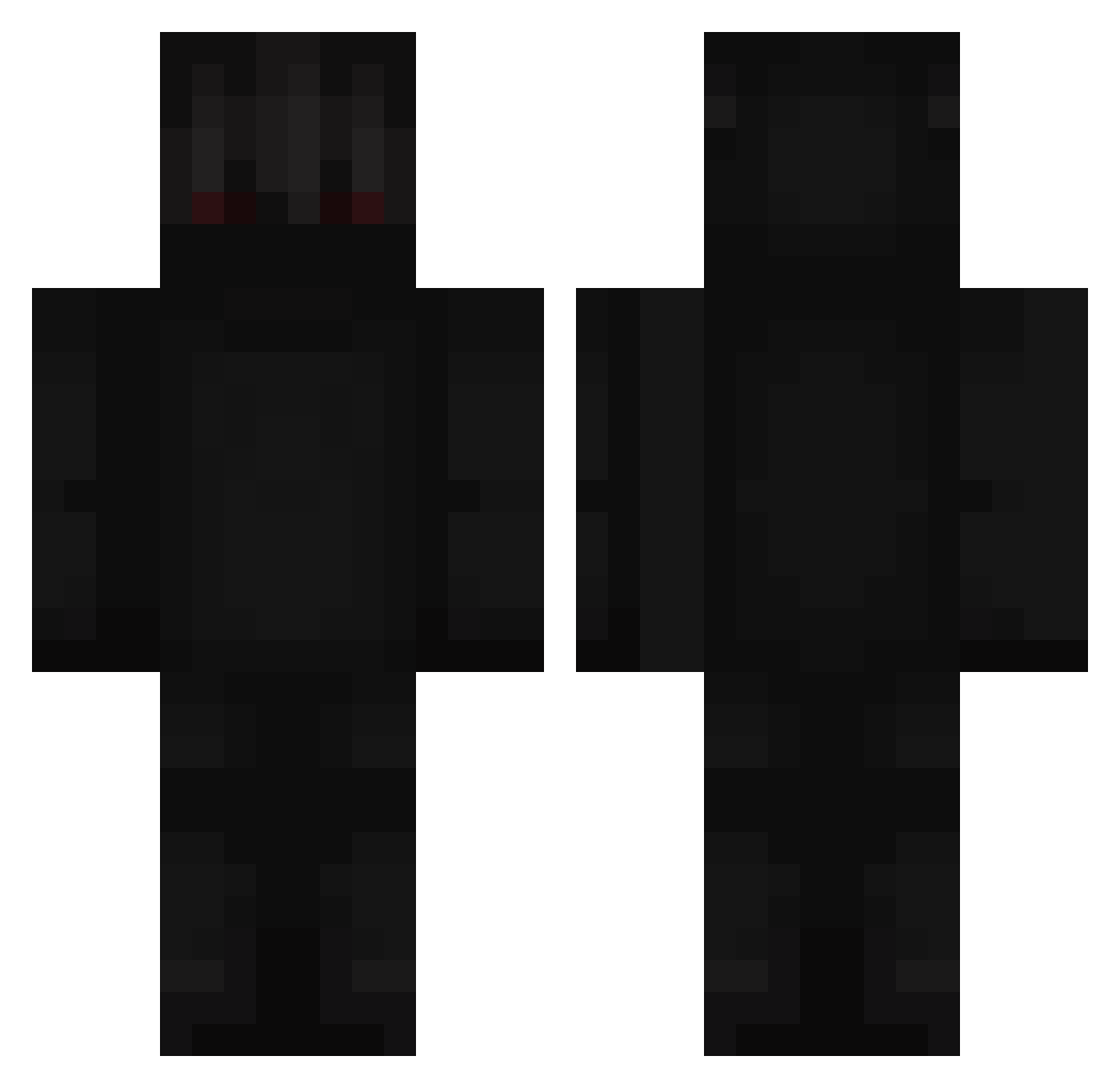
How to install the xFrosiNN skin
- Press the Download button above to save the skin as a PNG file.
- Minecraft: Bedrock Edition (PE): open the Dressing Room from the main menu (or tap your character → Edit Character), go to Classic Skins → Owned, press the + (new skin) button, choose the downloaded PNG and pick the Classic (Steve) model. Works on PC and mobile; consoles cannot import custom skins.
- Minecraft: Java Edition: open the Minecraft Launcher, go to the Skins tab, click New Skin, load the PNG, pick the Classic (Steve) model and press Save & Use. You can also upload it at minecraft.net → Profile → Change Skin.
The skin does not show up after import - what should I do?
Restart Minecraft and open the Dressing Room again - imported skins sometimes appear only after a restart. Also make sure you selected the imported skin and picked the Classic (Steve) model.
Which model should I choose, Classic or Slim?
This skin is designed for the Classic (Steve) model. If you pick the wrong model, the arms of the skin will look stretched or squeezed.
Is this skin free to use?
Yes. Press Download, save the PNG file and use it in Minecraft: Bedrock Edition or Java Edition - no payment or registration needed. The skin also works on multiplayer servers and Realms.
More Shadow Minecraft skins
More skins
Looking for more? Go back to all Minecraft skins and check the top skins of the week, month and all time, or find any player's skin by nickname.