
mangnangnang - Minecraft Skins & Skin History
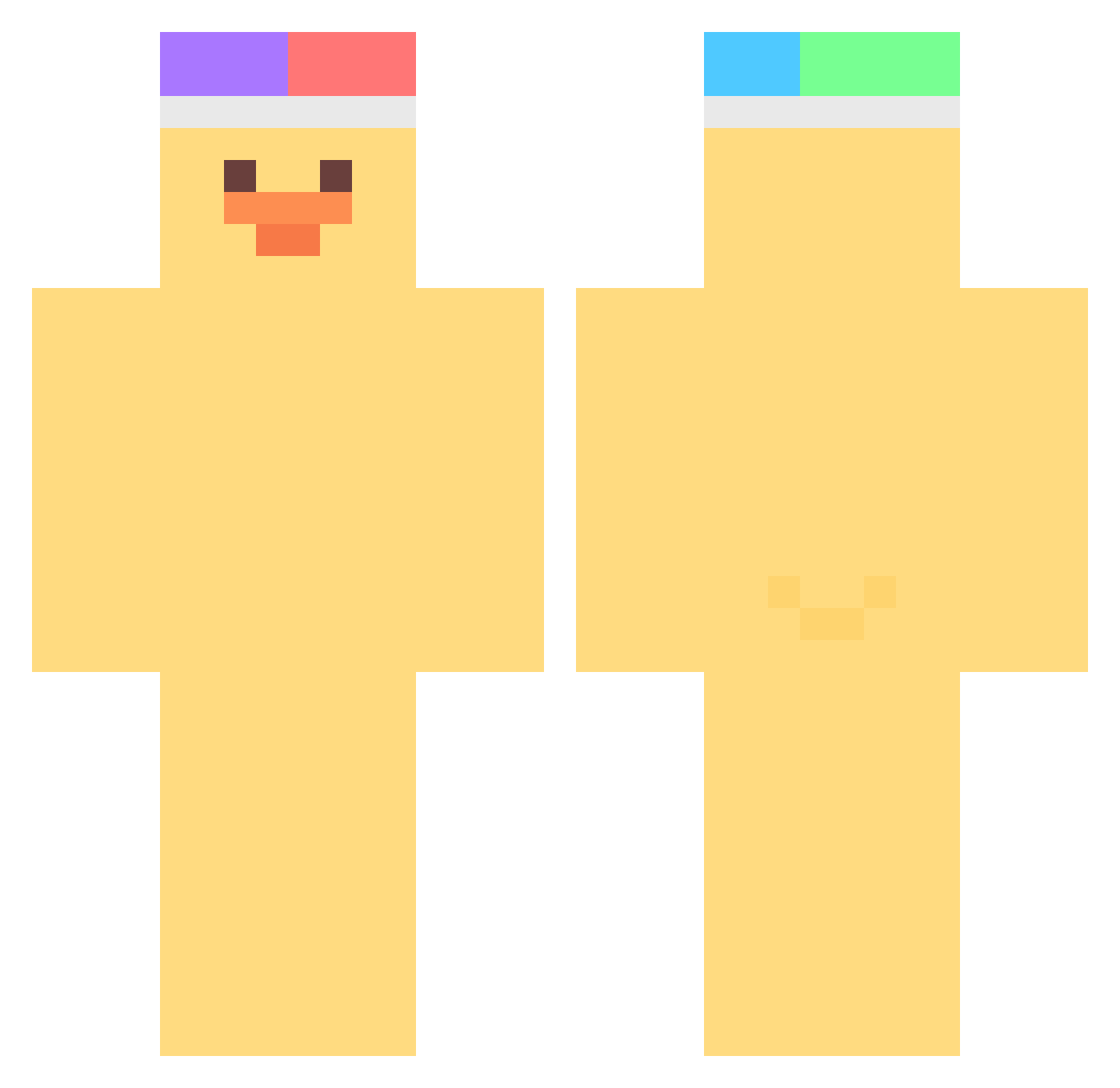
Current Minecraft skin of the player mangnangnang, loaded from the official Mojang API. Rotate the 3D model with your mouse or finger, then download the skin as a PNG file and use it in Minecraft: Bedrock Edition or Java Edition for free. When mangnangnang changes their skin, this page updates automatically and the old skin stays in the history below.
Other players with this skin (463)
mangnangnang was the 300th player we have seen with this skin, first spotted on 04.10.2026. The same skin was seen on these players. Open a nickname to see their current skin and skin history.
 Johann_der_Homie GhostNuggie Not_Ultimate Doktor_duck Akaririri CaroDkn brycear0ni MengMeng2 Thoup ARTMXL peullae RatrioZ Overworks r0bakkk manduckTV yu_zzzza GUMlIlI Berryyyyyyyy Gess3r Cabotwalsh ChaoticMollie H6514 cutemarya ariiyz junbae1 udoondayo Darling_BaBe 2jaedong Lebende_Legende mikamaru21 NaJinGu DezaltMC bs9i9ou fifimai lumilo8 Othani ayan_first Chlebciu_ Adolf2 juyoungg IZLena Falx2010 Pickyed Diddled AS1602 STARBLACK01 meliody danirtq WingKi_ petrzela Cuphyn Raiden_kiana Haezzyy iGiuly13 dakelong01 MrPolok MelloXD7644 jinahda shinwoochan Dorit__
More Duck Minecraft skins
How to install the mangnangnang skin
- Press the Download button above to save the skin as a PNG file.
- Minecraft: Bedrock Edition (PE): open the Dressing Room from the main menu (or tap your character → Edit Character), go to Classic Skins → Owned, press the + (new skin) button, choose the downloaded PNG and pick the Classic (Steve) model. Works on PC and mobile; consoles cannot import custom skins.
- Minecraft: Java Edition: open the Minecraft Launcher, go to the Skins tab, click New Skin, load the PNG, pick the Classic (Steve) model and press Save & Use. You can also upload it at minecraft.net → Profile → Change Skin.
The skin does not show up after import - what should I do?
Restart Minecraft and open the Dressing Room again - imported skins sometimes appear only after a restart. Also make sure you selected the imported skin and picked the Classic (Steve) model.
Which model should I choose, Classic or Slim?
This skin is designed for the Classic (Steve) model. If you pick the wrong model, the arms of the skin will look stretched or squeezed.
Is the skin of mangnangnang free to download?
Yes. Press Download, save the PNG file and use it in Minecraft: Bedrock Edition or Java Edition - no payment or registration needed. The skin also works on multiplayer servers and Realms.
More skins
Looking for more? Go back to all Minecraft skins and check the top skins of the week, month and all time, or find any player's skin by nickname.