
lceCream - Minecraft Skins & Skin History
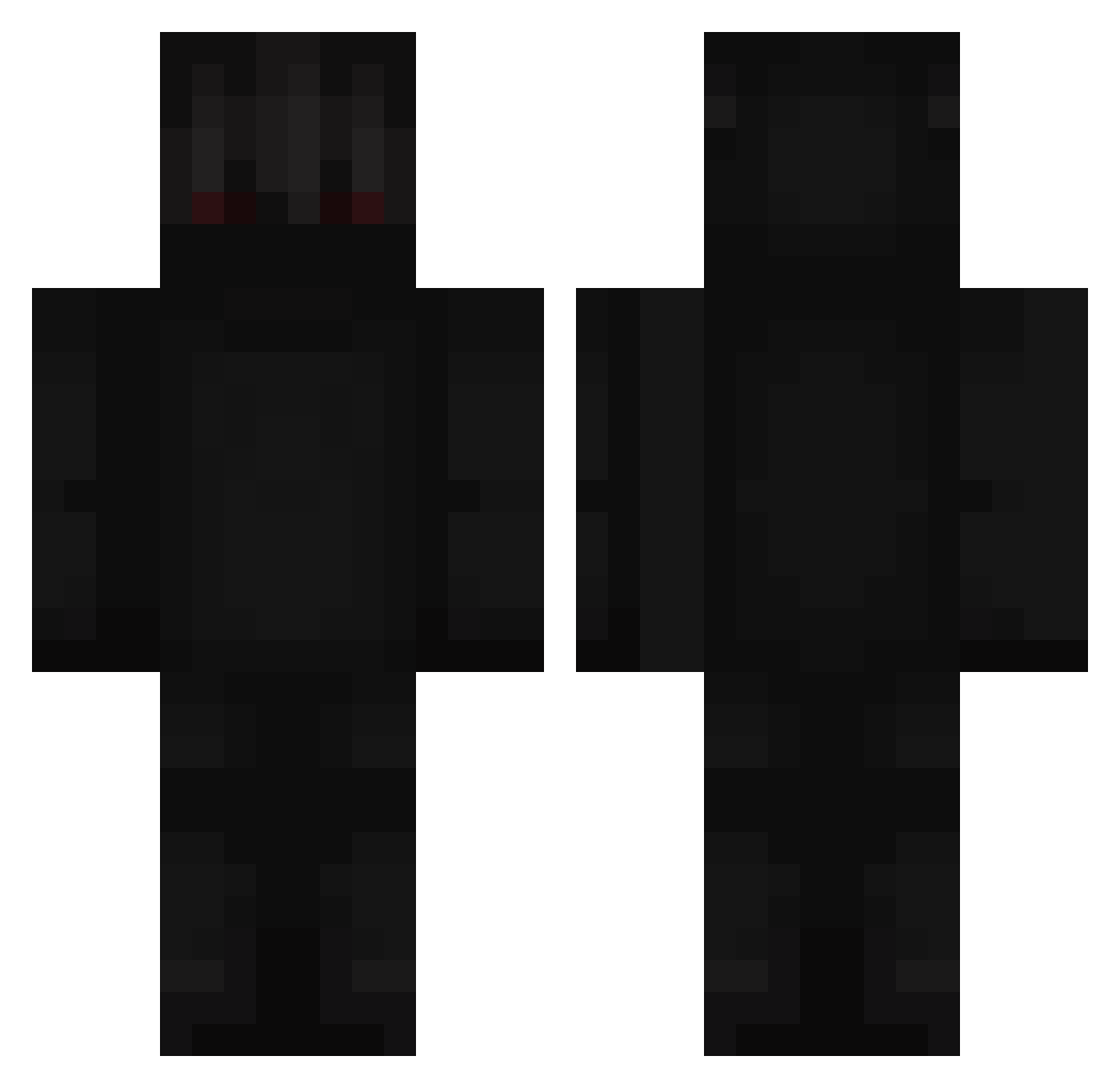
Current Minecraft skin of the player lceCream, loaded from the official Mojang API. Rotate the 3D model with your mouse or finger, then download the skin as a PNG file and use it in Minecraft: Bedrock Edition or Java Edition for free. When lceCream changes their skin, this page updates automatically and the old skin stays in the history below.
Other players with this skin (248)
lceCream was the 19th player we have seen with this skin, first spotted on 04.08.2026. The same skin was seen on these players. Open a nickname to see their current skin and skin history.
 _JelloW B3DO caliacave adamlariba Port__ Lord_Issou NancyMia Jaron18 Niewazne02 Prazzer12 caNUTSs sstrikzz TheKapy24 Makkot Tsunooo GoonDeath1001 BinMats a1exxito D_Laoz _Max_Destroyer_ 69Kroni_ TheLyran Adosixer97 Chunzzang Wee__Woo getoffmyballs shrine_11 nightstar50 TacoBellBandit Ozpi UrATryhard_ oooooobeeee Vorcii kakukakus SSMamba ARenegade xShadowekk_ FNAFGAMOS __dwutakt Tejlim2012 Trol200 yt1300 Angolia RoyalDarkness1st leonidas987 xFrosiNN TOOOOOOMMMMMMMMY iBrooPvP__ D4RKxCluTch01 SadMan_ Leozoco Laysik2011 SNK_M1 NxiMz xitp Iglopol Kuom XxFazeBotxX6190 telae AhoBTB
More Shadow Minecraft skins
How to install the lceCream skin
- Press the Download button above to save the skin as a PNG file.
- Minecraft: Bedrock Edition (PE): open the Dressing Room from the main menu (or tap your character → Edit Character), go to Classic Skins → Owned, press the + (new skin) button, choose the downloaded PNG and pick the Classic (Steve) model. Works on PC and mobile; consoles cannot import custom skins.
- Minecraft: Java Edition: open the Minecraft Launcher, go to the Skins tab, click New Skin, load the PNG, pick the Classic (Steve) model and press Save & Use. You can also upload it at minecraft.net → Profile → Change Skin.
The skin does not show up after import - what should I do?
Restart Minecraft and open the Dressing Room again - imported skins sometimes appear only after a restart. Also make sure you selected the imported skin and picked the Classic (Steve) model.
Which model should I choose, Classic or Slim?
This skin is designed for the Classic (Steve) model. If you pick the wrong model, the arms of the skin will look stretched or squeezed.
Is the skin of lceCream free to download?
Yes. Press Download, save the PNG file and use it in Minecraft: Bedrock Edition or Java Edition - no payment or registration needed. The skin also works on multiplayer servers and Realms.
More skins
Looking for more? Go back to all Minecraft skins and check the top skins of the week, month and all time, or find any player's skin by nickname.