
hawknick123 - Minecraft Skins & Skin History
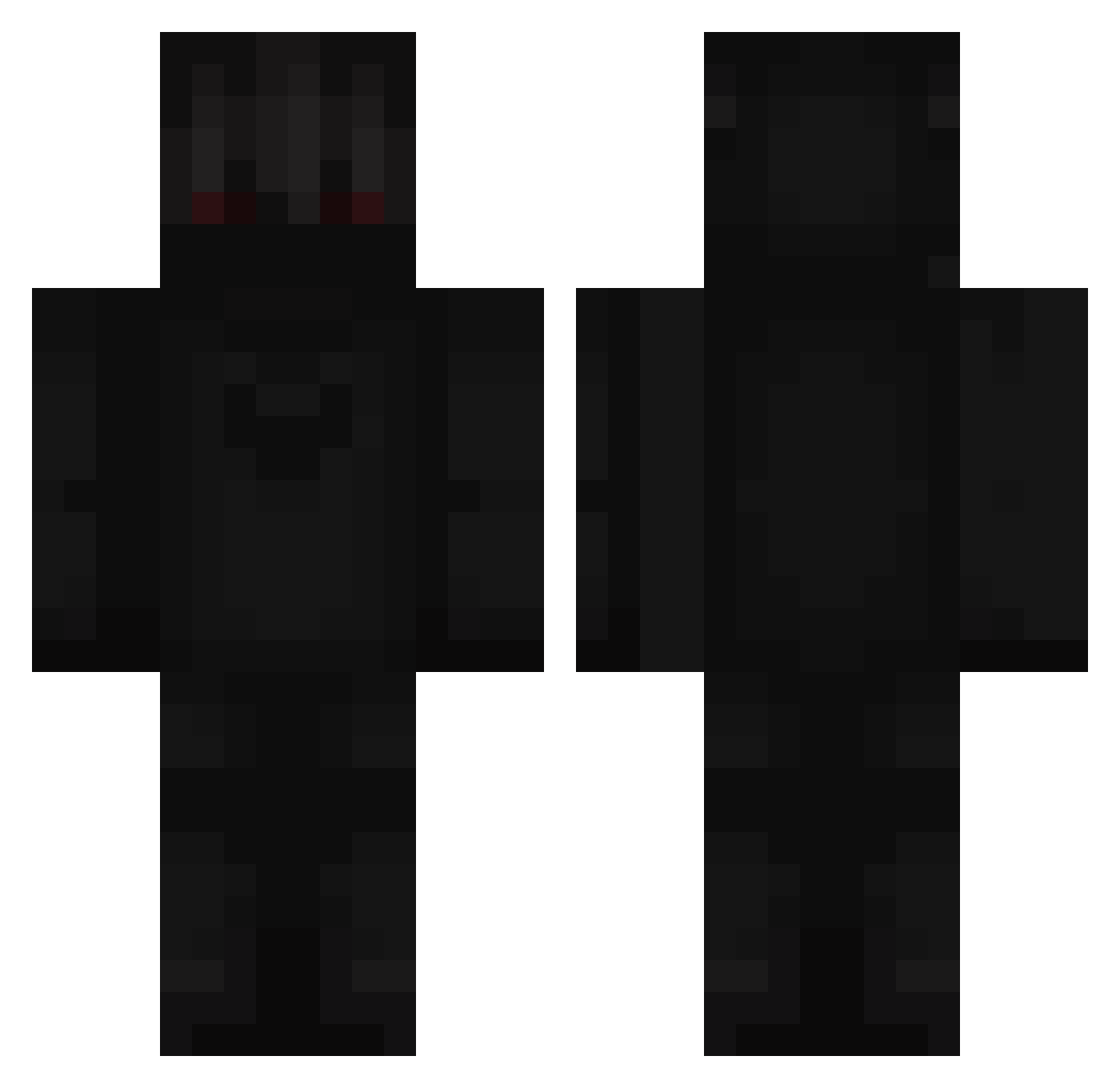
Current Minecraft skin of the player hawknick123, loaded from the official Mojang API. Rotate the 3D model with your mouse or finger, then download the skin as a PNG file and use it in Minecraft: Bedrock Edition or Java Edition for free. When hawknick123 changes their skin, this page updates automatically and the old skin stays in the history below.
Other players with this skin (366)
hawknick123 was the 135th player we have seen with this skin, first spotted on 10.09.2026. The same skin was seen on these players. Open a nickname to see their current skin and skin history.
 lxit_Kinq Milkdud23 Choo7_ 6Devil6Queen6 latr_ amerikanefeli TrashIRL_69 FerPesco unslowlyKevinfan mxlu__ Oskydilo00 ___STICK___ KnusperCheck LucidityDreamer Misi0o Styl0_ Ultradachi papaya2010 hotbarry2001 Meesovic Anis7777 halfgone Ab2di_ Ali_707 kikutisan Husky0116 AloneMagician CascadeOP Tiwam GoldenPanther24 12Gauge_ Truthful TheyLuvTrippie AnirGG Ziemolo321 Zailenn xB1elen MrMikruss VR6Man ValadinOS Katchan138 notJaydxn FinnTheHuman543 KryptonicGod Jimbrom XKrystian1337X domtinecheff RoundSnow amaxgod EnVy_Rain dabclient xMgL GirlsInYourArea ton_pere18 TopRelentless Ryuuma_ Bostonik Moritzdeindaddy ____LUCYFER____ Muliwy
More Shadow Minecraft skins
How to install the hawknick123 skin
- Press the Download button above to save the skin as a PNG file.
- Minecraft: Bedrock Edition (PE): open the Dressing Room from the main menu (or tap your character → Edit Character), go to Classic Skins → Owned, press the + (new skin) button, choose the downloaded PNG and pick the Classic (Steve) model. Works on PC and mobile; consoles cannot import custom skins.
- Minecraft: Java Edition: open the Minecraft Launcher, go to the Skins tab, click New Skin, load the PNG, pick the Classic (Steve) model and press Save & Use. You can also upload it at minecraft.net → Profile → Change Skin.
The skin does not show up after import - what should I do?
Restart Minecraft and open the Dressing Room again - imported skins sometimes appear only after a restart. Also make sure you selected the imported skin and picked the Classic (Steve) model.
Which model should I choose, Classic or Slim?
This skin is designed for the Classic (Steve) model. If you pick the wrong model, the arms of the skin will look stretched or squeezed.
Is the skin of hawknick123 free to download?
Yes. Press Download, save the PNG file and use it in Minecraft: Bedrock Edition or Java Edition - no payment or registration needed. The skin also works on multiplayer servers and Realms.
More skins
Looking for more? Go back to all Minecraft skins and check the top skins of the week, month and all time, or find any player's skin by nickname.