
 iAlexu17 _pai_ Shakira245 TestoFromHell artisan_N Uxmbra 0Kun5 JSTY1123 iRemixed Australian_Fish Melluu3 Opisha SAIFOP armorgirl24 kepochnik_ GoGoPower59 OMGitsFPS Shizua26 PetalsOfLife Kamixol_koX jipinen TimberJoy _Deppo AaronSherman Garica8 Im7nfy_ tgrealcooltg lakepro Bonoboaffe1 rellird BERNI420 nTkS18 4joun Bylinakox Nightfall512 Nuii_Arminius WhitiroBW benjiiTHEGOAT Hexapodaa MrDovydas WhitWall 8bf kyypy DjangoCZ WronaGamingYT Yuzyko BarisYNZ Sebschi_63 feindseligerbaum Pico6 VIBVER Zabrosauros69 Red_Hen monsterman654 Dadagamer11 gt_0310 Urajoke_ jsty4948 miischase1 Johann20014
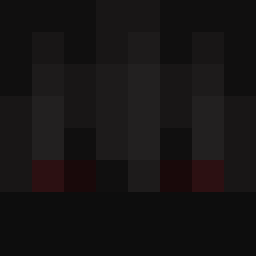
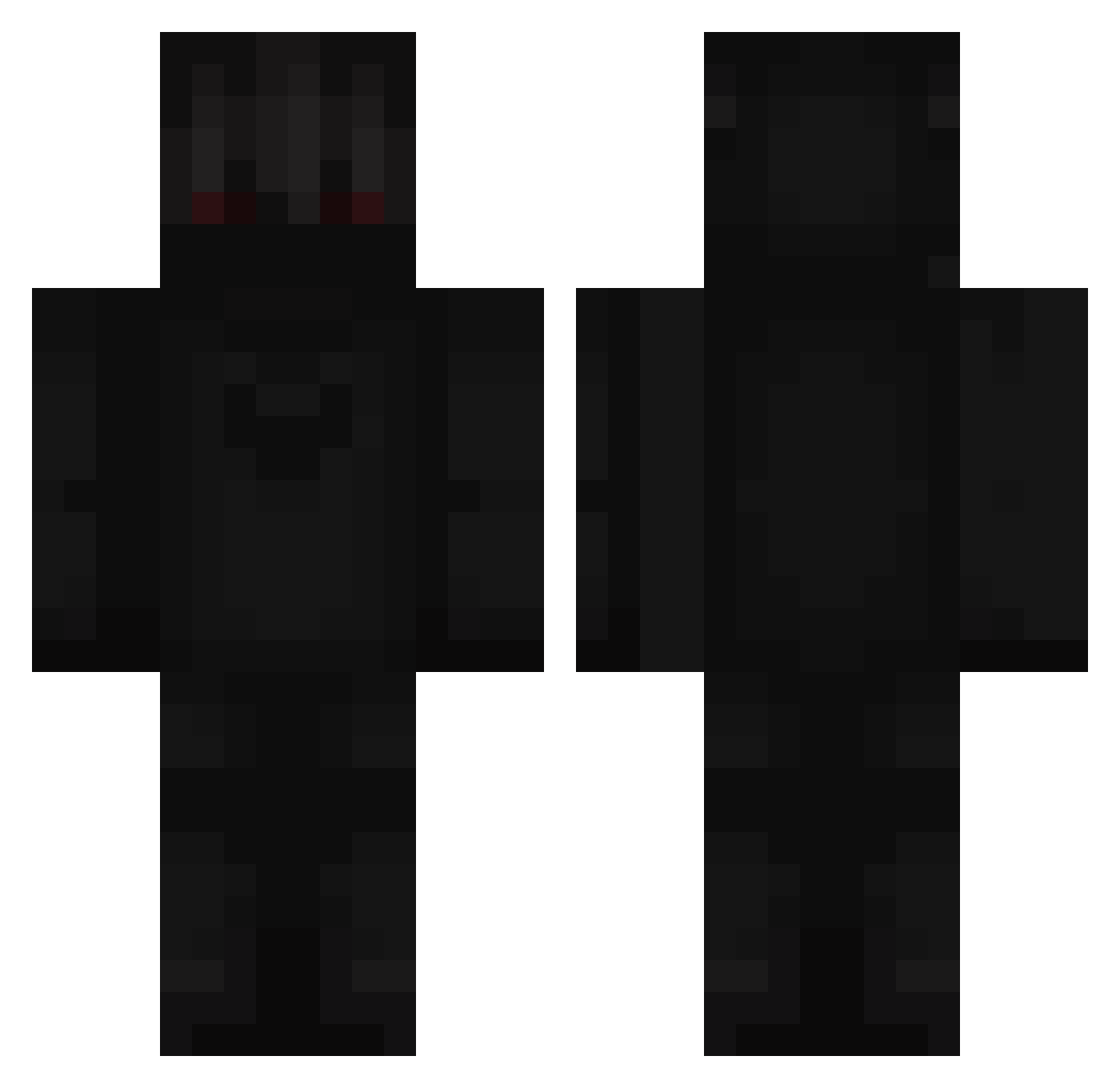
Minecraft skin of Flabagastic. Rotate the 3D model with your mouse or finger to view the skin from every angle, then download it as a PNG file and use it in Minecraft: Bedrock Edition or Java Edition for free. Rate the skin with stars to help other players find the best skins in our collection.
How to install the Flabagastic skin
- Press the Download button above to save the skin as a PNG file.
- Minecraft: Bedrock Edition (PE): open the Dressing Room from the main menu (or tap your character → Edit Character), go to Classic Skins → Owned, press the + (new skin) button, choose the downloaded PNG and pick the Classic (Steve) model. Works on PC and mobile; consoles cannot import custom skins.
- Minecraft: Java Edition: open the Minecraft Launcher, go to the Skins tab, click New Skin, load the PNG, pick the Classic (Steve) model and press Save & Use. You can also upload it at minecraft.net → Profile → Change Skin.
The skin does not show up after import - what should I do?
Restart Minecraft and open the Dressing Room again - imported skins sometimes appear only after a restart. Also make sure you selected the imported skin and picked the Classic (Steve) model.
Which model should I choose, Classic or Slim?
This skin is designed for the Classic (Steve) model. If you pick the wrong model, the arms of the skin will look stretched or squeezed.
Is this skin free to use?
Yes. Press Download, save the PNG file and use it in Minecraft: Bedrock Edition or Java Edition - no payment or registration needed. The skin also works on multiplayer servers and Realms.
More Shadow Minecraft skins
More skins
Looking for more? Go back to all Minecraft skins and check the top skins of the week, month and all time, or find any player's skin by nickname.