
golfcartgang - Minecraft Skins & Skin History
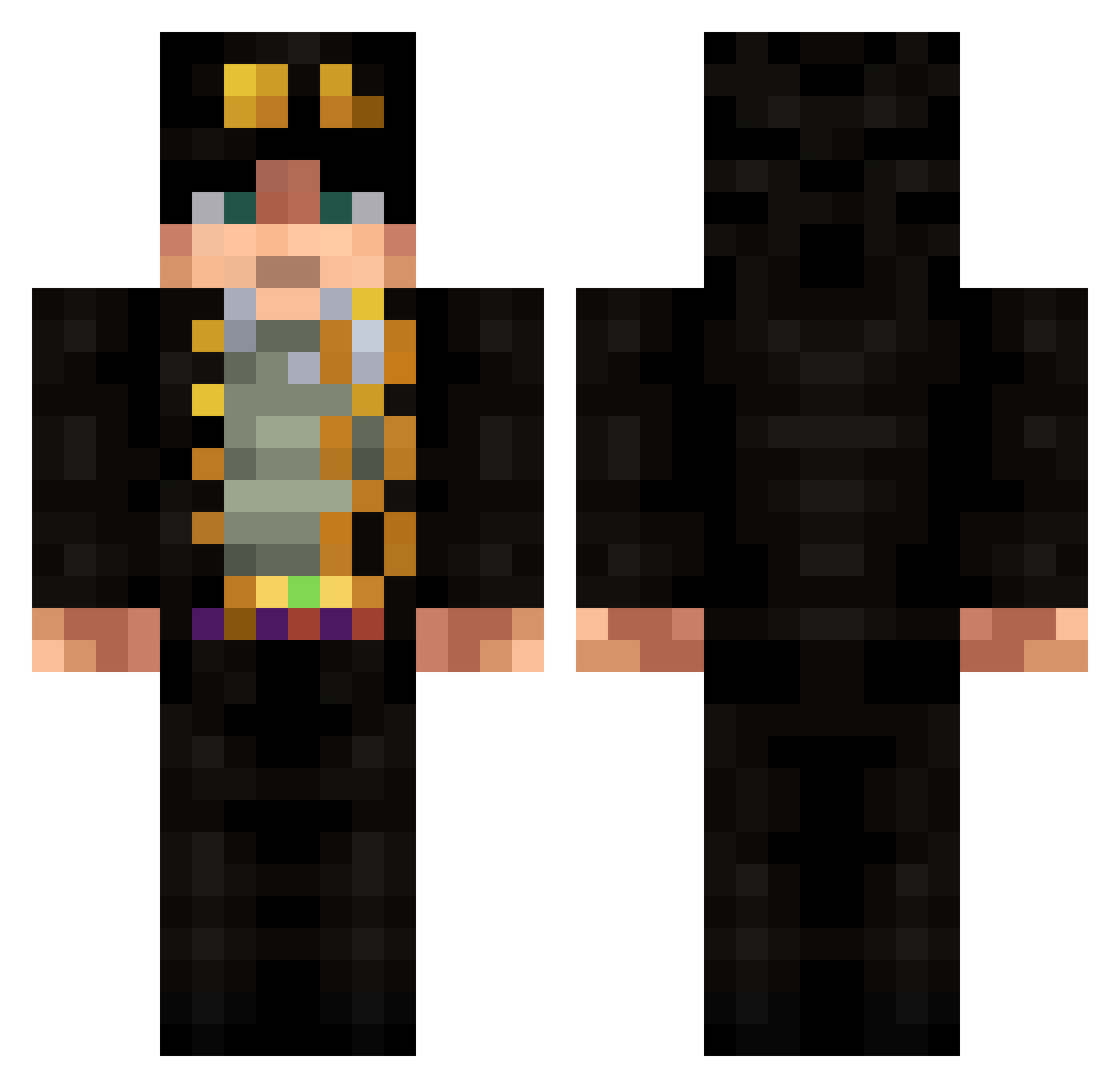
Current Minecraft skin of the player golfcartgang, loaded from the official Mojang API. Rotate the 3D model with your mouse or finger, then download the skin as a PNG file and use it in Minecraft: Bedrock Edition or Java Edition for free. When golfcartgang changes their skin, this page updates automatically and the old skin stays in the history below.
Other players with this skin (675)
golfcartgang was the 109th player we have seen with this skin, first spotted on 14.08.2026. The same skin was seen on these players. Open a nickname to see their current skin and skin history.
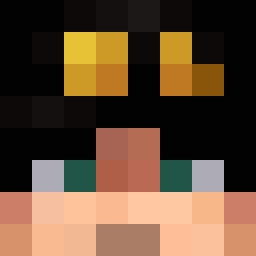 Villentretenmetr ZonnaStrongs Guelin EddiM nelsoncs SMatheo67 meawercat0123 ZhijieFan Auguzzt Wernech Luxaiyen Zarome B3njiB King_nic4567 SunsetJoestar Arratristars thebigbluebox1 Shide666 mattstuff302 jpef0704
 yahavgg Salvador3841 moosa2002 RubiDrake X_Primal JoaoCastor QwastenN yensell PortalFrags pikapikasquirt DeathOfRookie MISKAAFL PaulKader toymachine24 XGC3000 Niko12323 Amrothem nono_on_mc AbaDaba3 Jotaro112 Prosto_Man JovantheJeep193 King_Goku AVGjojoEnjoyer Eleno03 Toxic33 semihkilla _xZer0 treynus HanSolo2024 GuelGuel taherzz57 DragonDuMal Solihomteacupdih Healsforfood Fich339 Daxxumi Aguti0428 m0nkeyX singiamtel
More Jotaro Kujo Minecraft skins
How to install the golfcartgang skin
- Press the Download button above to save the skin as a PNG file.
- Minecraft: Bedrock Edition (PE): open the Dressing Room from the main menu (or tap your character → Edit Character), go to Classic Skins → Owned, press the + (new skin) button, choose the downloaded PNG and pick the Classic (Steve) model. Works on PC and mobile; consoles cannot import custom skins.
- Minecraft: Java Edition: open the Minecraft Launcher, go to the Skins tab, click New Skin, load the PNG, pick the Classic (Steve) model and press Save & Use. You can also upload it at minecraft.net → Profile → Change Skin.
The skin does not show up after import - what should I do?
Restart Minecraft and open the Dressing Room again - imported skins sometimes appear only after a restart. Also make sure you selected the imported skin and picked the Classic (Steve) model.
Which model should I choose, Classic or Slim?
This skin is designed for the Classic (Steve) model. If you pick the wrong model, the arms of the skin will look stretched or squeezed.
Is the skin of golfcartgang free to download?
Yes. Press Download, save the PNG file and use it in Minecraft: Bedrock Edition or Java Edition - no payment or registration needed. The skin also works on multiplayer servers and Realms.
More skins
Looking for more? Go back to all Minecraft skins and check the top skins of the week, month and all time, or find any player's skin by nickname.