
 TLD_Hidden Netsann GamerDifficulty Guthabn Hyttynen Kurigohan7 OlimAR0506 FlashAlia LemonyShoashi Nss1080 TacoLuvr thio99 GMasterGeorge WannaBeLikeGyro Lukioa meethe_papa Star_Light0415 Dreamy_Nighty KarstenVader Max23PL nimiccicicici Tovking yacinesayen JimKelly19460505 veX_ThuNder crazylegss Henzi193 UnemectresSympa SweekarPok gddwz fueg0e JotaroKujo187 Jonastier Sylar75 Whiteteepoison1 MatiLM JonasN2 Rabianix MedvedokS dynm1c Godzy__ Freddarau FordsyZ FaucoSiouL jimoney13 hehe__cat AzureDraco1027 RK9728 _WatchYoJet stardewtwilight ks2mble mvmkira brinstarsm Schlagosaurus owenowenisme NotMCSteve Todlor GergelyS MHaCLeaf cafee4
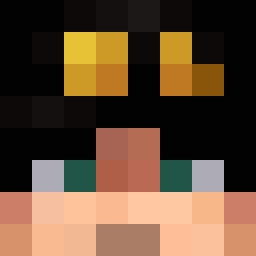
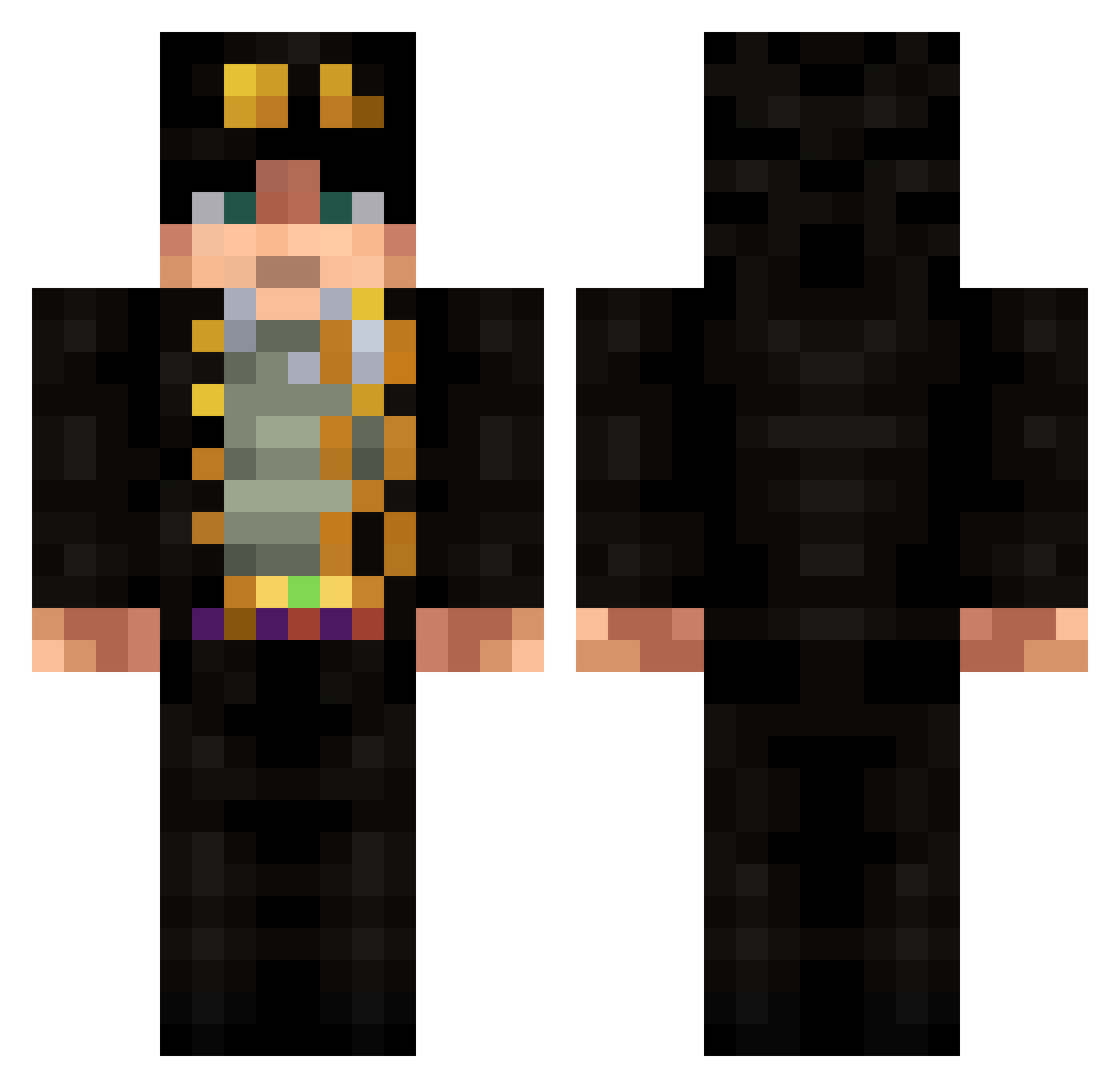
Minecraft skin of bentgoose. Rotate the 3D model with your mouse or finger to view the skin from every angle, then download it as a PNG file and use it in Minecraft: Bedrock Edition or Java Edition for free. Rate the skin with stars to help other players find the best skins in our collection.
How to install the bentgoose skin
- Press the Download button above to save the skin as a PNG file.
- Minecraft: Bedrock Edition (PE): open the Dressing Room from the main menu (or tap your character → Edit Character), go to Classic Skins → Owned, press the + (new skin) button, choose the downloaded PNG and pick the Classic (Steve) model. Works on PC and mobile; consoles cannot import custom skins.
- Minecraft: Java Edition: open the Minecraft Launcher, go to the Skins tab, click New Skin, load the PNG, pick the Classic (Steve) model and press Save & Use. You can also upload it at minecraft.net → Profile → Change Skin.
The skin does not show up after import - what should I do?
Restart Minecraft and open the Dressing Room again - imported skins sometimes appear only after a restart. Also make sure you selected the imported skin and picked the Classic (Steve) model.
Which model should I choose, Classic or Slim?
This skin is designed for the Classic (Steve) model. If you pick the wrong model, the arms of the skin will look stretched or squeezed.
Is this skin free to use?
Yes. Press Download, save the PNG file and use it in Minecraft: Bedrock Edition or Java Edition - no payment or registration needed. The skin also works on multiplayer servers and Realms.
More Jotaro Kujo Minecraft skins
More skins
Looking for more? Go back to all Minecraft skins and check the top skins of the week, month and all time, or find any player's skin by nickname.