
 boychriss Killthe_king Meth_Mouse Dawca2k20 SgtRamirez inyaki Jacobyjones2003 thijs_gert_27 Swangoo Nanda_Ardianto TheApexProdigy Not_Siris Hijarl Valdome N3CROS BadTravis PandaGamingYT_DK Zawarudo84 Tackosu PORK9118 conrob91 Twizzpy TiquoTiquo sf123555 RealDonCheadle EnderErakel BonesGrooves 1380138 _maksimum_ _OldKing_ Tucksa Boa_Killa MNX_Razar DangerousBoo Brorako beans_56789 Eddieey marshmallowmikey xXx_Static_xXx _Neroxs_ crooler1 Pivko1337 Mianbaobao1019 Alxs178 SinisterKidd14 kirstyf00 Mr_Elmo_ CompleetRandom a23way Liaris Alejandro35 RustableDoor201 TibiBoss kapsklok Chrissila TairaCharlotte Retro244 Kappad HerrZwiebel NatBelgium
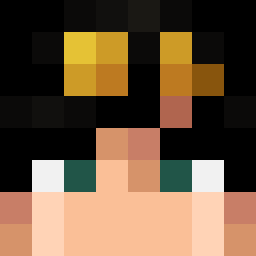
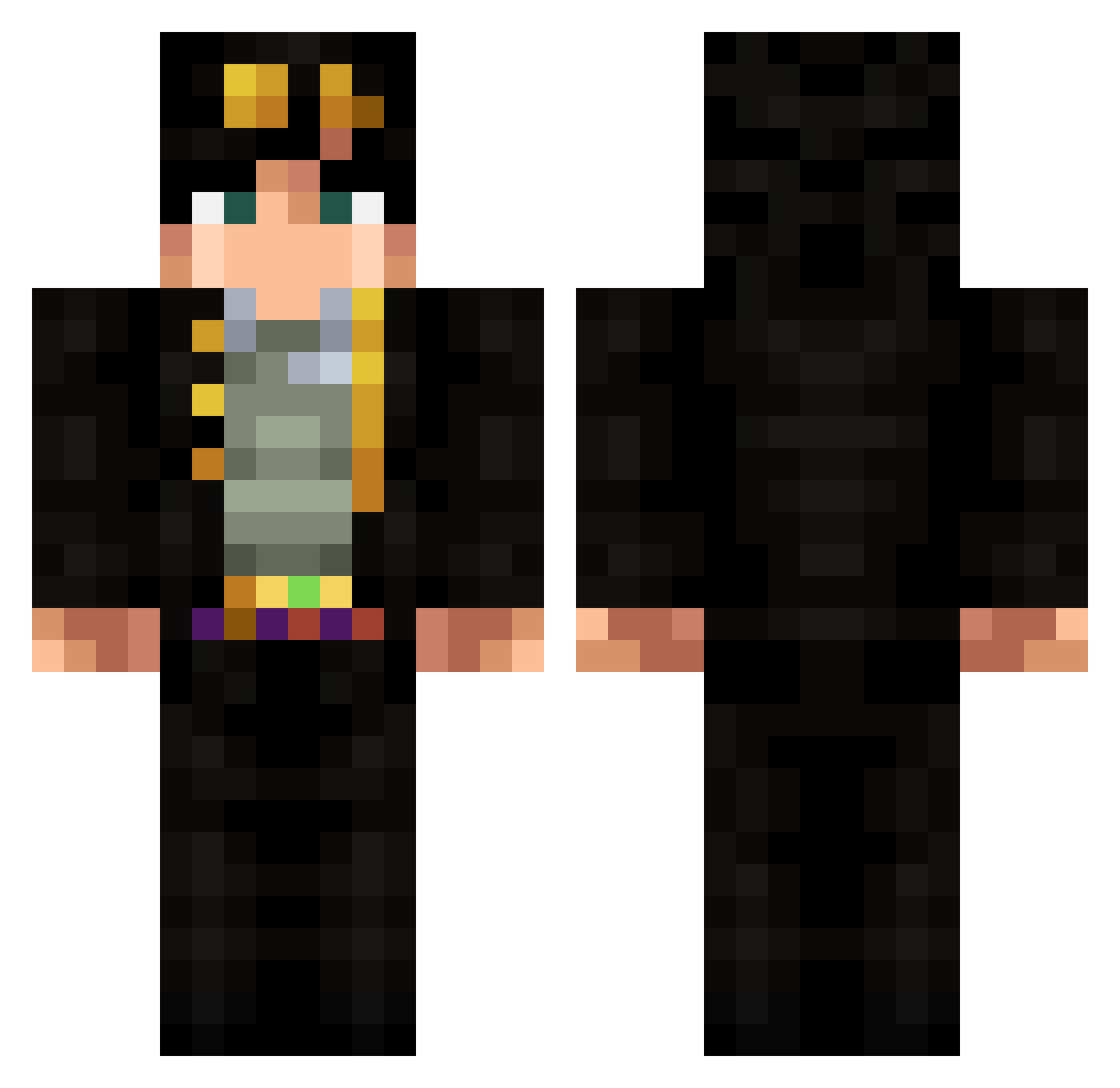
Minecraft skin of ChenjiQin. Rotate the 3D model with your mouse or finger to view the skin from every angle, then download it as a PNG file and use it in Minecraft: Bedrock Edition or Java Edition for free. Rate the skin with stars to help other players find the best skins in our collection.
How to install the ChenjiQin skin
- Press the Download button above to save the skin as a PNG file.
- Minecraft: Bedrock Edition (PE): open the Dressing Room from the main menu (or tap your character → Edit Character), go to Classic Skins → Owned, press the + (new skin) button, choose the downloaded PNG and pick the Classic (Steve) model. Works on PC and mobile; consoles cannot import custom skins.
- Minecraft: Java Edition: open the Minecraft Launcher, go to the Skins tab, click New Skin, load the PNG, pick the Classic (Steve) model and press Save & Use. You can also upload it at minecraft.net → Profile → Change Skin.
The skin does not show up after import - what should I do?
Restart Minecraft and open the Dressing Room again - imported skins sometimes appear only after a restart. Also make sure you selected the imported skin and picked the Classic (Steve) model.
Which model should I choose, Classic or Slim?
This skin is designed for the Classic (Steve) model. If you pick the wrong model, the arms of the skin will look stretched or squeezed.
Is this skin free to use?
Yes. Press Download, save the PNG file and use it in Minecraft: Bedrock Edition or Java Edition - no payment or registration needed. The skin also works on multiplayer servers and Realms.
More Jotaro Kujo Minecraft skins
More skins
Looking for more? Go back to all Minecraft skins and check the top skins of the week, month and all time, or find any player's skin by nickname.