
 Anxelu Higoomba certifiedyan XXxmryoloxXX shuku022472 tamponnie Marcone2000 skirun Roccoco DavidDoesCare Mista2004 NetherTurtle12 kaan230 Mr1ee Baby_Shark_05 JKJOO1 Muscle_Monster SeaCactus89_YT pizzadeliverykev GG88687 alexlesc23 the_tigglerman mejow PixelTraction ZIEEM vinnyvine13 bladerinho Lenseer ManxLove S0MEC00KIE Gio319 Samuele_10 Lc1111Ln Daiskun Tromkarh lgh1233 SweeneyBis frfnnnt SlizzyCloud Glupi_pies ImLegitShutUp hjj305 leos_fry oweenhoomneer FLee666 SignorScotch ZZZuri SPECTRE1066 Kaiser_m21 himothy1231 VaubanDT Gippertonik __Marto Rafa249 Shang_06Dec iHoubyOF jotaro0495 Hurraisin reizokoo fyezs
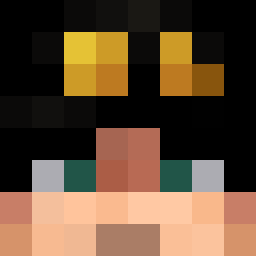
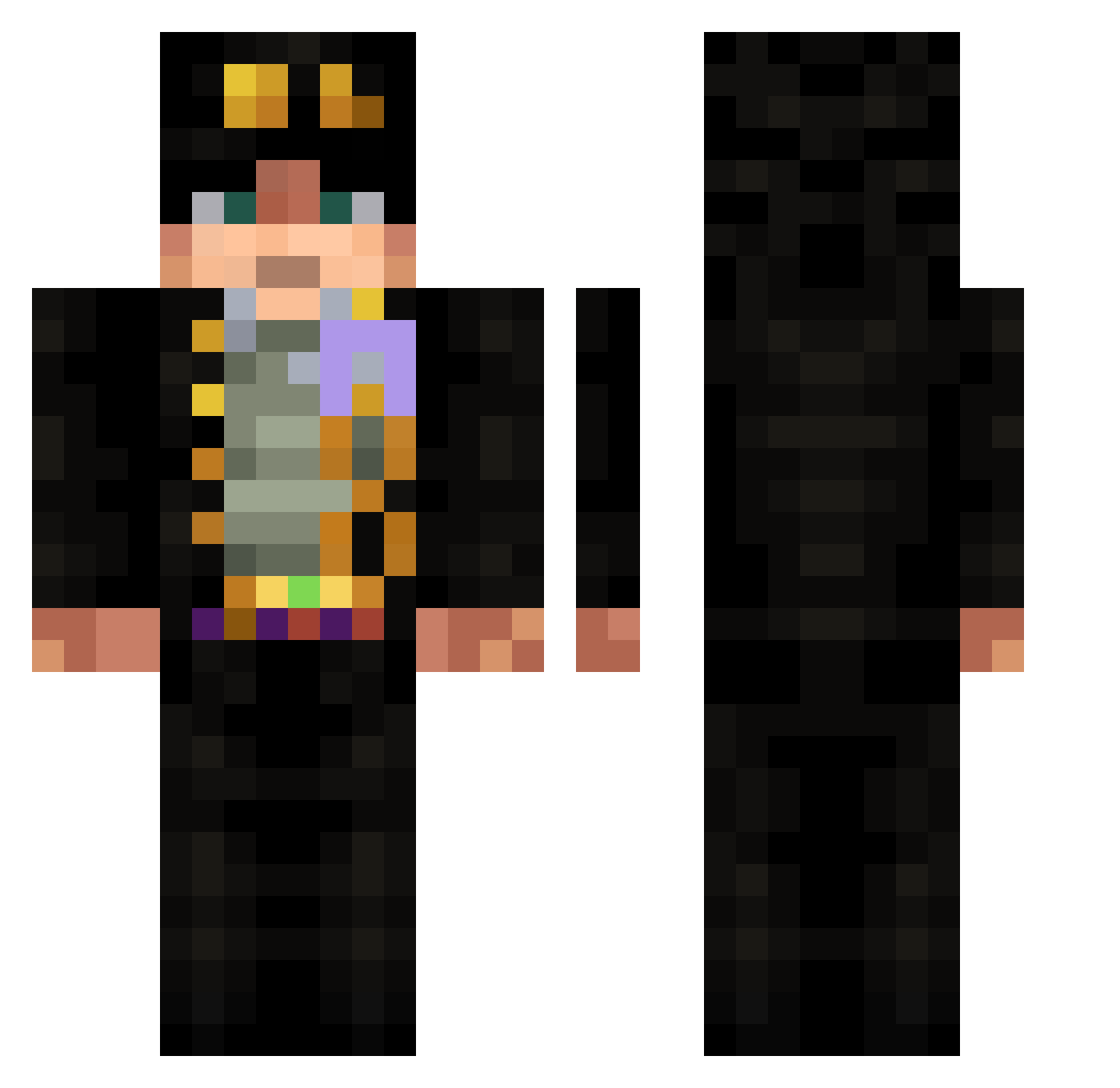
Minecraft skin of Cactus9527. Rotate the 3D model with your mouse or finger to view the skin from every angle, then download it as a PNG file and use it in Minecraft: Bedrock Edition or Java Edition for free. Rate the skin with stars to help other players find the best skins in our collection.
How to install the Cactus9527 skin
- Press the Download button above to save the skin as a PNG file.
- Minecraft: Bedrock Edition (PE): open the Dressing Room from the main menu (or tap your character → Edit Character), go to Classic Skins → Owned, press the + (new skin) button, choose the downloaded PNG and pick the Classic (Steve) model. Works on PC and mobile; consoles cannot import custom skins.
- Minecraft: Java Edition: open the Minecraft Launcher, go to the Skins tab, click New Skin, load the PNG, pick the Classic (Steve) model and press Save & Use. You can also upload it at minecraft.net → Profile → Change Skin.
The skin does not show up after import - what should I do?
Restart Minecraft and open the Dressing Room again - imported skins sometimes appear only after a restart. Also make sure you selected the imported skin and picked the Classic (Steve) model.
Which model should I choose, Classic or Slim?
This skin is designed for the Classic (Steve) model. If you pick the wrong model, the arms of the skin will look stretched or squeezed.
Is this skin free to use?
Yes. Press Download, save the PNG file and use it in Minecraft: Bedrock Edition or Java Edition - no payment or registration needed. The skin also works on multiplayer servers and Realms.
More Jotaro Kujo Minecraft skins
More skins
Looking for more? Go back to all Minecraft skins and check the top skins of the week, month and all time, or find any player's skin by nickname.