
 ProudLotus58885 JoJoKujoJotaro ziondabigbig LouisLim NahueCant luckycrowd152 youloos JILETCHICKEN Wolf_Ritter13659 Chatonstre PureSan BumblerLumberer Gc_Pandora mito_2222 jhpdc NathanielJesse L3G3ND1438 pauljoestar1 vrmntde2_on_sale Si1entt Jotaro_Gamer Jost242 Pougod KKKKKKKKNE Jotarios Nekidragon steak_and_beef GTMDM ausou PerdiNoFapSetem Majima01 Eoved GroovinRuven Yazed91k oreminer72 FOXHOUND7070 Lazorshark99 Maxduck44 Toti1bp FatMyers EV_178 Foana JamaXxX Sveensson TheRockGER SinsTvTv Hawe143 ScHultz001 Watch_Gamers JajaJamon DishOneWaffer mateyouchu Charles205 Imgotep Plague_Zer0 MAGIKLANCIO pavlle123 xillery Be_Goet AZZEDz
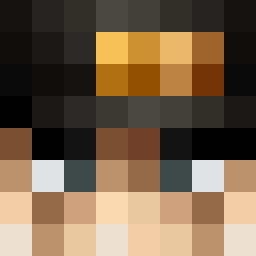
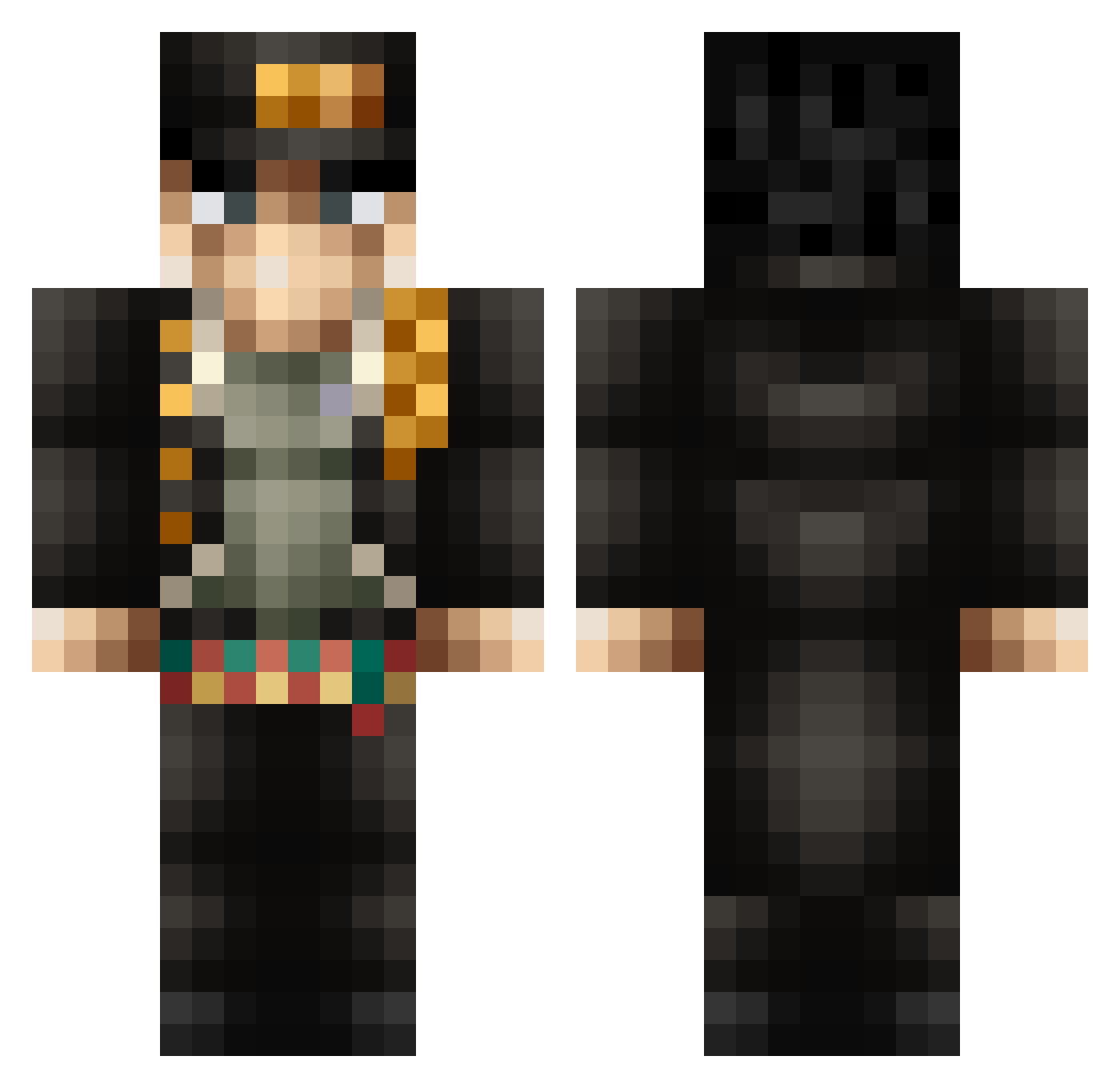
Minecraft skin of Kichus. Rotate the 3D model with your mouse or finger to view the skin from every angle, then download it as a PNG file and use it in Minecraft: Bedrock Edition or Java Edition for free. Rate the skin with stars to help other players find the best skins in our collection.
How to install the Kichus skin
- Press the Download button above to save the skin as a PNG file.
- Minecraft: Bedrock Edition (PE): open the Dressing Room from the main menu (or tap your character → Edit Character), go to Classic Skins → Owned, press the + (new skin) button, choose the downloaded PNG and pick the Classic (Steve) model. Works on PC and mobile; consoles cannot import custom skins.
- Minecraft: Java Edition: open the Minecraft Launcher, go to the Skins tab, click New Skin, load the PNG, pick the Classic (Steve) model and press Save & Use. You can also upload it at minecraft.net → Profile → Change Skin.
The skin does not show up after import - what should I do?
Restart Minecraft and open the Dressing Room again - imported skins sometimes appear only after a restart. Also make sure you selected the imported skin and picked the Classic (Steve) model.
Which model should I choose, Classic or Slim?
This skin is designed for the Classic (Steve) model. If you pick the wrong model, the arms of the skin will look stretched or squeezed.
Is this skin free to use?
Yes. Press Download, save the PNG file and use it in Minecraft: Bedrock Edition or Java Edition - no payment or registration needed. The skin also works on multiplayer servers and Realms.
More Jotaro Kujo Minecraft skins
More skins
Looking for more? Go back to all Minecraft skins and check the top skins of the week, month and all time, or find any player's skin by nickname.