
gaeulhan - Minecraft Skins & Skin History
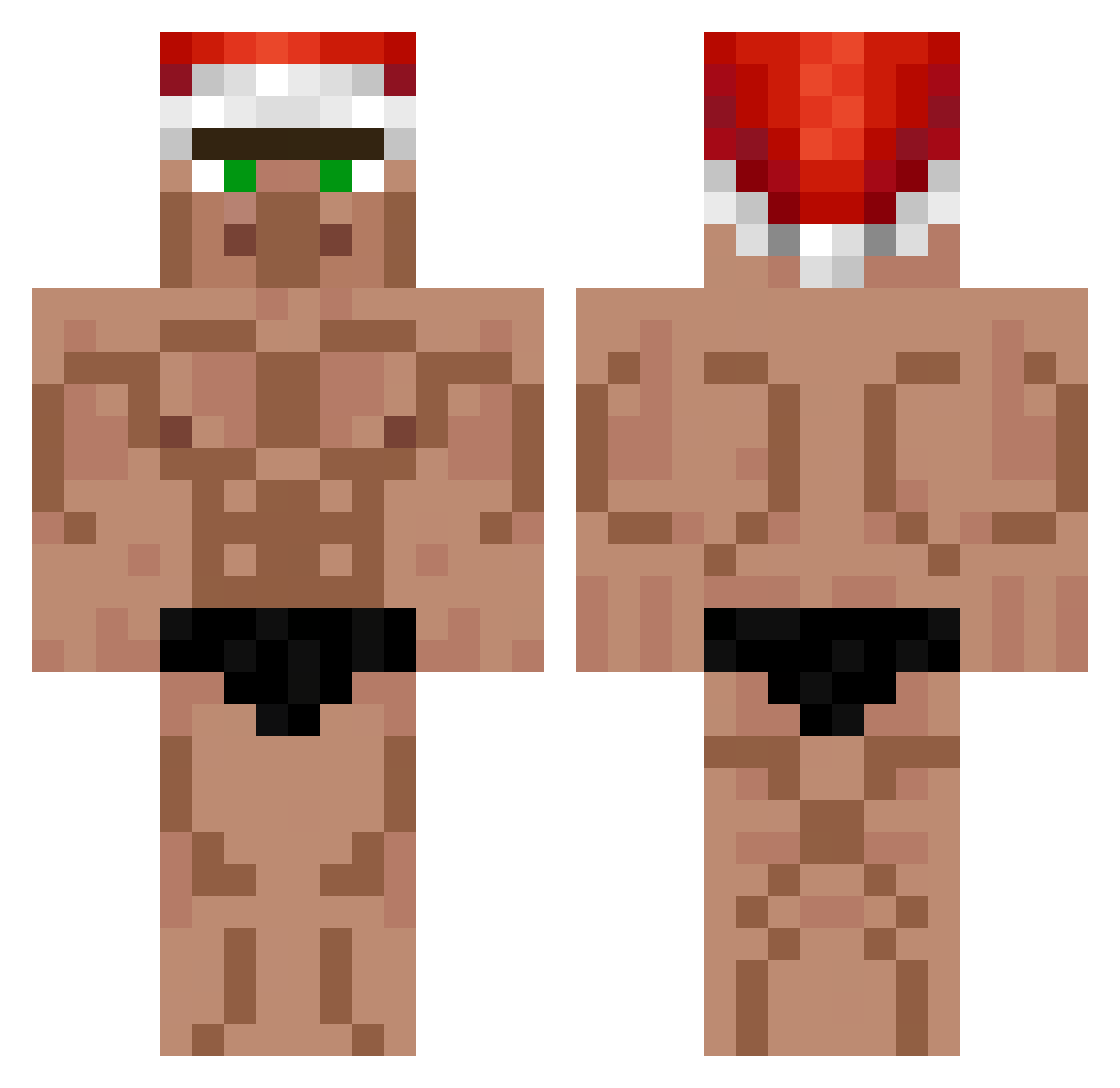
Current Minecraft skin of the player gaeulhan, loaded from the official Mojang API. Rotate the 3D model with your mouse or finger, then download the skin as a PNG file and use it in Minecraft: Bedrock Edition or Java Edition for free. When gaeulhan changes their skin, this page updates automatically and the old skin stays in the history below.
Other players with this skin (558)
gaeulhan was the 171st player we have seen with this skin, first spotted on 27.08.2026. The same skin was seen on these players. Open a nickname to see their current skin and skin history.
 Brozyhomo Kjallarabarnid tatumsmith BuffChungus IsewZz
 sjen0X Diander21 Le_c0losse Firulais54 Leon_Schlinn Karol_what advanxee BBung_29 PiotrixBobi sushi_24 AcidWaffleL2 sooonman csocskosshun Fyloti bang46 kozi1949 sixwu AbrahamSsj kirrroo Matiu2702 ALFOR21 won1234 Darckhnn2 xenon943 Lasertaser109 _Gaylord_ Clib6 ElAldeanoProta XFriedFishX Diogobr0437 Hadifme lFrannnl Ultralucas333 recomu kovalskiiii GGloljez Dav1dza WintryAura
 Crazy802Life Kralle27 __WoEK__ ezztom_ Abey_L CEOofMinecraft 970q Warren9 CoolaSvenne FeUzumakiNar Arda_19o7 Majkl5 Stanboot2010 RamkraakRachid alonnsoup realRay_ 27Finals
More Buff Minecraft skins
How to install the gaeulhan skin
- Press the Download button above to save the skin as a PNG file.
- Minecraft: Bedrock Edition (PE): open the Dressing Room from the main menu (or tap your character → Edit Character), go to Classic Skins → Owned, press the + (new skin) button, choose the downloaded PNG and pick the Classic (Steve) model. Works on PC and mobile; consoles cannot import custom skins.
- Minecraft: Java Edition: open the Minecraft Launcher, go to the Skins tab, click New Skin, load the PNG, pick the Classic (Steve) model and press Save & Use. You can also upload it at minecraft.net → Profile → Change Skin.
The skin does not show up after import - what should I do?
Restart Minecraft and open the Dressing Room again - imported skins sometimes appear only after a restart. Also make sure you selected the imported skin and picked the Classic (Steve) model.
Which model should I choose, Classic or Slim?
This skin is designed for the Classic (Steve) model. If you pick the wrong model, the arms of the skin will look stretched or squeezed.
Is the skin of gaeulhan free to download?
Yes. Press Download, save the PNG file and use it in Minecraft: Bedrock Edition or Java Edition - no payment or registration needed. The skin also works on multiplayer servers and Realms.
More skins
Looking for more? Go back to all Minecraft skins and check the top skins of the week, month and all time, or find any player's skin by nickname.