
femboyhq - Minecraft Skins & Skin History
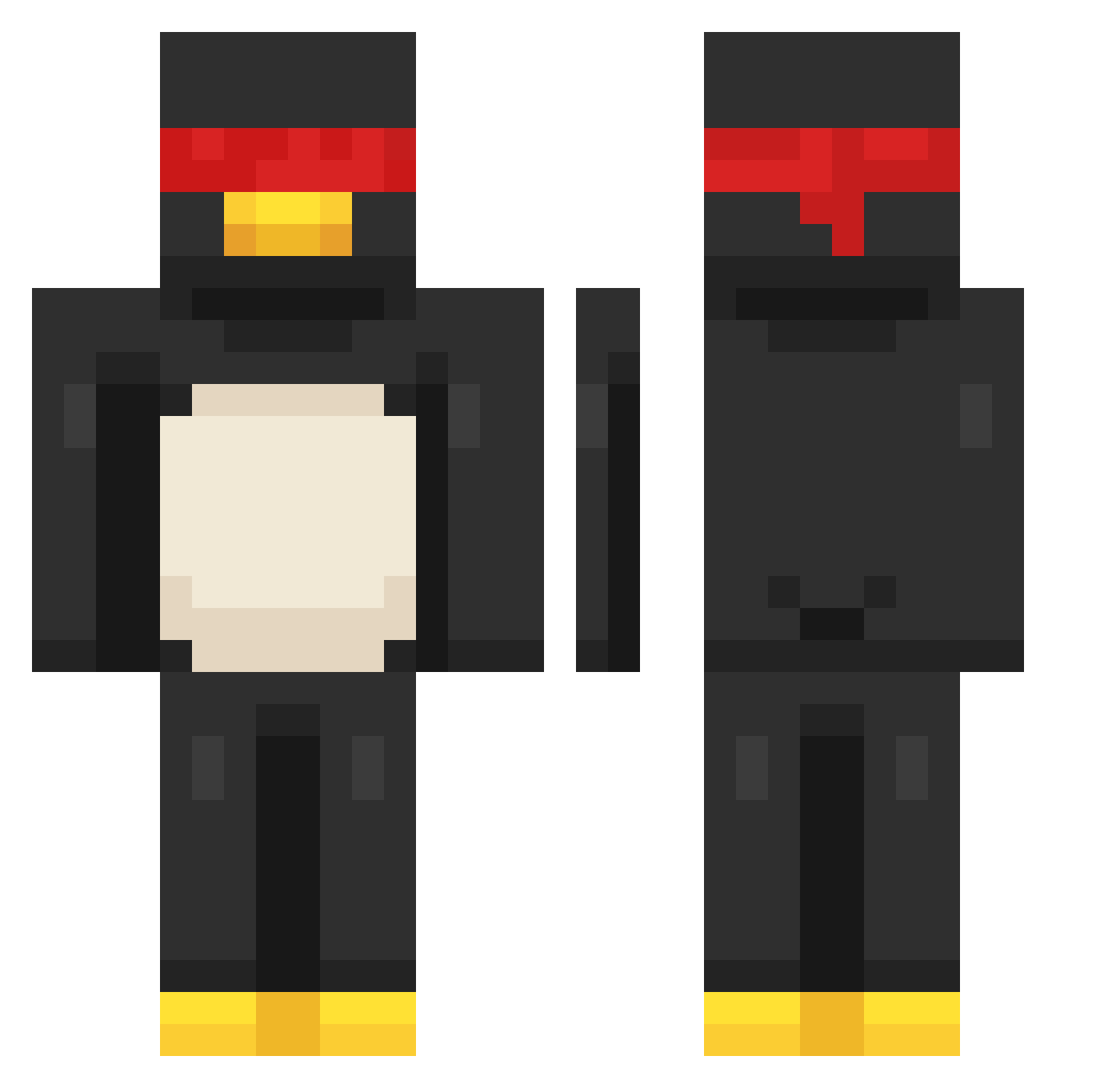
Current Minecraft skin of the player femboyhq, loaded from the official Mojang API. Rotate the 3D model with your mouse or finger, then download the skin as a PNG file and use it in Minecraft: Bedrock Edition or Java Edition for free. When femboyhq changes their skin, this page updates automatically and the old skin stays in the history below.
Other players with this skin (204)
femboyhq was the 192nd player we have seen with this skin, first spotted on 11.11.2026. The same skin was seen on these players. Open a nickname to see their current skin and skin history.
 slippery1812 leeler2016 isaiahLovesK1ds bagongo2010 GGk11 Zinixx Teminous Mr_nuttyy69 Shaloli81 slim3ds Vxdrqz AsaiinBoii MatejModru Kezy_0o Zezo_UP swagpeakin Senzu9 ItsHadex Xydenis234 sentrylion Frazza_Boiii DecidedToday SuperDragonLuc Not_applicable21 Unfight AwpData giganiga22845 goatedaziz_x2 taterrocks MuddyOwl knight_in_a_boat wolfiezer KoukiChriz xavavava987 f_Krypt_6 SukiFedido Korjn_ Link3917 Baoshi81 5AMS0N yesung_1211 Slycodex WhoIcey Rip_Kohai nadCrim4oy lipt0nwashere syxeri Vanesman Coolbuilder2021 whiteghost_543 0427ABCD 6qwz _D0c Eliante_ SirFrostyMC azoozmango Hen1_ hjb7673 NoirNSC CucumberMunchers
Previous skins of femboyhq
Skins that femboyhq wore before, newest first. Click a skin to open its page and download it.
More Penguin Minecraft skins
How to install the femboyhq skin
- Press the Download button above to save the skin as a PNG file.
- Minecraft: Bedrock Edition (PE): open the Dressing Room from the main menu (or tap your character → Edit Character), go to Classic Skins → Owned, press the + (new skin) button, choose the downloaded PNG and pick the Classic (Steve) model. Works on PC and mobile; consoles cannot import custom skins.
- Minecraft: Java Edition: open the Minecraft Launcher, go to the Skins tab, click New Skin, load the PNG, pick the Classic (Steve) model and press Save & Use. You can also upload it at minecraft.net → Profile → Change Skin.
The skin does not show up after import - what should I do?
Restart Minecraft and open the Dressing Room again - imported skins sometimes appear only after a restart. Also make sure you selected the imported skin and picked the Classic (Steve) model.
Which model should I choose, Classic or Slim?
This skin is designed for the Classic (Steve) model. If you pick the wrong model, the arms of the skin will look stretched or squeezed.
Is the skin of femboyhq free to download?
Yes. Press Download, save the PNG file and use it in Minecraft: Bedrock Edition or Java Edition - no payment or registration needed. The skin also works on multiplayer servers and Realms.
More skins
Looking for more? Go back to all Minecraft skins and check the top skins of the week, month and all time, or find any player's skin by nickname.