
Eliante_ - Minecraft Skins & Skin History
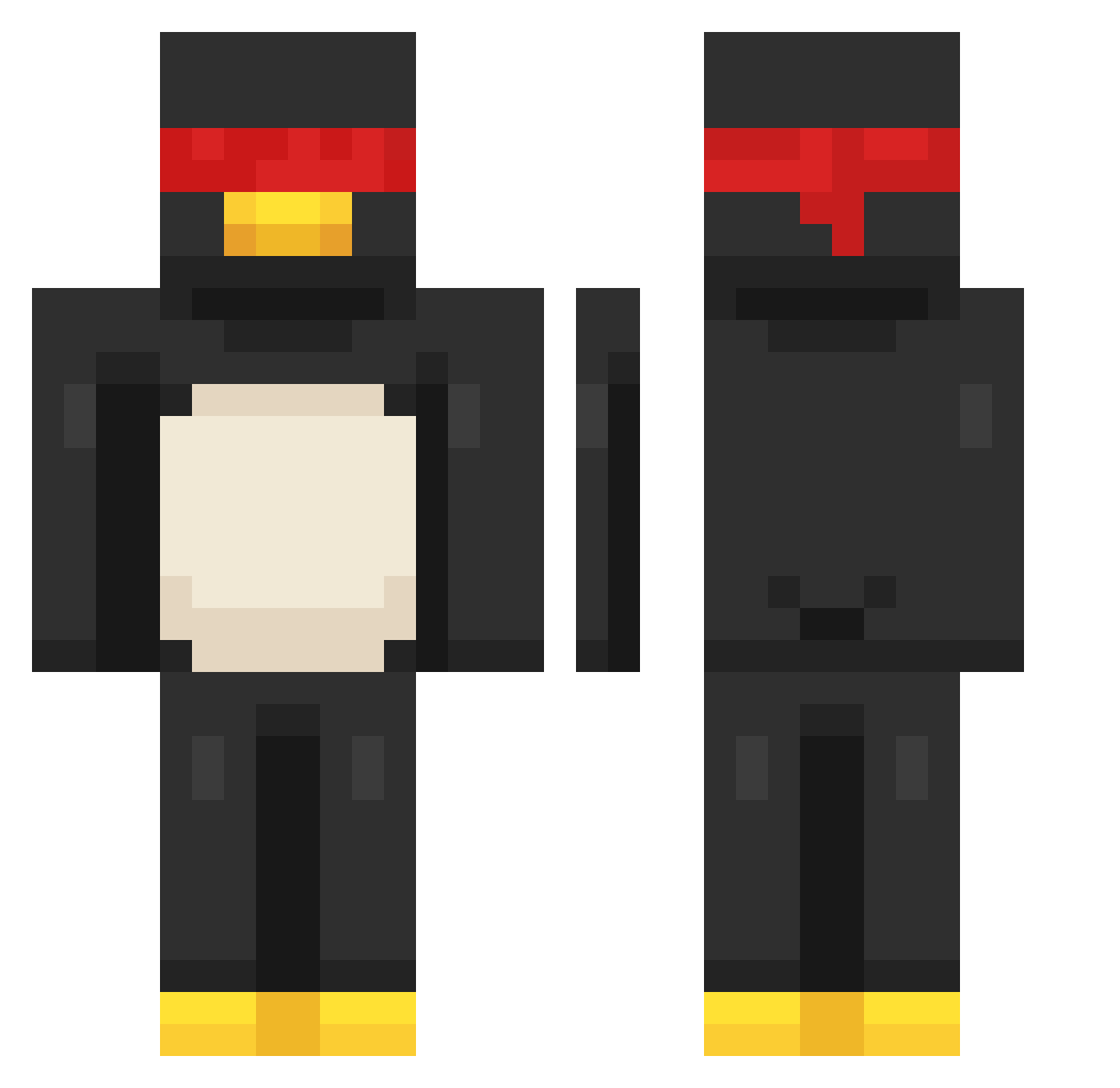
Current Minecraft skin of the player Eliante_, loaded from the official Mojang API. Rotate the 3D model with your mouse or finger, then download the skin as a PNG file and use it in Minecraft: Bedrock Edition or Java Edition for free. When Eliante_ changes their skin, this page updates automatically and the old skin stays in the history below.
Other players with this skin (174)
Eliante_ was the 151st player we have seen with this skin, first spotted on 18.10.2026. The same skin was seen on these players. Open a nickname to see their current skin and skin history.
 SirFrostyMC _D0c azoozmango 6qwz 0427ABCD Hen1_ hjb7673 whiteghost_543 NoirNSC Coolbuilder2021 Vanesman syxeri CucumberMunchers gogo_gaga_ Shanks_Teach lipt0nwashere ivan093 nadCrim4oy farmo_1233 Rip_Kohai WhoIcey Slycodex yesung_1211 ITHA10 5AMS0N H1MANSHU Virando Baoshi81 DookuTheDuelist Link3917 BREIKBAX666 Korjn_ Zeyper SukiFedido AbiTabi19 mr_tayl0r 12138ale f_Krypt_6 xavavava987 KoukiChriz Sink089 wolfiezer knight_in_a_boat Lukkie_Pookie MuddyOwl Viyrrt samjotamath ionsnitch BIGBROS2033 JUSTGREEN12 RedRobin12 meircus2002 BONGSTRONG MouseGoBrr Zlemmio ElBordy TacticalTab Sarapatell kelochlopczyk HansRod120821
More Penguin Minecraft skins
How to install the Eliante_ skin
- Press the Download button above to save the skin as a PNG file.
- Minecraft: Bedrock Edition (PE): open the Dressing Room from the main menu (or tap your character → Edit Character), go to Classic Skins → Owned, press the + (new skin) button, choose the downloaded PNG and pick the Classic (Steve) model. Works on PC and mobile; consoles cannot import custom skins.
- Minecraft: Java Edition: open the Minecraft Launcher, go to the Skins tab, click New Skin, load the PNG, pick the Classic (Steve) model and press Save & Use. You can also upload it at minecraft.net → Profile → Change Skin.
The skin does not show up after import - what should I do?
Restart Minecraft and open the Dressing Room again - imported skins sometimes appear only after a restart. Also make sure you selected the imported skin and picked the Classic (Steve) model.
Which model should I choose, Classic or Slim?
This skin is designed for the Classic (Steve) model. If you pick the wrong model, the arms of the skin will look stretched or squeezed.
Is the skin of Eliante_ free to download?
Yes. Press Download, save the PNG file and use it in Minecraft: Bedrock Edition or Java Edition - no payment or registration needed. The skin also works on multiplayer servers and Realms.
More skins
Looking for more? Go back to all Minecraft skins and check the top skins of the week, month and all time, or find any player's skin by nickname.