
ehund - Minecraft Skins & Skin History
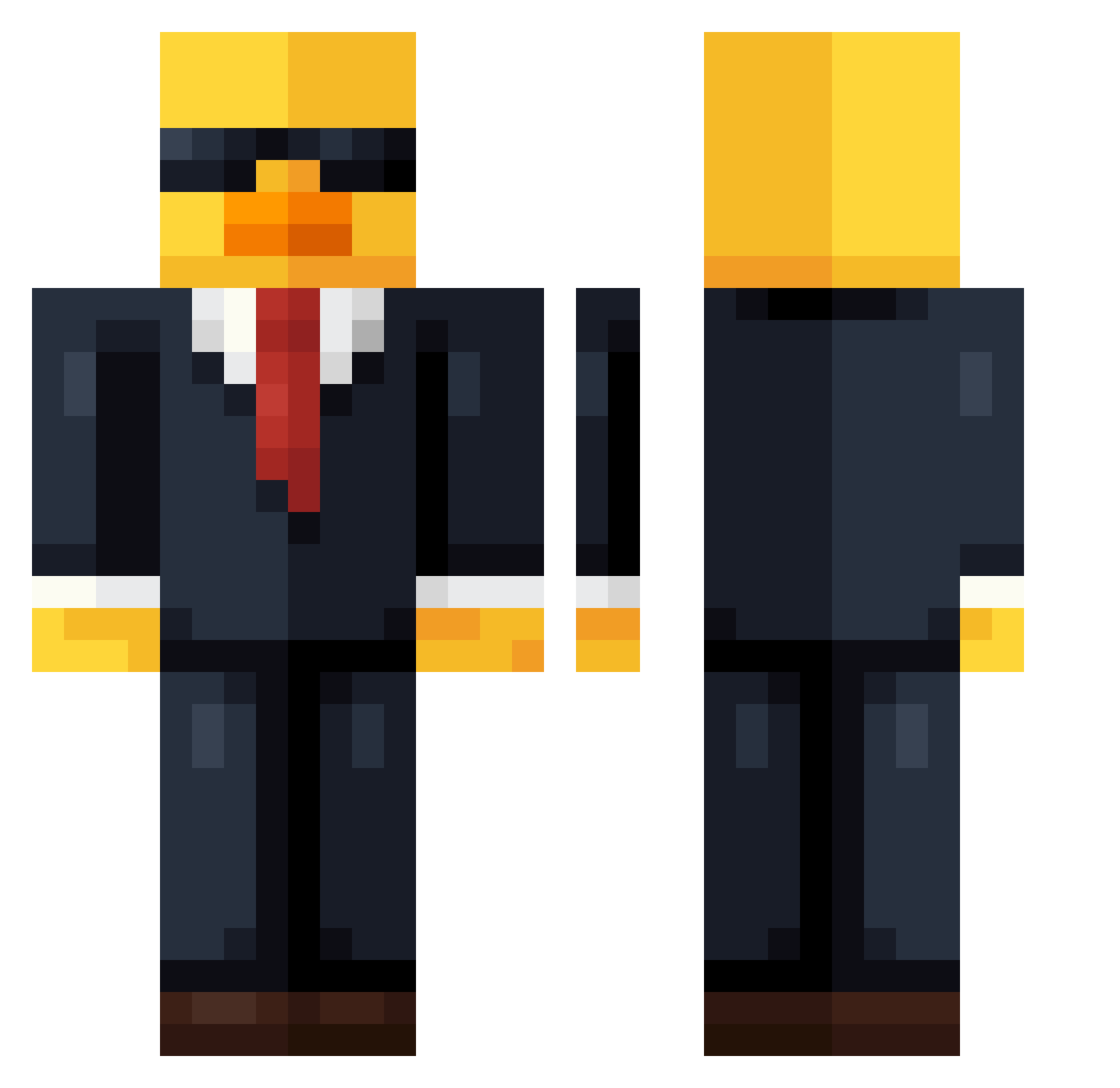
Current Minecraft skin of the player ehund, loaded from the official Mojang API. Rotate the 3D model with your mouse or finger, then download the skin as a PNG file and use it in Minecraft: Bedrock Edition or Java Edition for free. When ehund changes their skin, this page updates automatically and the old skin stays in the history below.
Other players with this skin (736)
ehund was the 376th player we have seen with this skin, first spotted on 21.09.2026. The same skin was seen on these players. Open a nickname to see their current skin and skin history.
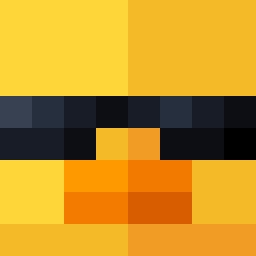 Sorlleyy carrotmanOK MrSlaterr RobinHD finnok13 Moha6969 jul3s51 eO_o9 6A6O keikei123213 Fi9vI Sushiparty12 Benram02 yRenan perilus bbddz ItsLightwork Jdizz26 H4GI003 _H1x eclipse242 vicenge massimo0002 din_mamma2o3 BaptDarks itsxXmattewxX McLarenRacer SilentRage06 100102ab Zorlad M000nshine Stopiey 4K1F_ sterle123 Pikachu2137 Msteve_ butane_11 Gurke1421 urbarber1 zzzzzoxxinn Mogax GothicRequiem eliaskloster cutejianee1972 JOjo_hannes2011 ItzJohnny221 sea_dragon9 vfisco1 MrWatermelonFN InF_Paradox NT152592 sa_toshi_ Renardfeu18 MisakiMei0 Cosmic_55 Eliott591 NahNebula aq1d Alesio2d Itz_Vanquish
More Duck Minecraft skins
How to install the ehund skin
- Press the Download button above to save the skin as a PNG file.
- Minecraft: Bedrock Edition (PE): open the Dressing Room from the main menu (or tap your character → Edit Character), go to Classic Skins → Owned, press the + (new skin) button, choose the downloaded PNG and pick the Classic (Steve) model. Works on PC and mobile; consoles cannot import custom skins.
- Minecraft: Java Edition: open the Minecraft Launcher, go to the Skins tab, click New Skin, load the PNG, pick the Classic (Steve) model and press Save & Use. You can also upload it at minecraft.net → Profile → Change Skin.
The skin does not show up after import - what should I do?
Restart Minecraft and open the Dressing Room again - imported skins sometimes appear only after a restart. Also make sure you selected the imported skin and picked the Classic (Steve) model.
Which model should I choose, Classic or Slim?
This skin is designed for the Classic (Steve) model. If you pick the wrong model, the arms of the skin will look stretched or squeezed.
Is the skin of ehund free to download?
Yes. Press Download, save the PNG file and use it in Minecraft: Bedrock Edition or Java Edition - no payment or registration needed. The skin also works on multiplayer servers and Realms.
More skins
Looking for more? Go back to all Minecraft skins and check the top skins of the week, month and all time, or find any player's skin by nickname.