
dutrap - Minecraft Skins & Skin History
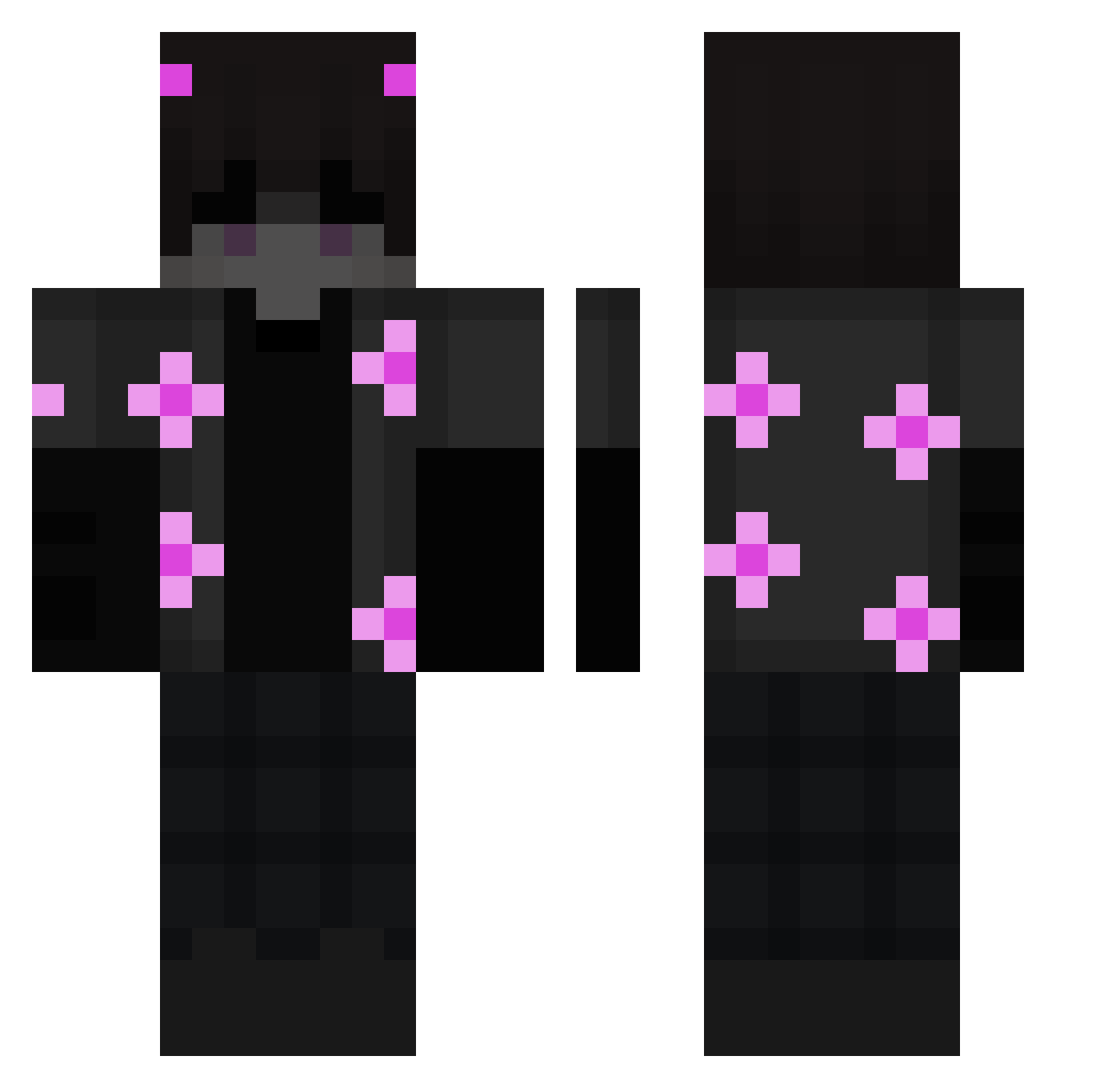
Current Minecraft skin of the player dutrap, loaded from the official Mojang API. Rotate the 3D model with your mouse or finger, then download the skin as a PNG file and use it in Minecraft: Bedrock Edition or Java Edition for free. When dutrap changes their skin, this page updates automatically and the old skin stays in the history below.
Other players with this skin (200)
dutrap was the 131st player we have seen with this skin, first spotted on 05.10.2026. The same skin was seen on these players. Open a nickname to see their current skin and skin history.
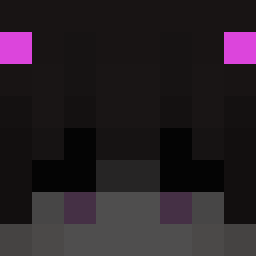 E_boy_Limer HericFMG davidlara_2 Sorap1s nichtnikl Killmeirlpls Ox4st3ev3n5 zDraxer Shinydaniel PayeMoiTonTacos ChaR1371 ChronicleDisplay hofhn17 CaganGenc OIKAF haejun20 Druzhische SoupZee Nebula_pvp ArthisTheSlyher Boing251 Tydory FuunaBaduuna Damianosek99 akram999 fabianx2000 okaJB Leng_Mo_Yi_Liang zerovlol jahu123 Jersynorsu 35SS ShiggySWAG 7iscute h6xagone Kapilek123 Onion_Kings Scruff07 FeGa9 xViniih Hiro_666 Proseid0n Hiro07M Kool_Ade mynamedee Cundare KingFredP Destiny84 RATAT9Y Zulia0 EKSPONA Suvona aaleexx17 MaxedOut117 Keers__ NikroXD exeos_06 Pilmenn ColdnessCF QuixLP
More Demon Minecraft skins
How to install the dutrap skin
- Press the Download button above to save the skin as a PNG file.
- Minecraft: Bedrock Edition (PE): open the Dressing Room from the main menu (or tap your character → Edit Character), go to Classic Skins → Owned, press the + (new skin) button, choose the downloaded PNG and pick the Classic (Steve) model. Works on PC and mobile; consoles cannot import custom skins.
- Minecraft: Java Edition: open the Minecraft Launcher, go to the Skins tab, click New Skin, load the PNG, pick the Classic (Steve) model and press Save & Use. You can also upload it at minecraft.net → Profile → Change Skin.
The skin does not show up after import - what should I do?
Restart Minecraft and open the Dressing Room again - imported skins sometimes appear only after a restart. Also make sure you selected the imported skin and picked the Classic (Steve) model.
Which model should I choose, Classic or Slim?
This skin is designed for the Classic (Steve) model. If you pick the wrong model, the arms of the skin will look stretched or squeezed.
Is the skin of dutrap free to download?
Yes. Press Download, save the PNG file and use it in Minecraft: Bedrock Edition or Java Edition - no payment or registration needed. The skin also works on multiplayer servers and Realms.
More skins
Looking for more? Go back to all Minecraft skins and check the top skins of the week, month and all time, or find any player's skin by nickname.