
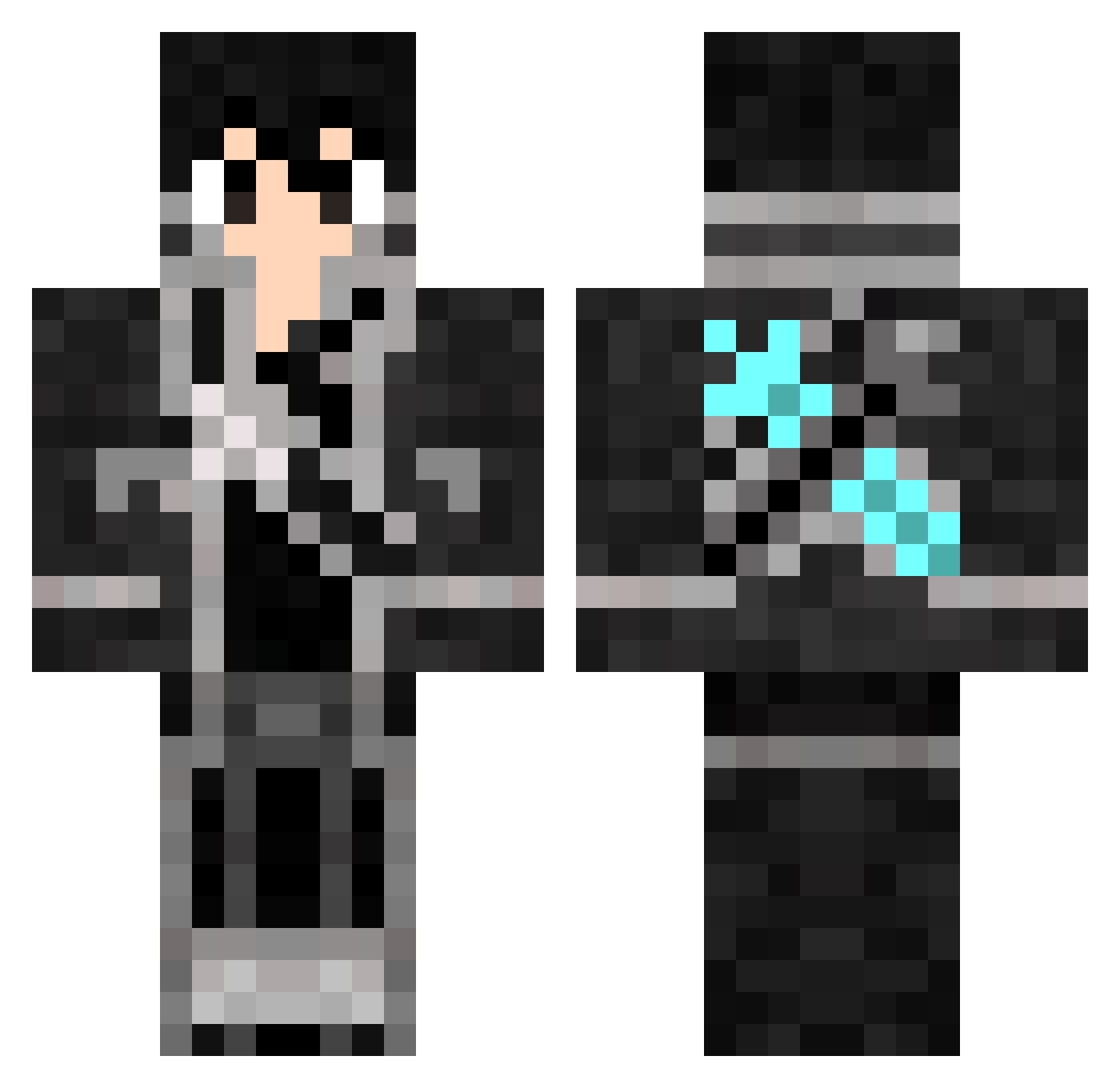
Current Minecraft skin of the player crazygam3rr, loaded from the official Mojang API. Rotate the 3D model with your mouse or finger, then download the skin as a PNG file and use it in Minecraft: Bedrock Edition or Java Edition for free. When crazygam3rr changes their skin, this page updates automatically and the old skin stays in the history below.
Other players with this skin (389)
crazygam3rr was the 298th player we have seen with this skin, first spotted on 30.09.2026. The same skin was seen on these players. Open a nickname to see their current skin and skin history.
 Ludzki LordMerro DEADYDESTROYERVG Invader_Dude ao_twinkle Baua Snoopydoggu Skjoldvard vARESv GoldenYoho Neophyte86 Chigny FloatingClouds Kirito_777 Summerness ToxicSwag7789 leo27628822 K1ritoo mutti crazywind00 TheRusskikh Kigos76 hamster1015 SOULCHARM36 jackT_T BinaryBear lucraftgame dragonhunter2025 superzapped meme6 Jony_da_Beast Charlychee kiba_boy_98 IWantTheManager Phantasy_Zero L0zero 6Xuqy SWAT_ik WyMaN123 kilita AceofGame89 hikellan xarabi dajaol Shadeslayer2014 bluesa1 Sugarpantss NaomiTaylor dragneel88 TheCraftedGamer9 Orangeninja2531 CrinX Firewisper Victor753951 Slashin_Camels SeaTurtle_215 henjiwong Jonathan360cool Middie321 Lis_YouTube
More Kirito Minecraft skins
How to install the crazygam3rr skin
- Press the Download button above to save the skin as a PNG file.
- Minecraft: Bedrock Edition (PE): open the Dressing Room from the main menu (or tap your character → Edit Character), go to Classic Skins → Owned, press the + (new skin) button, choose the downloaded PNG and pick the Classic (Steve) model. Works on PC and mobile; consoles cannot import custom skins.
- Minecraft: Java Edition: open the Minecraft Launcher, go to the Skins tab, click New Skin, load the PNG, pick the Classic (Steve) model and press Save & Use. You can also upload it at minecraft.net → Profile → Change Skin.
The skin does not show up after import - what should I do?
Restart Minecraft and open the Dressing Room again - imported skins sometimes appear only after a restart. Also make sure you selected the imported skin and picked the Classic (Steve) model.
Which model should I choose, Classic or Slim?
This skin is designed for the Classic (Steve) model. If you pick the wrong model, the arms of the skin will look stretched or squeezed.
Is the skin of crazygam3rr free to download?
Yes. Press Download, save the PNG file and use it in Minecraft: Bedrock Edition or Java Edition - no payment or registration needed. The skin also works on multiplayer servers and Realms.
More skins
Looking for more? Go back to all Minecraft skins and check the top skins of the week, month and all time, or find any player's skin by nickname.