
 Uradriendir MINEuForDiamonds Rob999 Fivestar1 LOLI72HUNTER Texican32 Truskawa__ genji_saga Kyogre12138 HatsuneMikuTW RyanzXxX Weichi233 FKzTC starmaguro KEN2006 Keyrooo Qi_Tang iMagicall terryng602 YellowWeasel_ YtX2Elite Nero_Kraken Tatsuya1301 Alezender1003 xinghenss Levenend ODT_Legion karmie07 HusseinSpasiba Voidnightt itsmeemaw Adolhit HAMUSUTA_ YoshiYTJG saber5757 FREAQ0NE Krilto Pantek BLM2233 Mineralwater03 franzxml SEAN000706 Hyven_ KingOfYuta TonyTsai1123 TimBerserker tongren0 Vitynho yukikirito Axelice Yms_86 putarosu kirito610910 Sabotages EXIAKirito Menthredro kitty5147 Yo_Hsuan Phonts HoshigakiIzhra
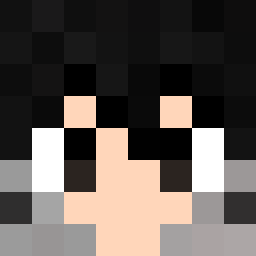
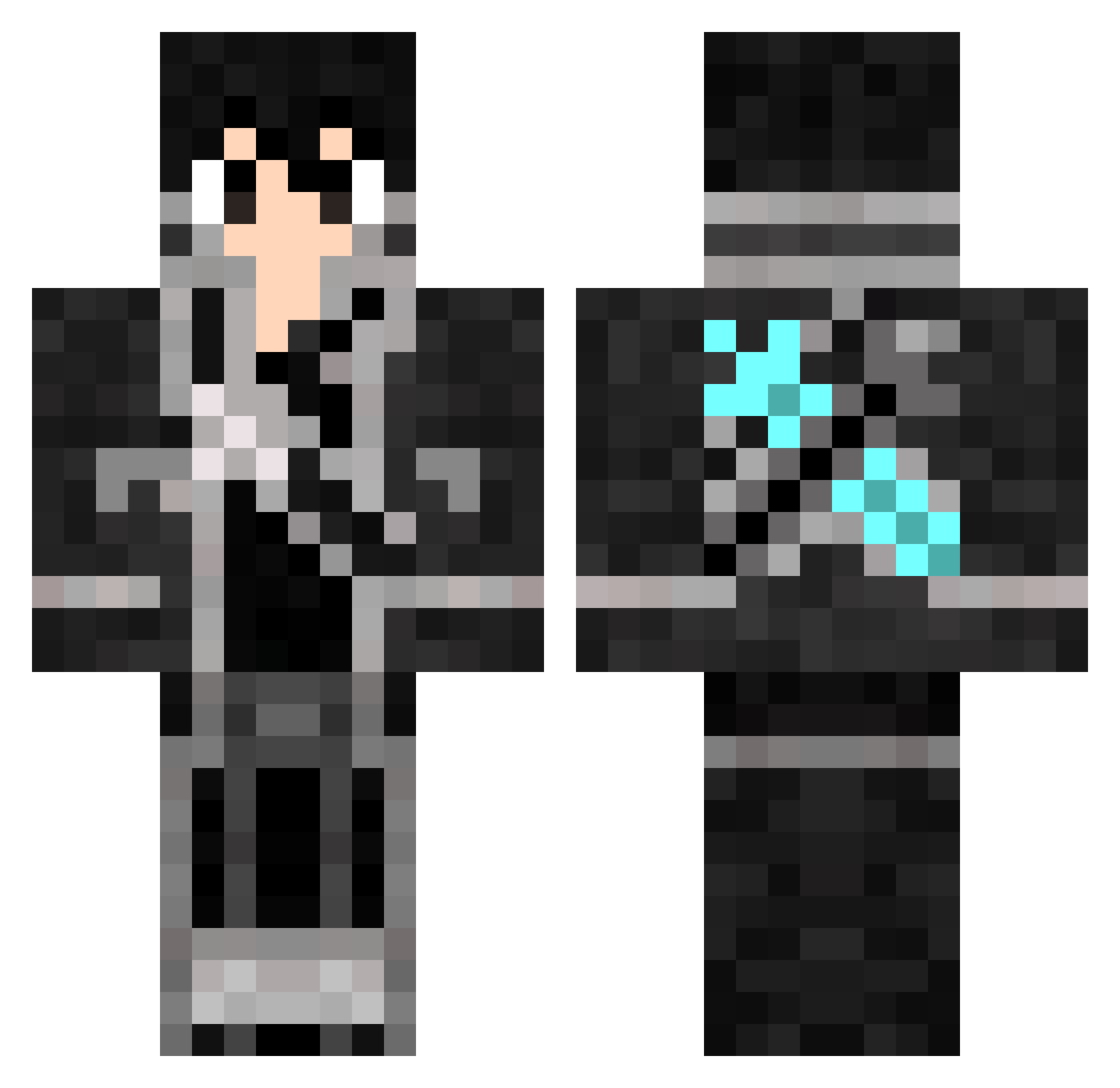
Minecraft skin of Diamond_Master14. Rotate the 3D model with your mouse or finger to view the skin from every angle, then download it as a PNG file and use it in Minecraft: Bedrock Edition or Java Edition for free. Rate the skin with stars to help other players find the best skins in our collection.
How to install the Diamond_Master14 skin
- Press the Download button above to save the skin as a PNG file.
- Minecraft: Bedrock Edition (PE): open the Dressing Room from the main menu (or tap your character → Edit Character), go to Classic Skins → Owned, press the + (new skin) button, choose the downloaded PNG and pick the Classic (Steve) model. Works on PC and mobile; consoles cannot import custom skins.
- Minecraft: Java Edition: open the Minecraft Launcher, go to the Skins tab, click New Skin, load the PNG, pick the Classic (Steve) model and press Save & Use. You can also upload it at minecraft.net → Profile → Change Skin.
The skin does not show up after import - what should I do?
Restart Minecraft and open the Dressing Room again - imported skins sometimes appear only after a restart. Also make sure you selected the imported skin and picked the Classic (Steve) model.
Which model should I choose, Classic or Slim?
This skin is designed for the Classic (Steve) model. If you pick the wrong model, the arms of the skin will look stretched or squeezed.
Is this skin free to use?
Yes. Press Download, save the PNG file and use it in Minecraft: Bedrock Edition or Java Edition - no payment or registration needed. The skin also works on multiplayer servers and Realms.
More Kirito Minecraft skins
More skins
Looking for more? Go back to all Minecraft skins and check the top skins of the week, month and all time, or find any player's skin by nickname.