
 MisterKS Combat_Vixen AmbushingRogue DylanIsSoNinja Ethan_Connor kopakac1403 sakato12 XiaoYuuu Kurie9731 Knurlag Scochocolate takeyourlife3000 VroumVroum_96 Smash8035 AumUnity kombainXD EMINEM04 asuna__0930 iAsTroBlaZe koe2525 joeyysrevenge Xyunata mocafishy superbe Kpwills Daissassin DandweL0 SauceLFD Zyzzyx419 Rage_Knight_ Vincy5735 SilentShadowTCS mac_n0720 BLDR1016 Kizutin kao0109 Zanegoldjw Misogi96 KiritouwuGamer Okkaut ITAIII1I TTV_DK11 jaguar93 Slashpup Nautiz Ultimate_Know pnsxp joshieboy98 Marty2015 Sunset125 HARUKI414 DarkManuel_ Misho1001 shoji0908 OGCloudB DarioRahim StromDragon7 Myfaith_Amiao iSiriop gibraltarr
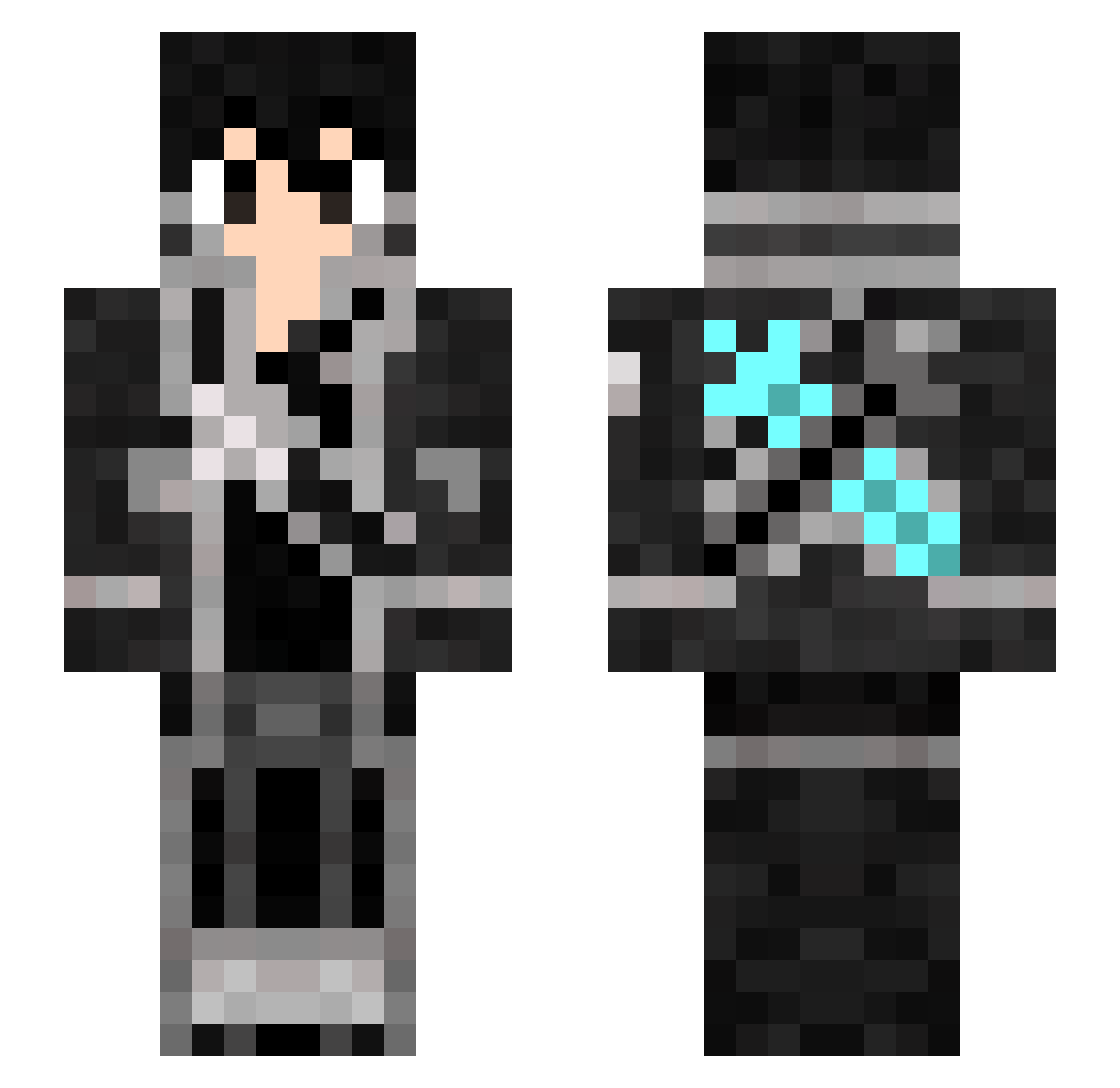
Minecraft skin of WhiteSwordmaster. Rotate the 3D model with your mouse or finger to view the skin from every angle, then download it as a PNG file and use it in Minecraft: Bedrock Edition or Java Edition for free. Rate the skin with stars to help other players find the best skins in our collection.
How to install the WhiteSwordmaster skin
- Press the Download button above to save the skin as a PNG file.
- Minecraft: Bedrock Edition (PE): open the Dressing Room from the main menu (or tap your character → Edit Character), go to Classic Skins → Owned, press the + (new skin) button, choose the downloaded PNG and pick the Slim (Alex) model. Works on PC and mobile; consoles cannot import custom skins.
- Minecraft: Java Edition: open the Minecraft Launcher, go to the Skins tab, click New Skin, load the PNG, pick the Slim (Alex) model and press Save & Use. You can also upload it at minecraft.net → Profile → Change Skin.
The skin does not show up after import - what should I do?
Restart Minecraft and open the Dressing Room again - imported skins sometimes appear only after a restart. Also make sure you selected the imported skin and picked the Slim (Alex) model.
Which model should I choose, Classic or Slim?
This skin is designed for the Slim (Alex) model. If you pick the wrong model, the arms of the skin will look stretched or squeezed.
Is this skin free to use?
Yes. Press Download, save the PNG file and use it in Minecraft: Bedrock Edition or Java Edition - no payment or registration needed. The skin also works on multiplayer servers and Realms.
More Kirito Minecraft skins
More skins
Looking for more? Go back to all Minecraft skins and check the top skins of the week, month and all time, or find any player's skin by nickname.