
chompz007 - Minecraft Skins & Skin History
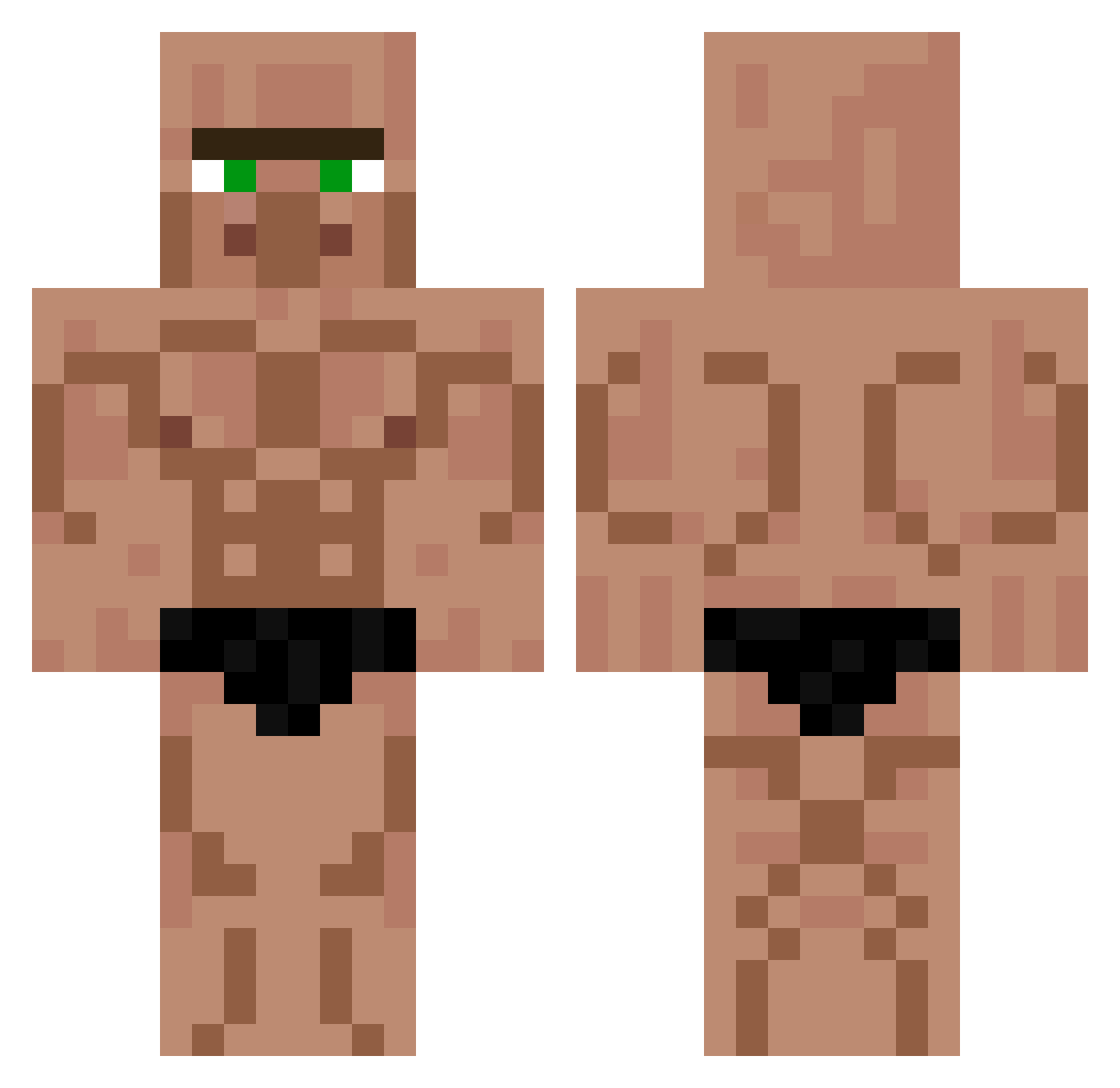
Current Minecraft skin of the player chompz007, loaded from the official Mojang API. Rotate the 3D model with your mouse or finger, then download the skin as a PNG file and use it in Minecraft: Bedrock Edition or Java Edition for free. When chompz007 changes their skin, this page updates automatically and the old skin stays in the history below.
Other players with this skin (451)
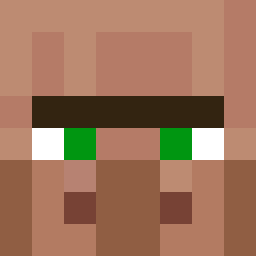
chompz007 was the 364th player we have seen with this skin, first spotted on 22.10.2026. The same skin was seen on these players. Open a nickname to see their current skin and skin history.
 NaNeeee tori0214 Cadu1025 Alecccxx roei_king123 Emiliomh 85wr SUI4025 SlavDoggo Paul4727 Ozmos1 AlbeanCulture Fusge122 Salkinjo Gaxy699 TnTretr0 Csoszti Trophyboykaleb Carl_10 jcm1909 Baobab411 Tihanyka Fudge_Sicle00 DgKJC NotJesus04 Ohhgge0861 ShinnoS_VN superbeck420 azewayz ROGERINHODNARGAS Da_Bones splattyUSA ivan0316 renacrack132 Lulatschcrafter1 mikrogoaen zSubtil CallistoZero Merisuta Suddensparrow Oskarito420 YTkrudix Chevengur Big_Man_Chazza zwarte_man WKey_zaza EndBlaster Krisooooo GretFente MagicPepino wojtasGM UHSEGOVIA abrady21 sleepylad22 b3k15678 ChungusMaximus69 LeosPlays Antrozz96 Torku79 Marcel_Goat
More Buff Minecraft skins
How to install the chompz007 skin
- Press the Download button above to save the skin as a PNG file.
- Minecraft: Bedrock Edition (PE): open the Dressing Room from the main menu (or tap your character → Edit Character), go to Classic Skins → Owned, press the + (new skin) button, choose the downloaded PNG and pick the Classic (Steve) model. Works on PC and mobile; consoles cannot import custom skins.
- Minecraft: Java Edition: open the Minecraft Launcher, go to the Skins tab, click New Skin, load the PNG, pick the Classic (Steve) model and press Save & Use. You can also upload it at minecraft.net → Profile → Change Skin.
The skin does not show up after import - what should I do?
Restart Minecraft and open the Dressing Room again - imported skins sometimes appear only after a restart. Also make sure you selected the imported skin and picked the Classic (Steve) model.
Which model should I choose, Classic or Slim?
This skin is designed for the Classic (Steve) model. If you pick the wrong model, the arms of the skin will look stretched or squeezed.
Is the skin of chompz007 free to download?
Yes. Press Download, save the PNG file and use it in Minecraft: Bedrock Edition or Java Edition - no payment or registration needed. The skin also works on multiplayer servers and Realms.
More skins
Looking for more? Go back to all Minecraft skins and check the top skins of the week, month and all time, or find any player's skin by nickname.