
byewtf - Minecraft Skins & Skin History
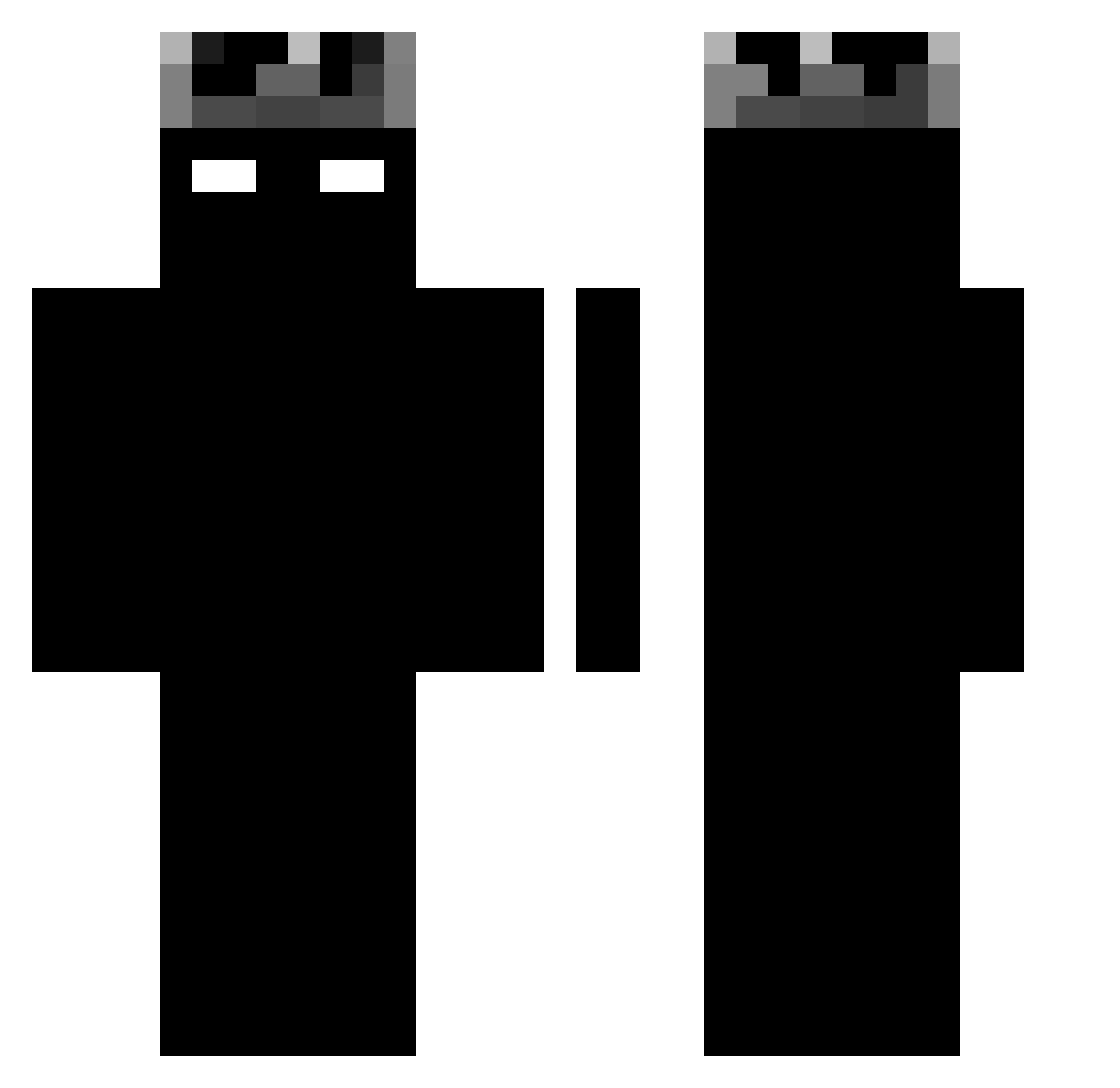
Current Minecraft skin of the player byewtf, loaded from the official Mojang API. Rotate the 3D model with your mouse or finger, then download the skin as a PNG file and use it in Minecraft: Bedrock Edition or Java Edition for free. When byewtf changes their skin, this page updates automatically and the old skin stays in the history below.
Other players with this skin (1163)
byewtf was the 811th player we have seen with this skin, first spotted on 06.10.2026. The same skin was seen on these players. Open a nickname to see their current skin and skin history.
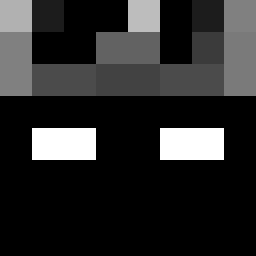 Notbrako14 Ar3o0nTop PercyPig_Jr3 Eravox itzM4RV1N Dozaik 1zzyTW xXKicuXx vin1costa Kriked Corn_0817 ElPiti23 drvji Mordzia12346 sl1krooyenov Angel4422 SzRr_ ArtSRocha Radiooowy dory_sucks XTANTARES kaike3456 TheTryh4rd_ Tomko_BOSS Xyrox_PRIME yang_sah imhaffu rhgs itsyossi RLPCCC CHXPPA3791 Flooppa_ kingjay667888 123maor11111111 0jsb PRO92i MRRRL Napletek69 Rotte20 Sems013 Ritzyqwaz CUTEPotato911 Sudyodsuk Sky_deat lokistyx TTVAuragaming R1GMo666 HitmanPL sni4zka Thalren NotFabzFr PHPacheco10 Jiboule69 MrPeperoni17 inflexz Floodyx kurokorugby CrazyDave40 Qwerno5 Vinvin110811
More Shadow Minecraft skins
How to install the byewtf skin
- Press the Download button above to save the skin as a PNG file.
- Minecraft: Bedrock Edition (PE): open the Dressing Room from the main menu (or tap your character → Edit Character), go to Classic Skins → Owned, press the + (new skin) button, choose the downloaded PNG and pick the Classic (Steve) model. Works on PC and mobile; consoles cannot import custom skins.
- Minecraft: Java Edition: open the Minecraft Launcher, go to the Skins tab, click New Skin, load the PNG, pick the Classic (Steve) model and press Save & Use. You can also upload it at minecraft.net → Profile → Change Skin.
The skin does not show up after import - what should I do?
Restart Minecraft and open the Dressing Room again - imported skins sometimes appear only after a restart. Also make sure you selected the imported skin and picked the Classic (Steve) model.
Which model should I choose, Classic or Slim?
This skin is designed for the Classic (Steve) model. If you pick the wrong model, the arms of the skin will look stretched or squeezed.
Is the skin of byewtf free to download?
Yes. Press Download, save the PNG file and use it in Minecraft: Bedrock Edition or Java Edition - no payment or registration needed. The skin also works on multiplayer servers and Realms.
More skins
Looking for more? Go back to all Minecraft skins and check the top skins of the week, month and all time, or find any player's skin by nickname.