
blakeyy2k - Minecraft Skins & Skin History
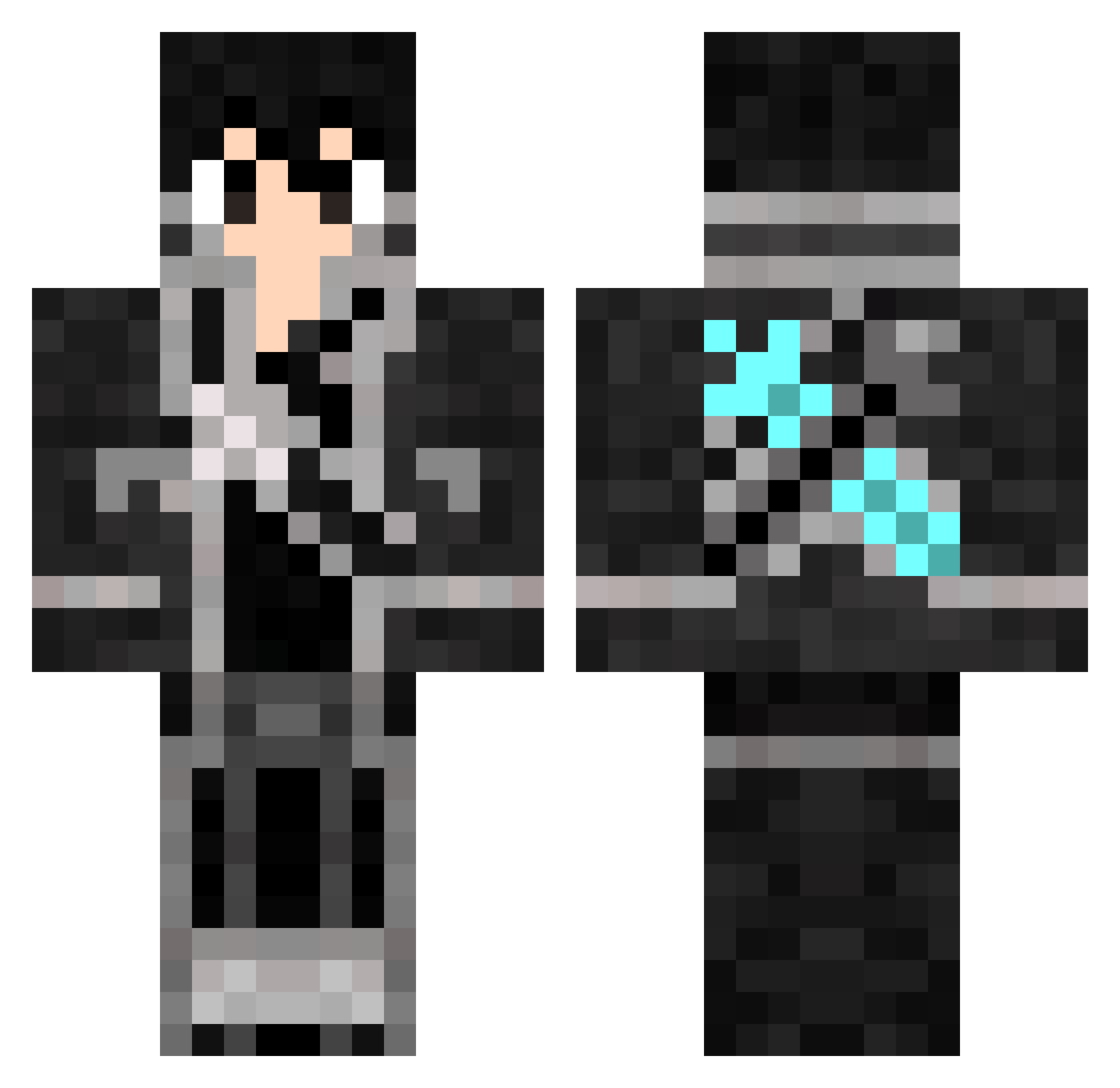
Current Minecraft skin of the player blakeyy2k, loaded from the official Mojang API. Rotate the 3D model with your mouse or finger, then download the skin as a PNG file and use it in Minecraft: Bedrock Edition or Java Edition for free. When blakeyy2k changes their skin, this page updates automatically and the old skin stays in the history below.
Other players with this skin (816)
blakeyy2k was the 302nd player we have seen with this skin, first spotted on 05.09.2026. The same skin was seen on these players. Open a nickname to see their current skin and skin history.
 KaaannBey
 Trigo222 kazuki612 IEqy Raider190 tianen __tks__ Kirito10th07th Styqx superDEHO gunmen424 MdTerpz NKCx_ JorgeFeick Da_Ge_ WemilioW darkirito loser0521 Ivan67423 kiritogamex nianlin mikan0414 AmrPrince Yuki_016_ User1diego ijfb3 lizitong maza88 SepiBell workerKdo Etharno0606 GCSY_PJ heN1314 Masterkoller Prxnce26 MYNightRaidFTW FraanArg ombrias13 KaapT Rjuice Jasoniito PekoGamer Capetao__ AxelzukE J_A_K_E_Y_ ExcsKirito Advent133 AlexmonDOTO Xiaoxiao_SC DavidLucas Bluebomb3r Falkux Scefy ZNkirito KyserShin xScavenger_ Minase_miyuki makarofthekiller Indypendence Ruieeji
More Kirito Minecraft skins
How to install the blakeyy2k skin
- Press the Download button above to save the skin as a PNG file.
- Minecraft: Bedrock Edition (PE): open the Dressing Room from the main menu (or tap your character → Edit Character), go to Classic Skins → Owned, press the + (new skin) button, choose the downloaded PNG and pick the Classic (Steve) model. Works on PC and mobile; consoles cannot import custom skins.
- Minecraft: Java Edition: open the Minecraft Launcher, go to the Skins tab, click New Skin, load the PNG, pick the Classic (Steve) model and press Save & Use. You can also upload it at minecraft.net → Profile → Change Skin.
The skin does not show up after import - what should I do?
Restart Minecraft and open the Dressing Room again - imported skins sometimes appear only after a restart. Also make sure you selected the imported skin and picked the Classic (Steve) model.
Which model should I choose, Classic or Slim?
This skin is designed for the Classic (Steve) model. If you pick the wrong model, the arms of the skin will look stretched or squeezed.
Is the skin of blakeyy2k free to download?
Yes. Press Download, save the PNG file and use it in Minecraft: Bedrock Edition or Java Edition - no payment or registration needed. The skin also works on multiplayer servers and Realms.
More skins
Looking for more? Go back to all Minecraft skins and check the top skins of the week, month and all time, or find any player's skin by nickname.