
TheJewpacabra0 - Minecraft Skins & Skin History
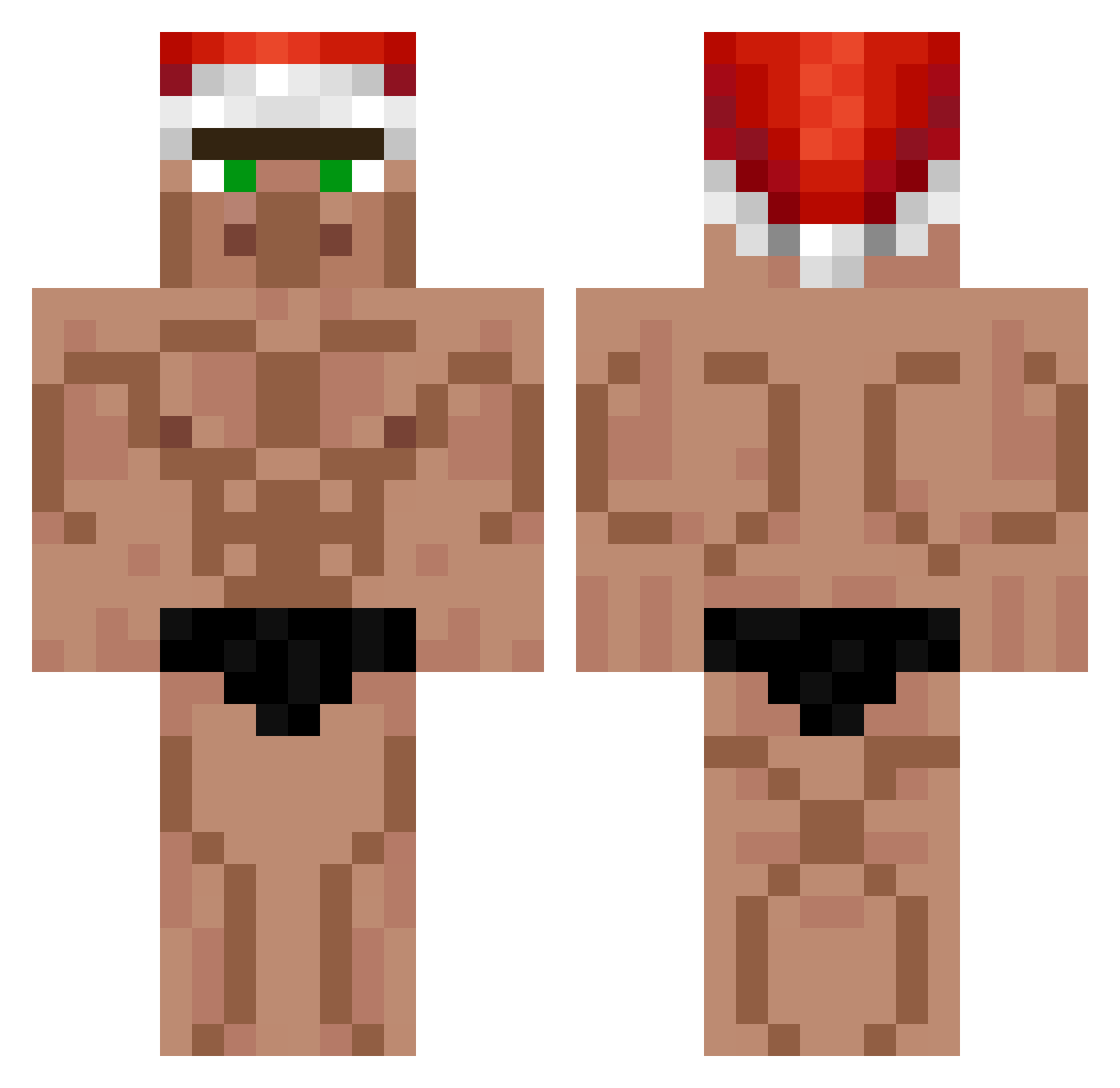
Current Minecraft skin of the player TheJewpacabra0, loaded from the official Mojang API. Rotate the 3D model with your mouse or finger, then download the skin as a PNG file and use it in Minecraft: Bedrock Edition or Java Edition for free. When TheJewpacabra0 changes their skin, this page updates automatically and the old skin stays in the history below.
Other players with this skin (399)
TheJewpacabra0 was the 151st player we have seen with this skin, first spotted on 05.09.2026. The same skin was seen on these players. Open a nickname to see their current skin and skin history.
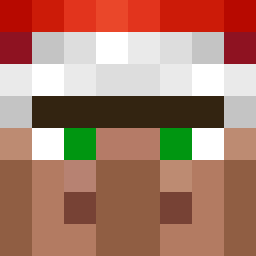 cerzo56 DragoDan21 ihs2007 5laughterRanch cr4ckedJustin weirdlytrue Barteljeep Neckbone_ qfqfqf2022 ilovemyself06 Tiage_ kim1245 frankilechuu MM5656 Guerred85 BillyYT Anvi11 zero_sniper siebej Tiffa01 ssj7777 trinkssssss TheBigBalls SunYong kaison77 Godzill99 elsilvador Pao2258 N3R0M Nevisky xandvh black_boy1 txml67 Isaac_Fn2 Fr1g1deur DWAEJIGUKBBAP_09 Terminate_J Masterplay77 D0hkO LiggarChips raijin120909 Venqosv2 phonesurgeon1 MK0204 DietDr_Kelp_ GilLook RiGetsNoGirls Flabby YT_TACKDEE sparxVII animorphs150 Snoreee _AlbyPro__ V01D_cOsMiC plement chatknights123 shy_purpur viiv745 PojemnyKrzysztof Nikojou_
More Buff Minecraft skins
How to install the TheJewpacabra0 skin
- Press the Download button above to save the skin as a PNG file.
- Minecraft: Bedrock Edition (PE): open the Dressing Room from the main menu (or tap your character → Edit Character), go to Classic Skins → Owned, press the + (new skin) button, choose the downloaded PNG and pick the Classic (Steve) model. Works on PC and mobile; consoles cannot import custom skins.
- Minecraft: Java Edition: open the Minecraft Launcher, go to the Skins tab, click New Skin, load the PNG, pick the Classic (Steve) model and press Save & Use. You can also upload it at minecraft.net → Profile → Change Skin.
The skin does not show up after import - what should I do?
Restart Minecraft and open the Dressing Room again - imported skins sometimes appear only after a restart. Also make sure you selected the imported skin and picked the Classic (Steve) model.
Which model should I choose, Classic or Slim?
This skin is designed for the Classic (Steve) model. If you pick the wrong model, the arms of the skin will look stretched or squeezed.
Is the skin of TheJewpacabra0 free to download?
Yes. Press Download, save the PNG file and use it in Minecraft: Bedrock Edition or Java Edition - no payment or registration needed. The skin also works on multiplayer servers and Realms.
More skins
Looking for more? Go back to all Minecraft skins and check the top skins of the week, month and all time, or find any player's skin by nickname.