
Tabita60 - Minecraft Skins & Skin History
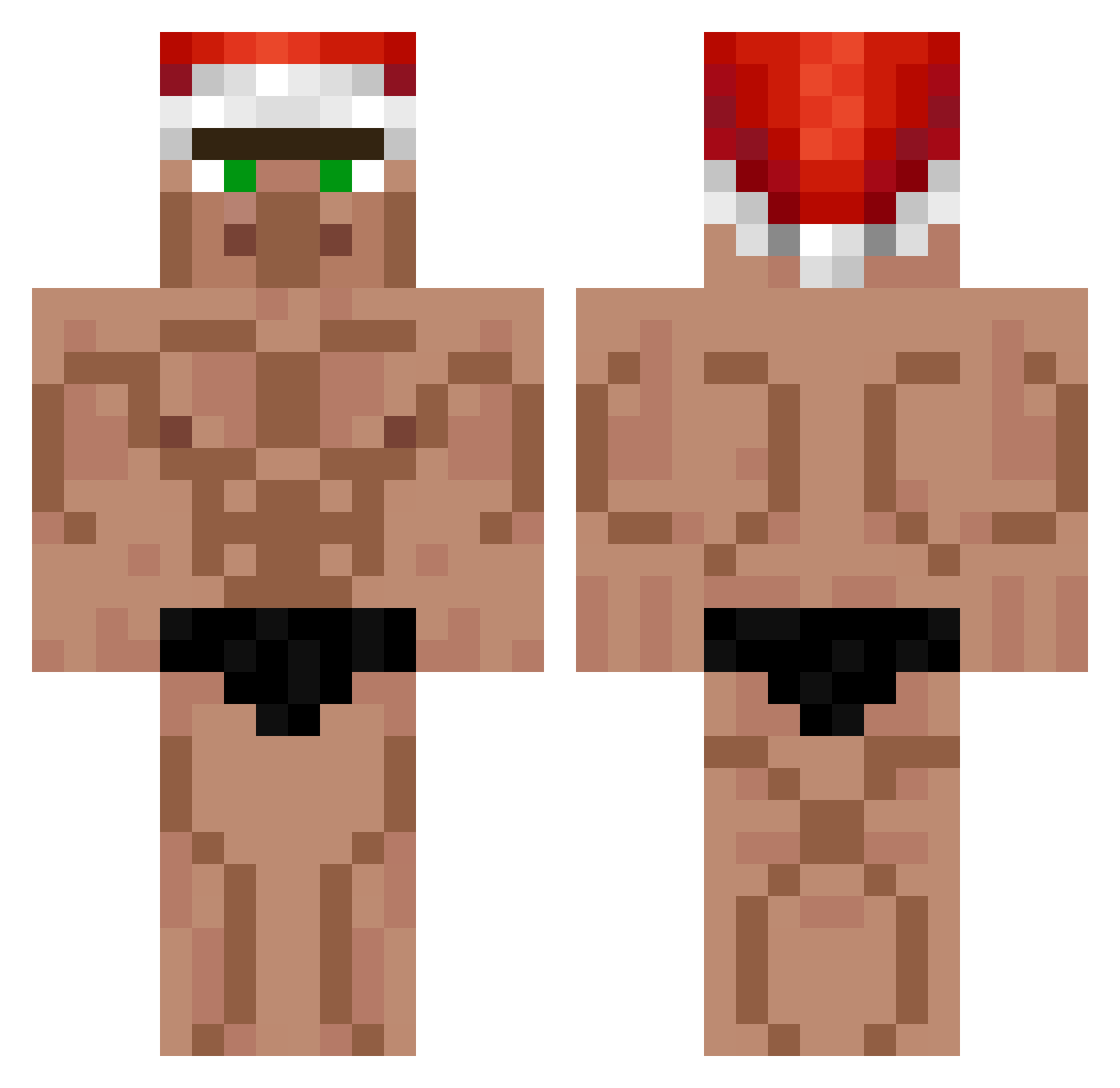
Current Minecraft skin of the player Tabita60, loaded from the official Mojang API. Rotate the 3D model with your mouse or finger, then download the skin as a PNG file and use it in Minecraft: Bedrock Edition or Java Edition for free. When Tabita60 changes their skin, this page updates automatically and the old skin stays in the history below.
Other players with this skin (399)
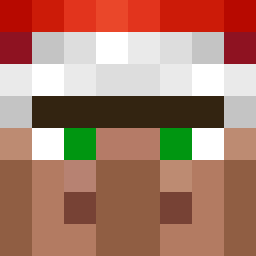
Tabita60 was the 189th player we have seen with this skin, first spotted on 20.09.2026. The same skin was seen on these players. Open a nickname to see their current skin and skin history.
 aks_YAvBM_03_02 mono4678 XEREQUINHA08 nikflips Papit00_ MoserAlberto skyonimous haibao0 monk_CHad Erictoma Ellinorae Sjemiell louie208 Mowgli_851 m_yeast02 Mamie_Mimi Jungi_jax_ Papota_Malota minecraft3100 Reeacee MOTES124 Bobdererbauer daniellj2009 igortasek DrogeStoeptegel kgtpower MajonEZIk7 Walketer endermoin q9617 Provoke447 viiv745 OchauaPowa25 shy_purpur chatknights123 Michimbito fetty324 V01D_cOsMiC David540615 sparxVII YT_TACKDEE GriemReaper4501 SpikeBigBoss22 benjvmon TomJHiltz RiGetsNoGirls AsunaFMC phonesurgeon1 OzNe_en_soumsoum Jacksonn69 LiggarChips oukin Turi_KING CamOnMac D0hkO Weezeh IanZGT Terminate_J SSJPanda_08 Banana_Samurai
More Buff Minecraft skins
How to install the Tabita60 skin
- Press the Download button above to save the skin as a PNG file.
- Minecraft: Bedrock Edition (PE): open the Dressing Room from the main menu (or tap your character → Edit Character), go to Classic Skins → Owned, press the + (new skin) button, choose the downloaded PNG and pick the Classic (Steve) model. Works on PC and mobile; consoles cannot import custom skins.
- Minecraft: Java Edition: open the Minecraft Launcher, go to the Skins tab, click New Skin, load the PNG, pick the Classic (Steve) model and press Save & Use. You can also upload it at minecraft.net → Profile → Change Skin.
The skin does not show up after import - what should I do?
Restart Minecraft and open the Dressing Room again - imported skins sometimes appear only after a restart. Also make sure you selected the imported skin and picked the Classic (Steve) model.
Which model should I choose, Classic or Slim?
This skin is designed for the Classic (Steve) model. If you pick the wrong model, the arms of the skin will look stretched or squeezed.
Is the skin of Tabita60 free to download?
Yes. Press Download, save the PNG file and use it in Minecraft: Bedrock Edition or Java Edition - no payment or registration needed. The skin also works on multiplayer servers and Realms.
More skins
Looking for more? Go back to all Minecraft skins and check the top skins of the week, month and all time, or find any player's skin by nickname.