
SXFWD - Minecraft Skins & Skin History
Current Minecraft skin of the player SXFWD, loaded from the official Mojang API. Rotate the 3D model with your mouse or finger, then download the skin as a PNG file and use it in Minecraft: Bedrock Edition or Java Edition for free. When SXFWD changes their skin, this page updates automatically and the old skin stays in the history below.
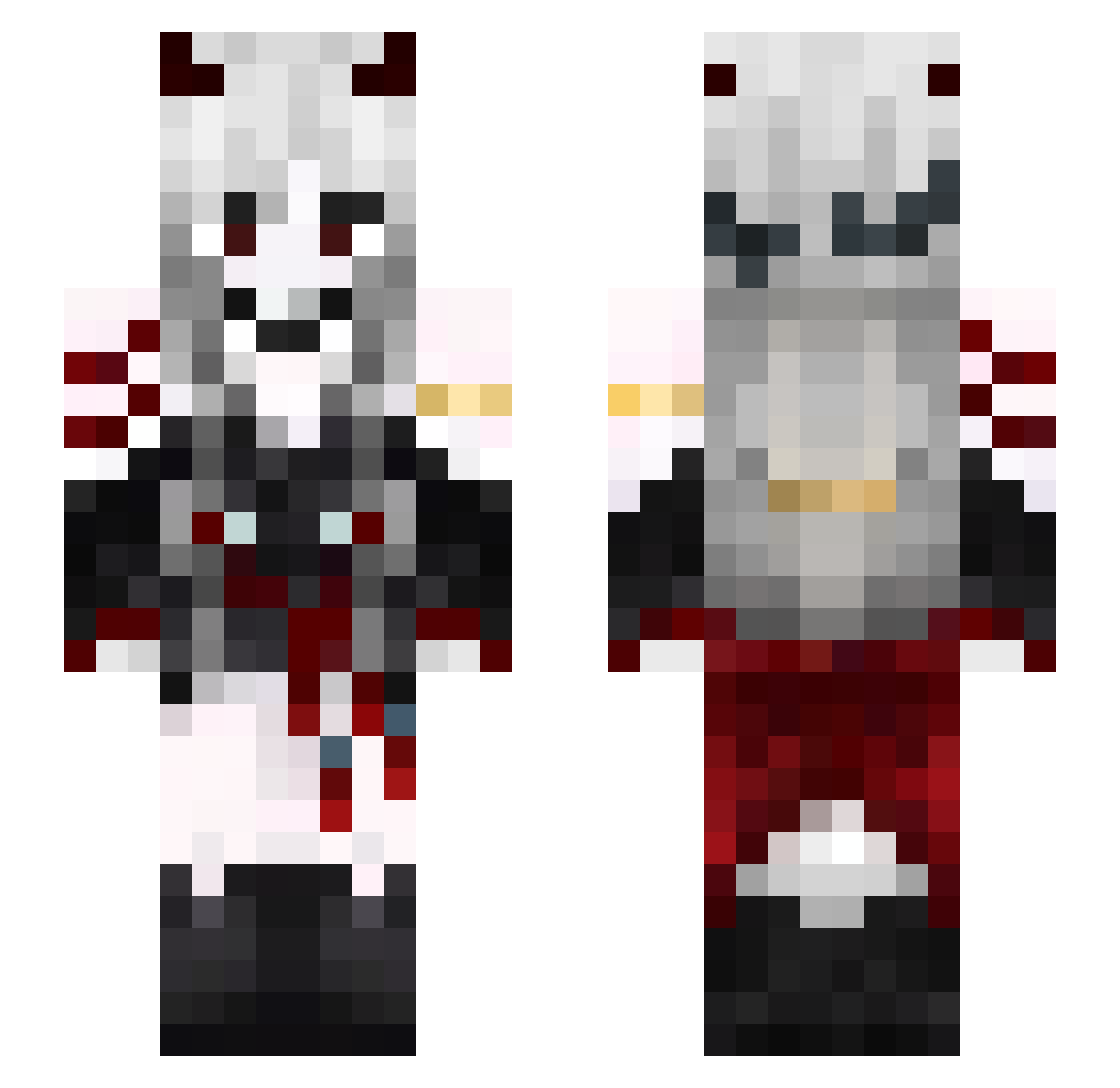
Other players with this skin (581)
SXFWD was the 212th player we have seen with this skin, first spotted on 03.09.2026. The same skin was seen on these players. Open a nickname to see their current skin and skin history.
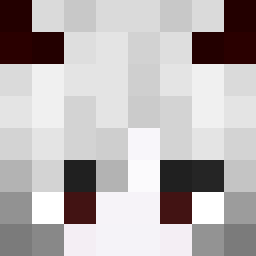 Nynxcat Venomys its_mando Ewelqa esblacket ertioprete hajiraN Kuronobi
 Kanom_JN KiadeX Yukoku Razzpyre BlackRose_312 11Regulus HIZIK1 NatyBunny sol0407 Fissh02 melikeypz TalentedSurpass _ShiGOS_ knitm Dindragon91 RoithLD x_oliwiaa TheMoonward
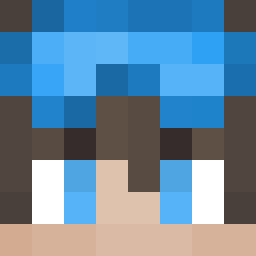 Blacki_1 Kitsune890 Melkq
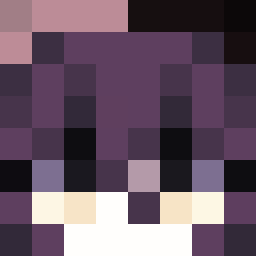 localweirdo haneol22 KingDalByeol
 Sammychen_01 FLORA288 AstMeowAst Jepng langzaizi
 chenmoshijin_123 Calm222 loluuuu _Tsuka_ accmjy mityuo
 zoktayinpembeamj Neossky Gosiaczekk orokusaki_ Peroro2 BigTeacherBo Heliacata Monarck04 Karol256 mismisq _278 Thyy210 Charis_Nuar Nightfall_GHG gloomy0125 m4ddi3ze heartwolf12
More Demon Minecraft skins
How to install the SXFWD skin
- Press the Download button above to save the skin as a PNG file.
- Minecraft: Bedrock Edition (PE): open the Dressing Room from the main menu (or tap your character → Edit Character), go to Classic Skins → Owned, press the + (new skin) button, choose the downloaded PNG and pick the Slim (Alex) model. Works on PC and mobile; consoles cannot import custom skins.
- Minecraft: Java Edition: open the Minecraft Launcher, go to the Skins tab, click New Skin, load the PNG, pick the Slim (Alex) model and press Save & Use. You can also upload it at minecraft.net → Profile → Change Skin.
The skin does not show up after import - what should I do?
Restart Minecraft and open the Dressing Room again - imported skins sometimes appear only after a restart. Also make sure you selected the imported skin and picked the Slim (Alex) model.
Which model should I choose, Classic or Slim?
This skin is designed for the Slim (Alex) model. If you pick the wrong model, the arms of the skin will look stretched or squeezed.
Is the skin of SXFWD free to download?
Yes. Press Download, save the PNG file and use it in Minecraft: Bedrock Edition or Java Edition - no payment or registration needed. The skin also works on multiplayer servers and Realms.
More skins
Looking for more? Go back to all Minecraft skins and check the top skins of the week, month and all time, or find any player's skin by nickname.