
Rubenup - Minecraft Skins & Skin History
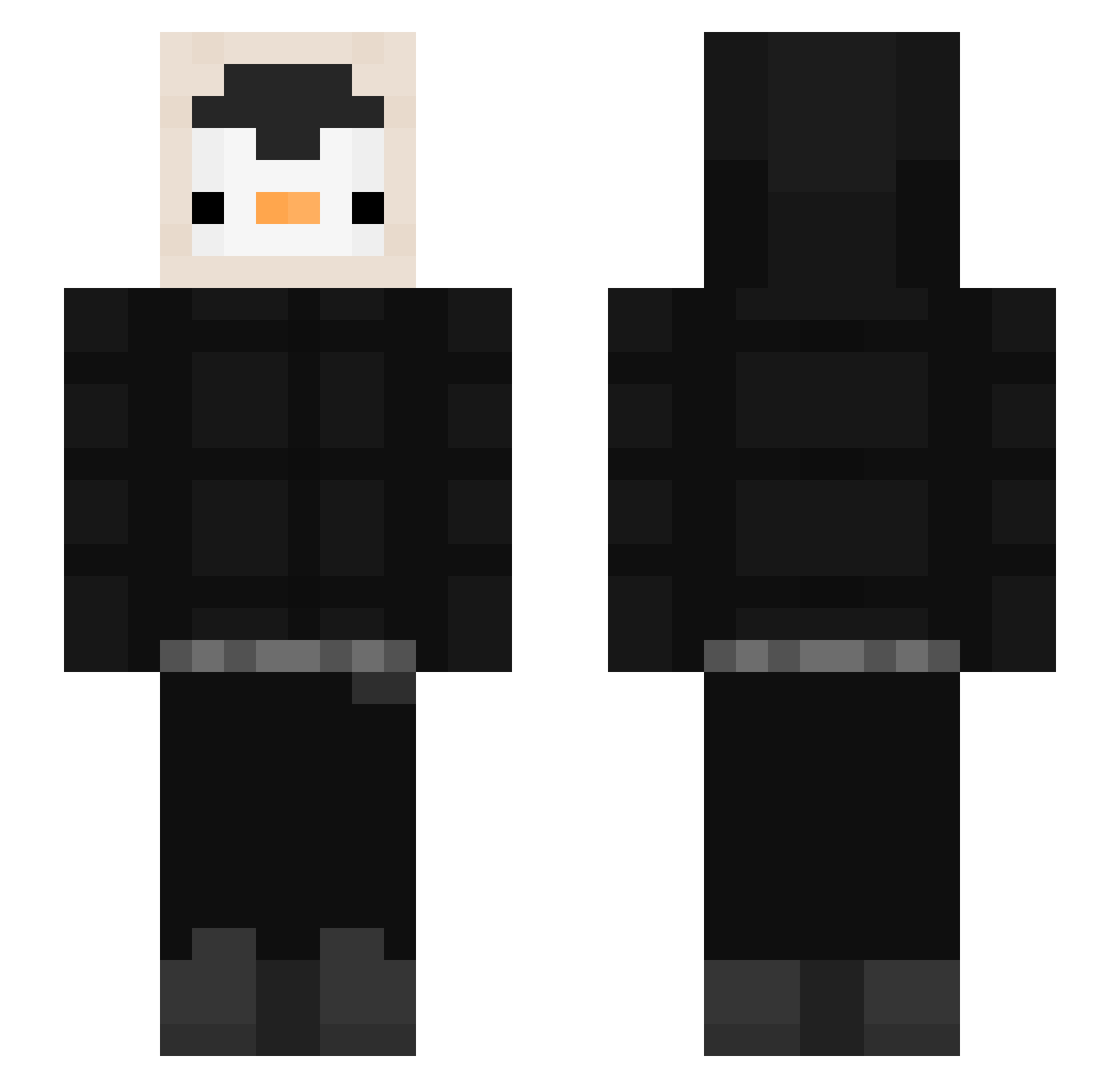
Current Minecraft skin of the player Rubenup, loaded from the official Mojang API. Rotate the 3D model with your mouse or finger, then download the skin as a PNG file and use it in Minecraft: Bedrock Edition or Java Edition for free. When Rubenup changes their skin, this page updates automatically and the old skin stays in the history below.
Other players with this skin (536)
Rubenup was the 344th player we have seen with this skin, first spotted on 02.10.2026. The same skin was seen on these players. Open a nickname to see their current skin and skin history.
 c3n0x zHY199 Yoshiba1 JEEHEEGEUN0911 ELPLO chosex GamerRogan Basti_315 SmokeyJF JmrYT909 LAKYPOWER1441 Olavku JusPolar Delpp JAYurim Pirm3 lemonadeisgood iLikeKneeGhast franc8scokiko dedeng0 Xacobb Alreaby 13seongg LTU1404 Korei_ Atilaprow poop00poo TMellado PinguinoZ104 ItsPengin keemzen Torrinkoh Jatroo kkmsy Sebuthebot bunqa Woxmee pipoktana Marc3l3k2115 Potatosmash8 macher11 Sataxy12 keyyy11 tanayinkari Darkshot56 SupraMala 00RMT00 DeDomeD canto02 ONsharkYX mvtivv Zian01 CoucouDasse Silfaryon water05277 codii24 Dksamura19 Sleepyadi chantalgoume BBang999
More Penguin Minecraft skins
How to install the Rubenup skin
- Press the Download button above to save the skin as a PNG file.
- Minecraft: Bedrock Edition (PE): open the Dressing Room from the main menu (or tap your character → Edit Character), go to Classic Skins → Owned, press the + (new skin) button, choose the downloaded PNG and pick the Slim (Alex) model. Works on PC and mobile; consoles cannot import custom skins.
- Minecraft: Java Edition: open the Minecraft Launcher, go to the Skins tab, click New Skin, load the PNG, pick the Slim (Alex) model and press Save & Use. You can also upload it at minecraft.net → Profile → Change Skin.
The skin does not show up after import - what should I do?
Restart Minecraft and open the Dressing Room again - imported skins sometimes appear only after a restart. Also make sure you selected the imported skin and picked the Slim (Alex) model.
Which model should I choose, Classic or Slim?
This skin is designed for the Slim (Alex) model. If you pick the wrong model, the arms of the skin will look stretched or squeezed.
Is the skin of Rubenup free to download?
Yes. Press Download, save the PNG file and use it in Minecraft: Bedrock Edition or Java Edition - no payment or registration needed. The skin also works on multiplayer servers and Realms.
More skins
Looking for more? Go back to all Minecraft skins and check the top skins of the week, month and all time, or find any player's skin by nickname.