
Nekotinn - Minecraft Skins & Skin History
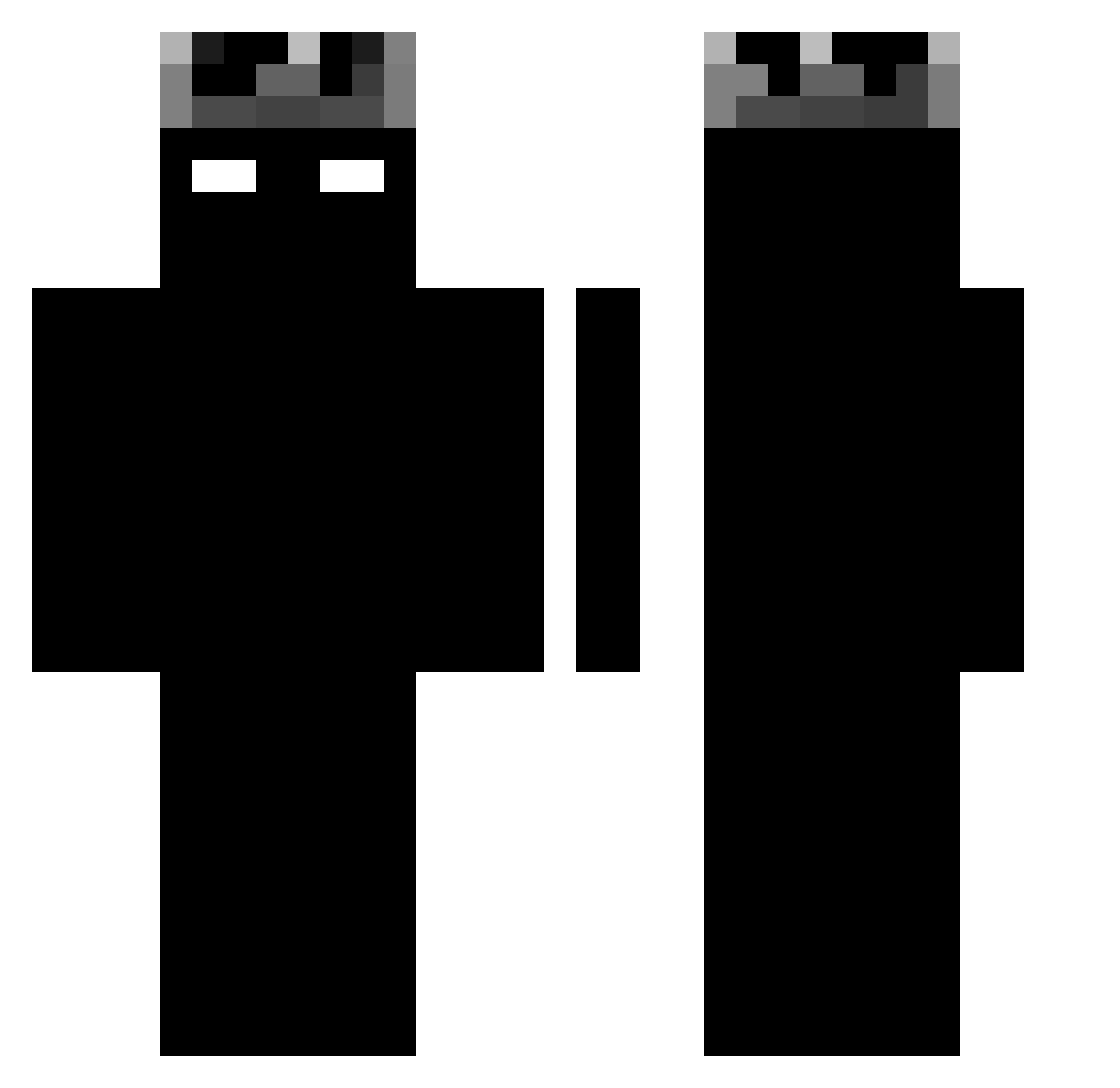
Current Minecraft skin of the player Nekotinn, loaded from the official Mojang API. Rotate the 3D model with your mouse or finger, then download the skin as a PNG file and use it in Minecraft: Bedrock Edition or Java Edition for free. When Nekotinn changes their skin, this page updates automatically and the old skin stays in the history below.
Other players with this skin (1188)
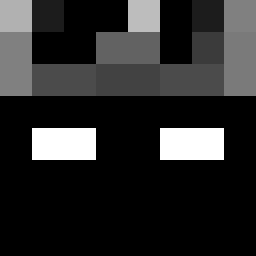
Nekotinn was the 642nd player we have seen with this skin, first spotted on 22.09.2026. The same skin was seen on these players. Open a nickname to see their current skin and skin history.
 eserwrx RaynorRose Abdullah97S Novikson PepperTheParrot Kayetchi OSMAN4097 PuGLa1 mysootycheek xiaomatongxue666 TanaGln AeRuuu guedein Bruncool4819 SMGxSALTYxZ _sxnv BOSSkoteczek EZ2076_on_0Ping speedyrko291l xxALITOxx gigity_ZXD 831A mambokill BoltingMoon5444 belkotckk shadow_koro slush7y Stefanboy360 leo2507 DarkMGF sl7ooof Abro2022 OGHibertz15 SleepyB3King Sunny50550 ELperro0800 Samkharadze _Sxymek lotti_ot FL4TY Aby7yran BlackFonix N1koze Norsi69 Medovik_ Bhumibol_Adulyad realsx Gussi_top Stiluch132 MARCEEL11 Jones__Bones hirohironarunaru Gilann Darkar0078 MTB_NICK270812 zDxegooo Mops__ Elxded Viniciusqli 2IQ_D1VINE
More Shadow Minecraft skins
How to install the Nekotinn skin
- Press the Download button above to save the skin as a PNG file.
- Minecraft: Bedrock Edition (PE): open the Dressing Room from the main menu (or tap your character → Edit Character), go to Classic Skins → Owned, press the + (new skin) button, choose the downloaded PNG and pick the Classic (Steve) model. Works on PC and mobile; consoles cannot import custom skins.
- Minecraft: Java Edition: open the Minecraft Launcher, go to the Skins tab, click New Skin, load the PNG, pick the Classic (Steve) model and press Save & Use. You can also upload it at minecraft.net → Profile → Change Skin.
The skin does not show up after import - what should I do?
Restart Minecraft and open the Dressing Room again - imported skins sometimes appear only after a restart. Also make sure you selected the imported skin and picked the Classic (Steve) model.
Which model should I choose, Classic or Slim?
This skin is designed for the Classic (Steve) model. If you pick the wrong model, the arms of the skin will look stretched or squeezed.
Is the skin of Nekotinn free to download?
Yes. Press Download, save the PNG file and use it in Minecraft: Bedrock Edition or Java Edition - no payment or registration needed. The skin also works on multiplayer servers and Realms.
More skins
Looking for more? Go back to all Minecraft skins and check the top skins of the week, month and all time, or find any player's skin by nickname.