
MartyMacflyMo - Minecraft Skins & Skin History
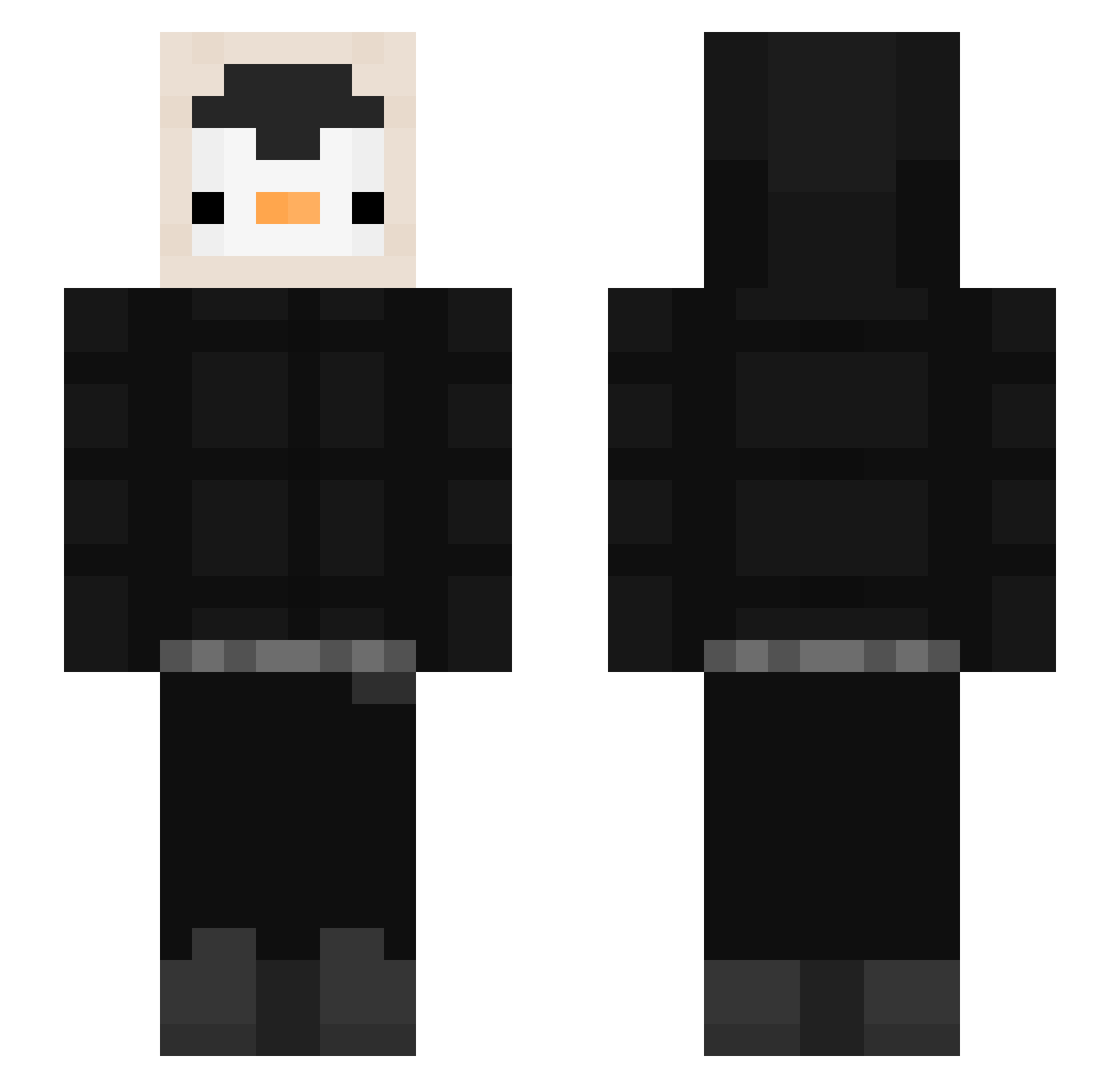
Current Minecraft skin of the player MartyMacflyMo, loaded from the official Mojang API. Rotate the 3D model with your mouse or finger, then download the skin as a PNG file and use it in Minecraft: Bedrock Edition or Java Edition for free. When MartyMacflyMo changes their skin, this page updates automatically and the old skin stays in the history below.
Other players with this skin (536)
MartyMacflyMo was the 242nd player we have seen with this skin, first spotted on 17.09.2026. The same skin was seen on these players. Open a nickname to see their current skin and skin history.
 BlahUmbrella605 szym4nn Lotous420 momofiiy dun_dun_dun41254 Pehngu Benjaazzz07 Fracira soopy0_0 DrRanini xxKubsoneQ __barcode__03 MuffinzMasher bklgy Wradern fatih_yilmaz6720 Xwbl KasperJD Scoty12 Bnja1 NoPrxssure CrazyBuu Jheral145YT HackenIstIllegal GotikHunter Jasonu jafethda1 Strym0001 abcd100408 AfiqNaufal2801 methNN910 hatbackup ILikPikle Arcaskye ArticQue KidneyDonorr Massi300806 sebx3842 viviMAC urirar wilczyca_game GoodPoor153 Ping_Ant_ KEON161261 wentrmelon Loverman__ KarIDeI3lI Pengu169 __biblo__ nightzillla NyxSFinx rag_12 goodboyHO SAO_MOON llamaemi pocoro22 okaytwo Javitotbh Kimgyul03 Inu1357
More Penguin Minecraft skins
How to install the MartyMacflyMo skin
- Press the Download button above to save the skin as a PNG file.
- Minecraft: Bedrock Edition (PE): open the Dressing Room from the main menu (or tap your character → Edit Character), go to Classic Skins → Owned, press the + (new skin) button, choose the downloaded PNG and pick the Slim (Alex) model. Works on PC and mobile; consoles cannot import custom skins.
- Minecraft: Java Edition: open the Minecraft Launcher, go to the Skins tab, click New Skin, load the PNG, pick the Slim (Alex) model and press Save & Use. You can also upload it at minecraft.net → Profile → Change Skin.
The skin does not show up after import - what should I do?
Restart Minecraft and open the Dressing Room again - imported skins sometimes appear only after a restart. Also make sure you selected the imported skin and picked the Slim (Alex) model.
Which model should I choose, Classic or Slim?
This skin is designed for the Slim (Alex) model. If you pick the wrong model, the arms of the skin will look stretched or squeezed.
Is the skin of MartyMacflyMo free to download?
Yes. Press Download, save the PNG file and use it in Minecraft: Bedrock Edition or Java Edition - no payment or registration needed. The skin also works on multiplayer servers and Realms.
More skins
Looking for more? Go back to all Minecraft skins and check the top skins of the week, month and all time, or find any player's skin by nickname.