
Kotosaru - Minecraft Skins & Skin History
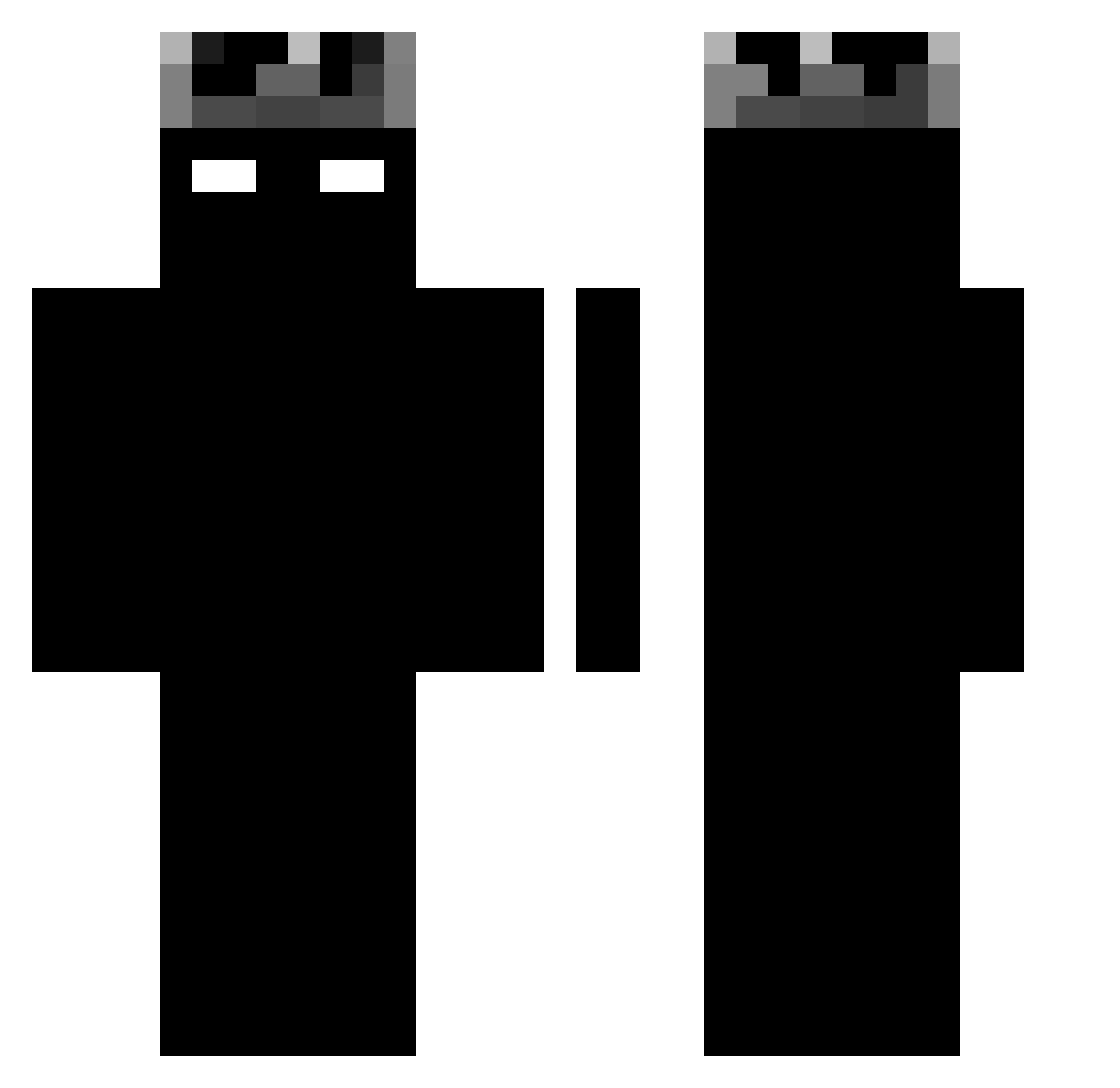
Current Minecraft skin of the player Kotosaru, loaded from the official Mojang API. Rotate the 3D model with your mouse or finger, then download the skin as a PNG file and use it in Minecraft: Bedrock Edition or Java Edition for free. When Kotosaru changes their skin, this page updates automatically and the old skin stays in the history below.
Other players with this skin (1188)
Kotosaru was the 129th player we have seen with this skin, first spotted on 04.08.2026. The same skin was seen on these players. Open a nickname to see their current skin and skin history.
 Gabrieldjs alexdragonmaster Tobiasjohan1 fadevo1d YusTheM4A1 itzlukitaa goonpods manheng12 GUYRTY najtlajf prisavnik Fnandim Blinkerz420
 COSMIN1501 LimaFlix N1_CHEATER Xx_CrIsS_xX Xmilo77 xdShadded Mqri0 AleeFauth CallmeXXX speedyrko9211 alhemeri30 Sadquinzz B0batea5236 h4kzenn Pehey 3arbiSousJack Splashiiiii ooo2183 SVNDBOX VavenBruh marez0 MaxInventory MicroMule ZHOUCHUDI phonecharger137 Savich879 diablo_101 BradaNox D1r_T BadblazeNoxMC AnhTdepzai EquineColt73847 Lisseo Mrson1234 MrAlexKill Cupc4keee Solota99 Madaaaaa
 Zayfaa BenjaNyg crycet7 ItzLux7 moonlight7852600 minininimin 2Lxrd iNogueOnTop recor38
More Shadow Minecraft skins
How to install the Kotosaru skin
- Press the Download button above to save the skin as a PNG file.
- Minecraft: Bedrock Edition (PE): open the Dressing Room from the main menu (or tap your character → Edit Character), go to Classic Skins → Owned, press the + (new skin) button, choose the downloaded PNG and pick the Classic (Steve) model. Works on PC and mobile; consoles cannot import custom skins.
- Minecraft: Java Edition: open the Minecraft Launcher, go to the Skins tab, click New Skin, load the PNG, pick the Classic (Steve) model and press Save & Use. You can also upload it at minecraft.net → Profile → Change Skin.
The skin does not show up after import - what should I do?
Restart Minecraft and open the Dressing Room again - imported skins sometimes appear only after a restart. Also make sure you selected the imported skin and picked the Classic (Steve) model.
Which model should I choose, Classic or Slim?
This skin is designed for the Classic (Steve) model. If you pick the wrong model, the arms of the skin will look stretched or squeezed.
Is the skin of Kotosaru free to download?
Yes. Press Download, save the PNG file and use it in Minecraft: Bedrock Edition or Java Edition - no payment or registration needed. The skin also works on multiplayer servers and Realms.
More skins
Looking for more? Go back to all Minecraft skins and check the top skins of the week, month and all time, or find any player's skin by nickname.