
HandFido - Minecraft Skins & Skin History
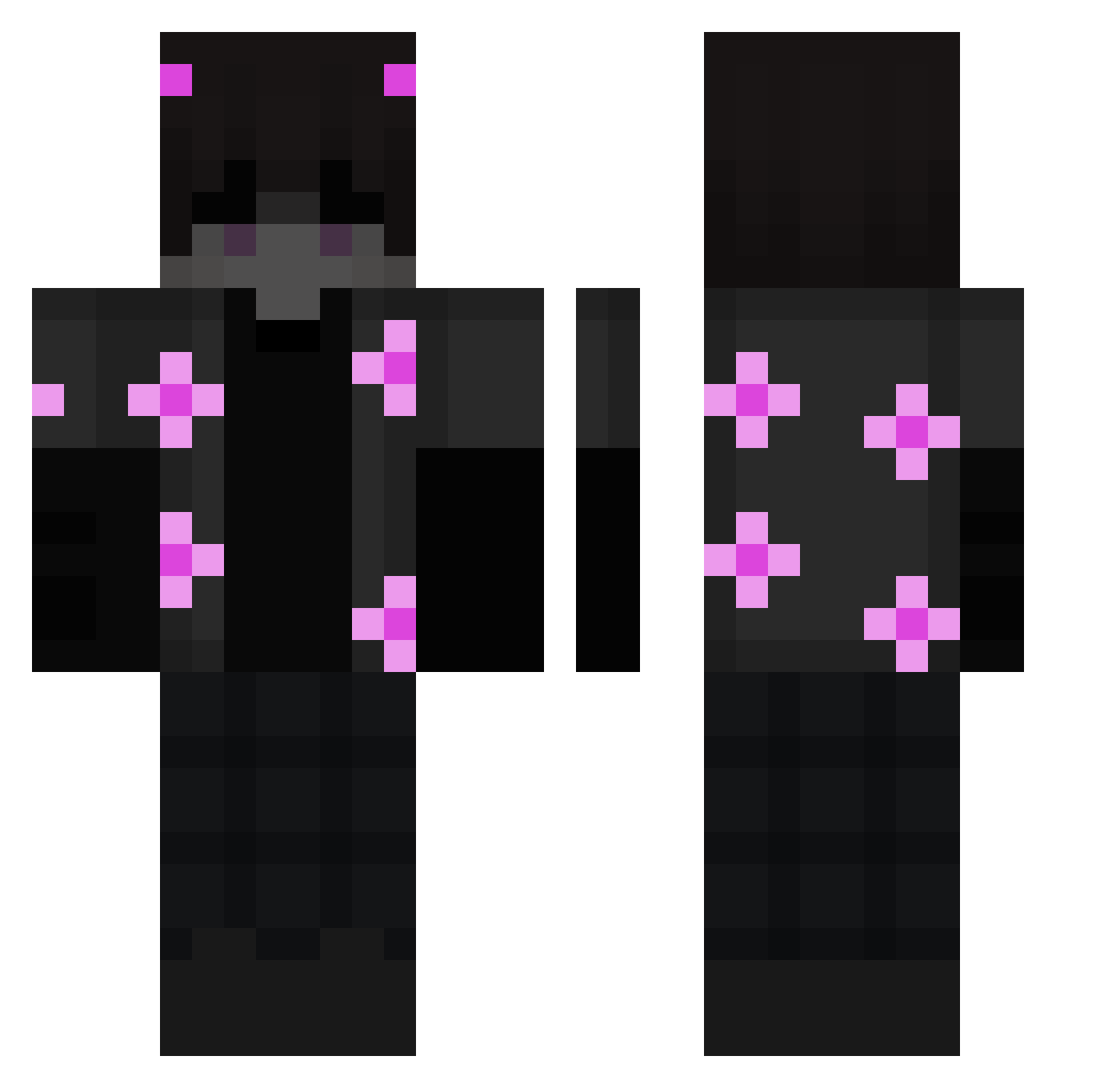
Current Minecraft skin of the player HandFido, loaded from the official Mojang API. Rotate the 3D model with your mouse or finger, then download the skin as a PNG file and use it in Minecraft: Bedrock Edition or Java Edition for free. When HandFido changes their skin, this page updates automatically and the old skin stays in the history below.
Other players with this skin (200)
HandFido was the 40th player we have seen with this skin, first spotted on 17.08.2026. The same skin was seen on these players. Open a nickname to see their current skin and skin history.
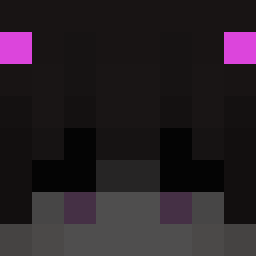 YarikSuper007 Froneb LuzTik_ wrld_lorenzo Matysek4020 Capri78 math784r Manuelx015__ Not_karol Paniekstoornis BlackSkull5214 ClaudiuTr
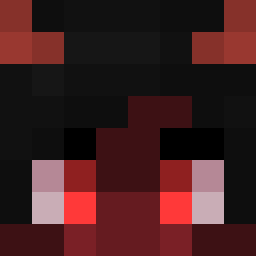 lobo454 VIRONPRESIDENTTI Song_K ExponentTen1204 ACatDrinkingTea AxA_DeeOM Floridan Kebab70 Karan_C21 Bartusz ikimikato ToxicPuppies christof28 Barrer0902 leoxygs_ aleksash Paleugha _Alaa_Eg MagicThrone7731 swaggykubus AkimitsUwu pms3511 BySeriqs TheSweetPvP Rayz_6 White_Twix PitacotMilkycat 1wcalt_ KrytMe Anti_Digital Jokerout_ KahanSins Falconrye zEspEnder1112 yukkari_ Sledge0704 FutureCloud2767 milkcowTV dum6le FUZE12 peshoxd PanDelie 2921ms FishaC wouy depthaim shinbhant HegRekt
More Demon Minecraft skins
How to install the HandFido skin
- Press the Download button above to save the skin as a PNG file.
- Minecraft: Bedrock Edition (PE): open the Dressing Room from the main menu (or tap your character → Edit Character), go to Classic Skins → Owned, press the + (new skin) button, choose the downloaded PNG and pick the Classic (Steve) model. Works on PC and mobile; consoles cannot import custom skins.
- Minecraft: Java Edition: open the Minecraft Launcher, go to the Skins tab, click New Skin, load the PNG, pick the Classic (Steve) model and press Save & Use. You can also upload it at minecraft.net → Profile → Change Skin.
The skin does not show up after import - what should I do?
Restart Minecraft and open the Dressing Room again - imported skins sometimes appear only after a restart. Also make sure you selected the imported skin and picked the Classic (Steve) model.
Which model should I choose, Classic or Slim?
This skin is designed for the Classic (Steve) model. If you pick the wrong model, the arms of the skin will look stretched or squeezed.
Is the skin of HandFido free to download?
Yes. Press Download, save the PNG file and use it in Minecraft: Bedrock Edition or Java Edition - no payment or registration needed. The skin also works on multiplayer servers and Realms.
More skins
Looking for more? Go back to all Minecraft skins and check the top skins of the week, month and all time, or find any player's skin by nickname.