
Flexz2 - Minecraft Skins & Skin History
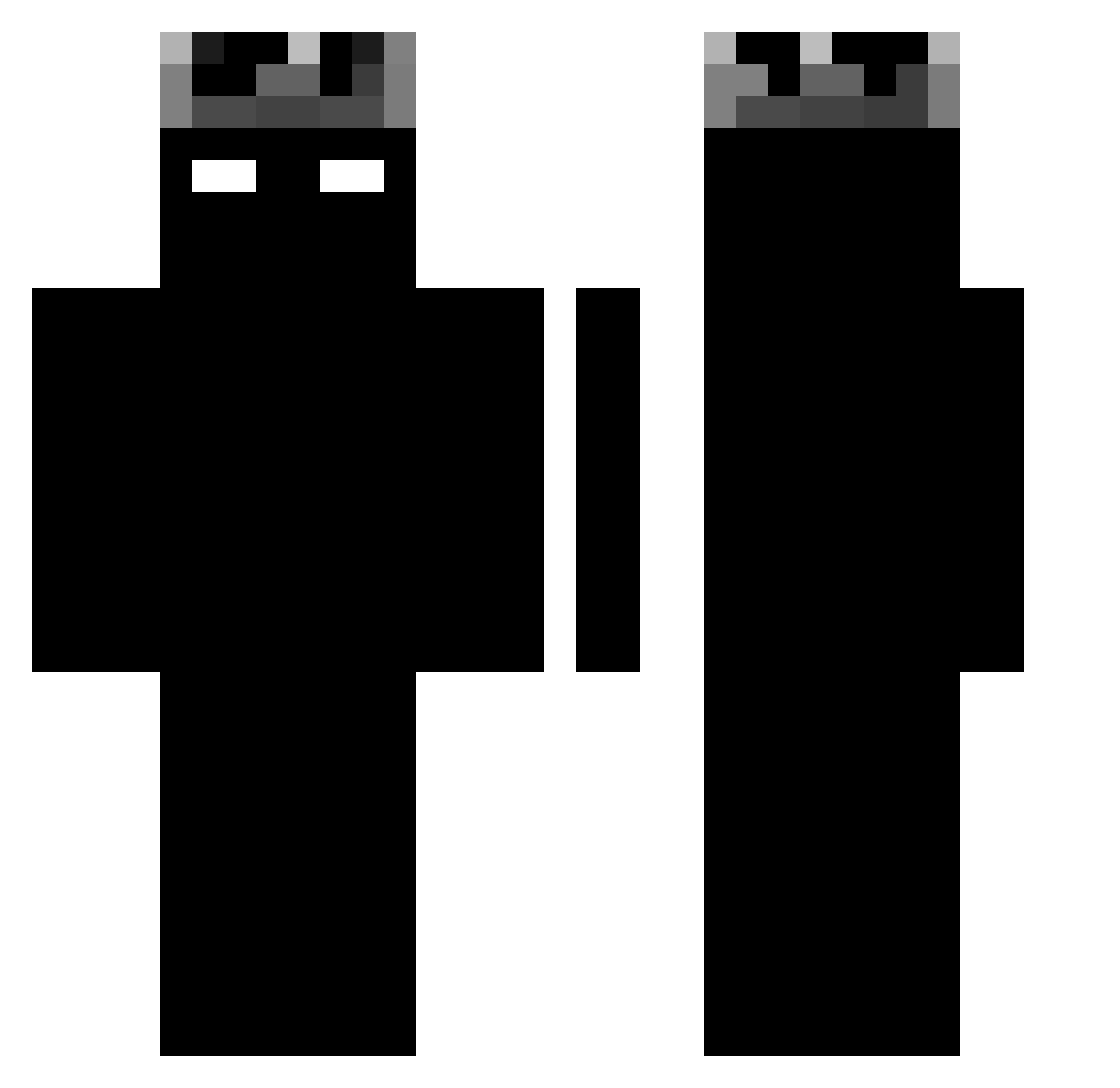
Current Minecraft skin of the player Flexz2, loaded from the official Mojang API. Rotate the 3D model with your mouse or finger, then download the skin as a PNG file and use it in Minecraft: Bedrock Edition or Java Edition for free. When Flexz2 changes their skin, this page updates automatically and the old skin stays in the history below.
Other players with this skin (1188)
Flexz2 was the 307th player we have seen with this skin, first spotted on 20.08.2026. The same skin was seen on these players. Open a nickname to see their current skin and skin history.
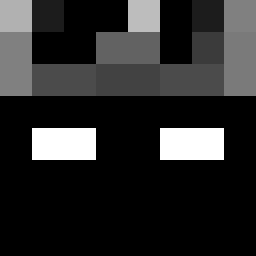 1095990 NyxYTB MATAS100 toeytaotung DieF0rH0nor thunderreflix Gold5287 fatcat0110 xeox404 Codog2007 D3MONytb Nandxx 2Inf3cted ATc_0 IRealyNeedIt Quarge07 Stylhaut dominnk DOKKANLEGENDS doguinhoafricano N3tBat LT3_Golem sworffi04 st00_118 Fll_brrs ghd4 seizervss Klakier7__ zuupzzi THEXD_HUH STA2803 Byronx Futterluke69 JohnTDO Alppani nathan990101 Quelbrune Wednesday917
 DeathAlternator zxpvxiiii MDYD101 z0QAQ0z angkadepchai Urki123 rfnvbt123 serranafool jzack3r VerySpoon barukk3909 m4kv37 Leozin01Xit _RyzZz Wjncentxx
 Clem__B _Pixeled_ Maos2026 maluhmartins Onizzx AbyssAgonny manzorro
More Shadow Minecraft skins
How to install the Flexz2 skin
- Press the Download button above to save the skin as a PNG file.
- Minecraft: Bedrock Edition (PE): open the Dressing Room from the main menu (or tap your character → Edit Character), go to Classic Skins → Owned, press the + (new skin) button, choose the downloaded PNG and pick the Classic (Steve) model. Works on PC and mobile; consoles cannot import custom skins.
- Minecraft: Java Edition: open the Minecraft Launcher, go to the Skins tab, click New Skin, load the PNG, pick the Classic (Steve) model and press Save & Use. You can also upload it at minecraft.net → Profile → Change Skin.
The skin does not show up after import - what should I do?
Restart Minecraft and open the Dressing Room again - imported skins sometimes appear only after a restart. Also make sure you selected the imported skin and picked the Classic (Steve) model.
Which model should I choose, Classic or Slim?
This skin is designed for the Classic (Steve) model. If you pick the wrong model, the arms of the skin will look stretched or squeezed.
Is the skin of Flexz2 free to download?
Yes. Press Download, save the PNG file and use it in Minecraft: Bedrock Edition or Java Edition - no payment or registration needed. The skin also works on multiplayer servers and Realms.
More skins
Looking for more? Go back to all Minecraft skins and check the top skins of the week, month and all time, or find any player's skin by nickname.