
Flare_FH - Minecraft Skins & Skin History
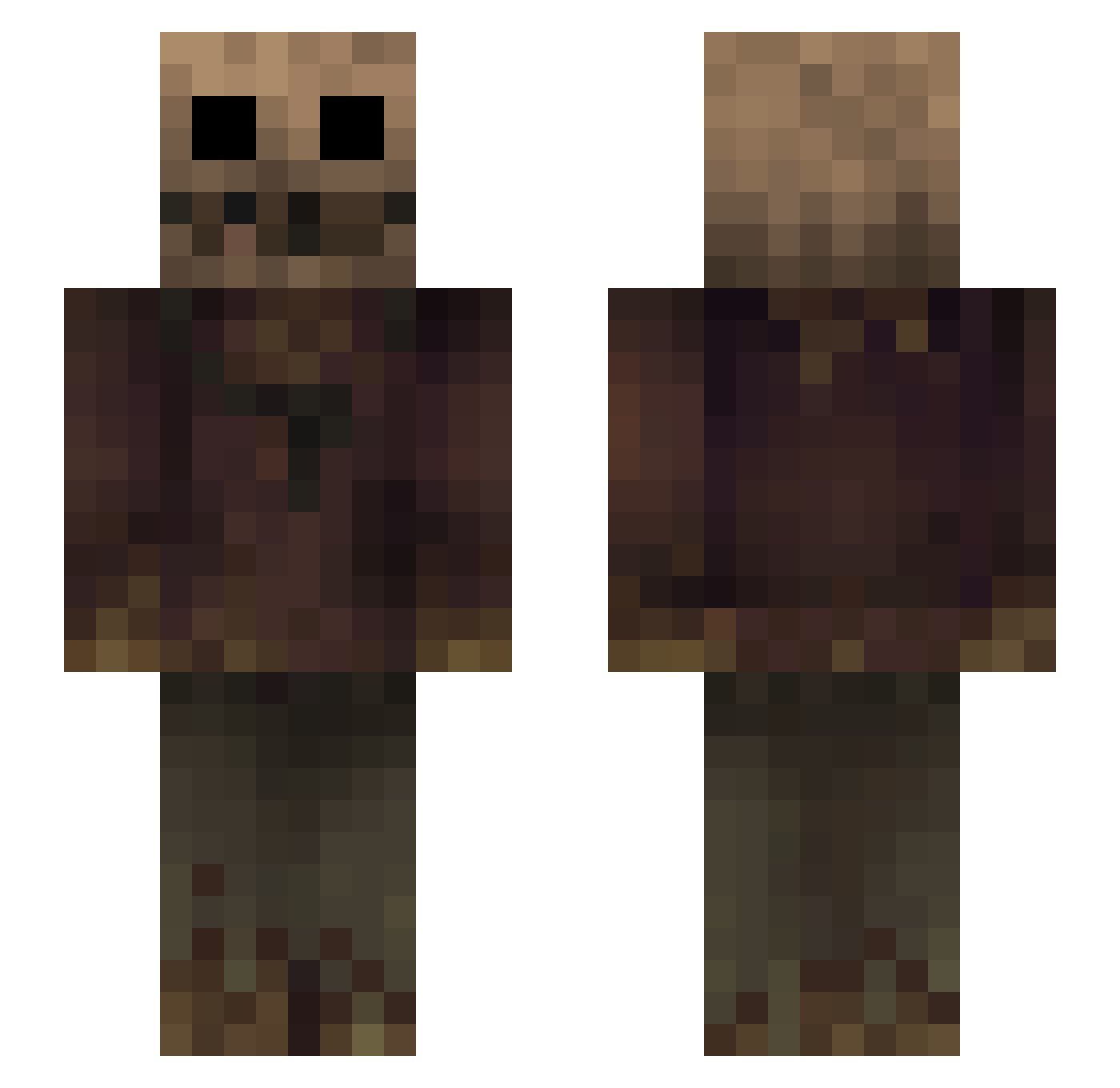
Current Minecraft skin of the player Flare_FH, loaded from the official Mojang API. Rotate the 3D model with your mouse or finger, then download the skin as a PNG file and use it in Minecraft: Bedrock Edition or Java Edition for free. When Flare_FH changes their skin, this page updates automatically and the old skin stays in the history below.
Other players with this skin (270)
Flare_FH was the 37th player we have seen with this skin, first spotted on 04.08.2026. The same skin was seen on these players. Open a nickname to see their current skin and skin history.
 2074jin player5409 1Holly Edolayt Art4ud Wedyza Doloe KingJeg DrRobur Hi_Ho_Silver04 Fienasse untitled0306 Nobbe35 Karsizz Tr3chnician otty1209 CrimsonScarecrow Sourkr4ut Saweron_ Tox880 Sc0rekeeper ImnotPoom CrimsonWheel AaronSparks DreadEye196 Shadrael lGere totomorphisme MRLuo alacranonnn EB_210
 _DimasOrel_ BufonCosmico Hadin_ purp_wes Anc1entFear Brohawk20 EvilGandhi DIABET01 N4roo Kidd_Keo Corey2b2t BlackDrg84 Name_Copyrighted TheWeeChain Doumbass KoolSammie Mattushka NinjaBunker
 astronsz_ swapzr VanillaExtract1 yuyu_3 XNFE_
 KRUGUH D1GRY Ravenousky Temoshenko Farkzin NICOHALUF
More Scarecrow Minecraft skins
How to install the Flare_FH skin
- Press the Download button above to save the skin as a PNG file.
- Minecraft: Bedrock Edition (PE): open the Dressing Room from the main menu (or tap your character → Edit Character), go to Classic Skins → Owned, press the + (new skin) button, choose the downloaded PNG and pick the Slim (Alex) model. Works on PC and mobile; consoles cannot import custom skins.
- Minecraft: Java Edition: open the Minecraft Launcher, go to the Skins tab, click New Skin, load the PNG, pick the Slim (Alex) model and press Save & Use. You can also upload it at minecraft.net → Profile → Change Skin.
The skin does not show up after import - what should I do?
Restart Minecraft and open the Dressing Room again - imported skins sometimes appear only after a restart. Also make sure you selected the imported skin and picked the Slim (Alex) model.
Which model should I choose, Classic or Slim?
This skin is designed for the Slim (Alex) model. If you pick the wrong model, the arms of the skin will look stretched or squeezed.
Is the skin of Flare_FH free to download?
Yes. Press Download, save the PNG file and use it in Minecraft: Bedrock Edition or Java Edition - no payment or registration needed. The skin also works on multiplayer servers and Realms.
More skins
Looking for more? Go back to all Minecraft skins and check the top skins of the week, month and all time, or find any player's skin by nickname.