
 TniMmeiD P4rkyP Quickburrrn cdguderyon budzik452 DiceGolem Incompetent_Lime theomega steakemz airsoftking6261 asc_cathode CorruptInterface SilverXForce Elithios dushanbe7 iVikingDragon MildMrButt14 theStormyEyes WorldWar3000 bulbarocket21 DustbinS Piggy_BunnyDecay Krim_Sin AtlasWay PereiraRock03 OptimalDistance KornbreadMuffin LadMaster89 EggCutlet Steamborg HoratioXXIV Sarcastbot OriDisciple mallemalin klangdalen JXUXU7 Zamathar UzayKotu ItsJomeo I_Am_Haus Angorath Doomihuvudet ceedon Gamenait Rejectedevil The1Sparks RoboPirate PizzaDragon4819 EmeraldTrade Roy_Daniel LobsterFish Shenhen reddlight Nightpunk255 GrandOrmr sunsnap dsjeffri DuskFangs DryBones907 kimmstone
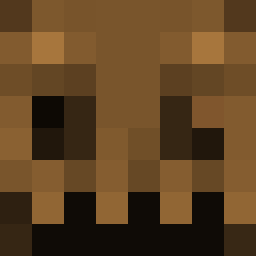
Minecraft skin of DeeCee1105. Rotate the 3D model with your mouse or finger to view the skin from every angle, then download it as a PNG file and use it in Minecraft: Bedrock Edition or Java Edition for free. Rate the skin with stars to help other players find the best skins in our collection.
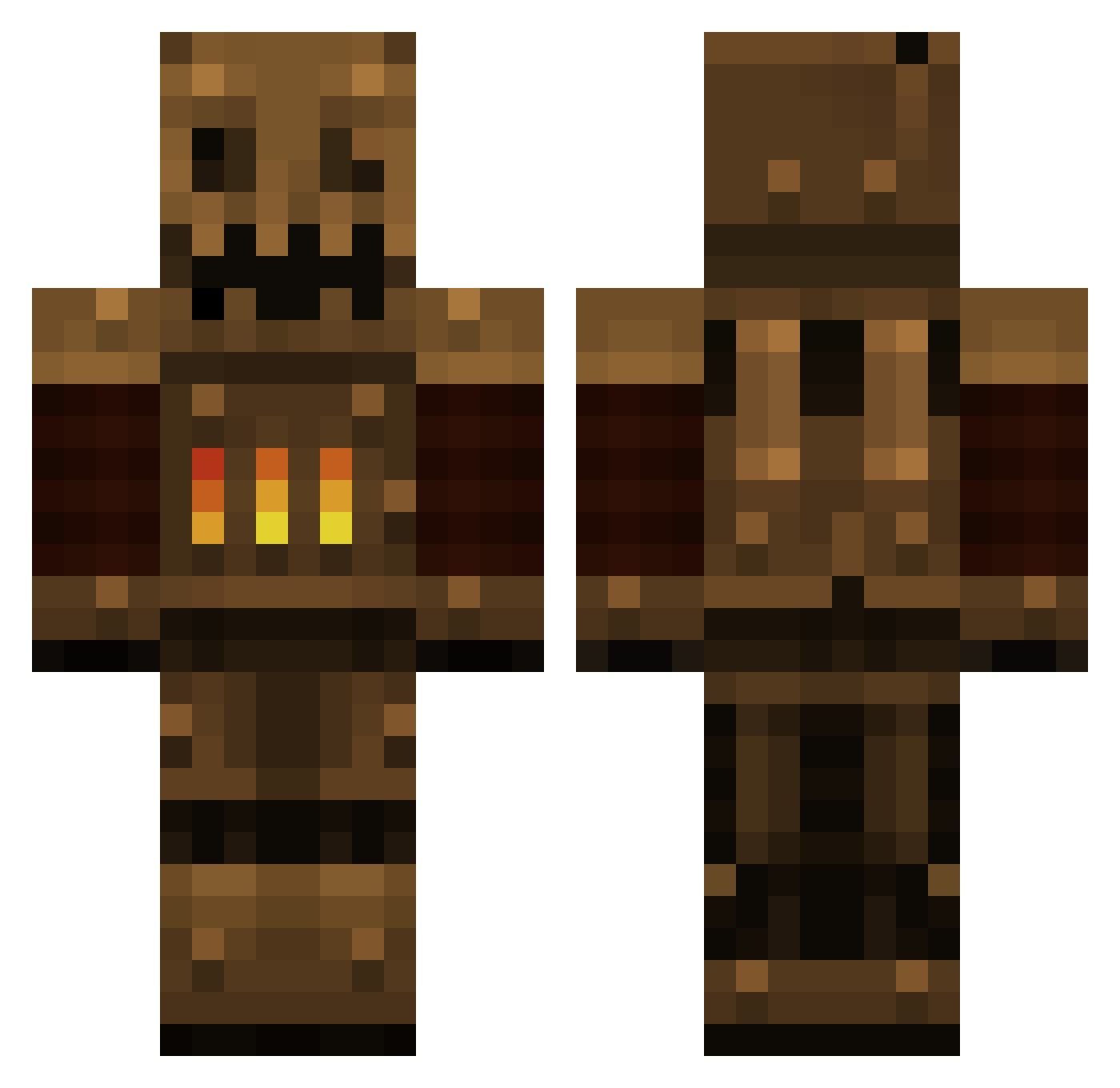
How to install the DeeCee1105 skin
- Press the Download button above to save the skin as a PNG file.
- Minecraft: Bedrock Edition (PE): open the Dressing Room from the main menu (or tap your character → Edit Character), go to Classic Skins → Owned, press the + (new skin) button, choose the downloaded PNG and pick the Classic (Steve) model. Works on PC and mobile; consoles cannot import custom skins.
- Minecraft: Java Edition: open the Minecraft Launcher, go to the Skins tab, click New Skin, load the PNG, pick the Classic (Steve) model and press Save & Use. You can also upload it at minecraft.net → Profile → Change Skin.
The skin does not show up after import - what should I do?
Restart Minecraft and open the Dressing Room again - imported skins sometimes appear only after a restart. Also make sure you selected the imported skin and picked the Classic (Steve) model.
Which model should I choose, Classic or Slim?
This skin is designed for the Classic (Steve) model. If you pick the wrong model, the arms of the skin will look stretched or squeezed.
Is this skin free to use?
Yes. Press Download, save the PNG file and use it in Minecraft: Bedrock Edition or Java Edition - no payment or registration needed. The skin also works on multiplayer servers and Realms.
More Scarecrow Minecraft skins
More skins
Looking for more? Go back to all Minecraft skins and check the top skins of the week, month and all time, or find any player's skin by nickname.