
 Bartowski88 chickenman7 Sineign KryptoXenon tradelt Hoolaloo elstevens Akatosh MicmookCraftman Jinsha DividedbyPotato Woody56001 Septitan17 Its_Joaquin Flame_ROBOT snazzyink AmonDragonbane random_person31 juliussandoe Etac7 BulldogJak Bearier0424 BurgerMeister10 Blellow Drakojin BurnDragonX redmichael08 ceilingfan123 rbwade al3xgilb3rt Robot66 eo2011 AlexThor gullivertravels Dextruz nickotyme diablo8642 Ricardinho1312 Tanoj5 thereptileguytoo GamerArgus redstormrising tekken2324 Toast008 ktmrider111 Zelny7 RonPleum crazyguyonst KiDxOnxKrAcK briangold40 mil005 coolabhik6 Rionize lordmojang backland Spajn Mr_Ree727 XBowzzerX cranfifter C3H7COOH
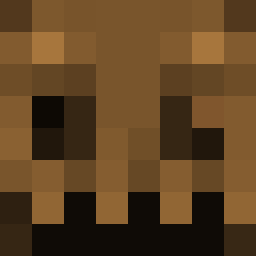
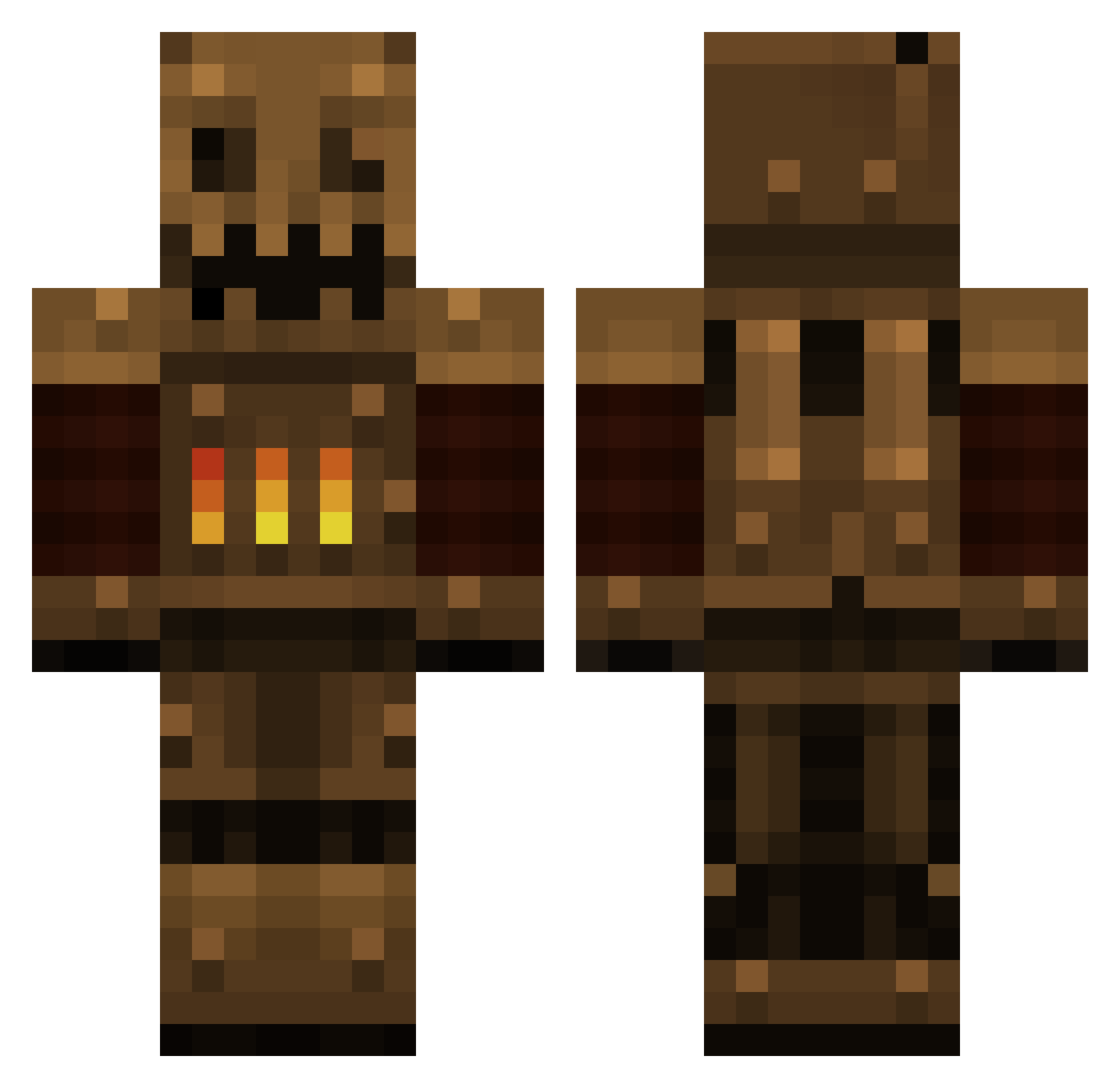
Minecraft skin of Toast008. Rotate the 3D model with your mouse or finger to view the skin from every angle, then download it as a PNG file and use it in Minecraft: Bedrock Edition or Java Edition for free. Rate the skin with stars to help other players find the best skins in our collection.
How to install the Toast008 skin
- Press the Download button above to save the skin as a PNG file.
- Minecraft: Bedrock Edition (PE): open the Dressing Room from the main menu (or tap your character → Edit Character), go to Classic Skins → Owned, press the + (new skin) button, choose the downloaded PNG and pick the Classic (Steve) model. Works on PC and mobile; consoles cannot import custom skins.
- Minecraft: Java Edition: open the Minecraft Launcher, go to the Skins tab, click New Skin, load the PNG, pick the Classic (Steve) model and press Save & Use. You can also upload it at minecraft.net → Profile → Change Skin.
The skin does not show up after import - what should I do?
Restart Minecraft and open the Dressing Room again - imported skins sometimes appear only after a restart. Also make sure you selected the imported skin and picked the Classic (Steve) model.
Which model should I choose, Classic or Slim?
This skin is designed for the Classic (Steve) model. If you pick the wrong model, the arms of the skin will look stretched or squeezed.
Is this skin free to use?
Yes. Press Download, save the PNG file and use it in Minecraft: Bedrock Edition or Java Edition - no payment or registration needed. The skin also works on multiplayer servers and Realms.
More Scarecrow Minecraft skins
More skins
Looking for more? Go back to all Minecraft skins and check the top skins of the week, month and all time, or find any player's skin by nickname.