
MarrowMan - Minecraft Skins & Skin History
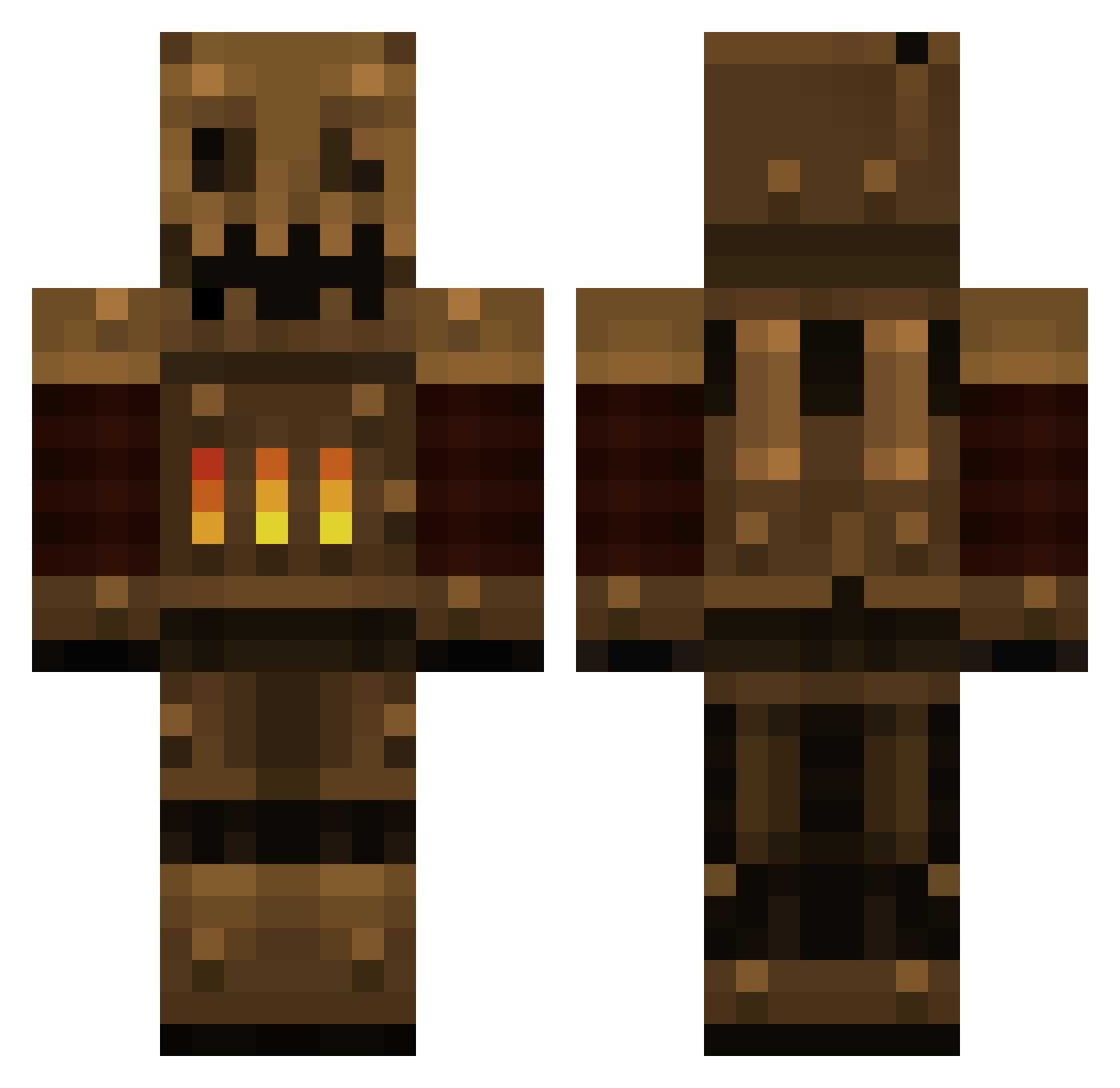
Current Minecraft skin of the player MarrowMan, loaded from the official Mojang API. Rotate the 3D model with your mouse or finger, then download the skin as a PNG file and use it in Minecraft: Bedrock Edition or Java Edition for free. When MarrowMan changes their skin, this page updates automatically and the old skin stays in the history below.
Other players with this skin (511)
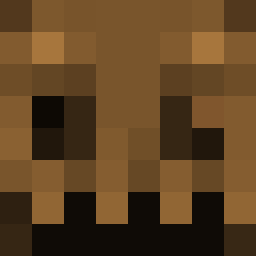
MarrowMan was the 475th player we have seen with this skin, first spotted on 04.11.2026. The same skin was seen on these players. Open a nickname to see their current skin and skin history.
 Corval Zeaal Jschool SteamAnimator Wahlazy ChrisFrankewicz dm_gaia jahasafras Perigon Takeover69 chinnokker gallien bhester mimicoctopus lastwish101 thecooler123 Rocherria ZeOrangePanda TheHumanBrian Tricky_PownerszZ Huskers03 Oceanboy99 ZeusGamingHD didiwyatt Jotha6 ZombieHunter659 Alieni94 Jomppe04 KeziaCurty Originofdeath autisticspidey DantheDruid crossvirus SpacelessElk BTC8 _MarJak_ Jesperbj2004 BooterKnife Emberwolf7 Unoctium xCheney Kunz Escana Nark100 Mirya baylakasta Juiceness souro mastashake204 N8NU4 dwier69 zozoda nessiemonster IronhideHD colt_os5 acwinicker CoreProgramsx86 Retcus Britoun Entac
More Scarecrow Minecraft skins
How to install the MarrowMan skin
- Press the Download button above to save the skin as a PNG file.
- Minecraft: Bedrock Edition (PE): open the Dressing Room from the main menu (or tap your character → Edit Character), go to Classic Skins → Owned, press the + (new skin) button, choose the downloaded PNG and pick the Classic (Steve) model. Works on PC and mobile; consoles cannot import custom skins.
- Minecraft: Java Edition: open the Minecraft Launcher, go to the Skins tab, click New Skin, load the PNG, pick the Classic (Steve) model and press Save & Use. You can also upload it at minecraft.net → Profile → Change Skin.
The skin does not show up after import - what should I do?
Restart Minecraft and open the Dressing Room again - imported skins sometimes appear only after a restart. Also make sure you selected the imported skin and picked the Classic (Steve) model.
Which model should I choose, Classic or Slim?
This skin is designed for the Classic (Steve) model. If you pick the wrong model, the arms of the skin will look stretched or squeezed.
Is the skin of MarrowMan free to download?
Yes. Press Download, save the PNG file and use it in Minecraft: Bedrock Edition or Java Edition - no payment or registration needed. The skin also works on multiplayer servers and Realms.
More skins
Looking for more? Go back to all Minecraft skins and check the top skins of the week, month and all time, or find any player's skin by nickname.