
 Pexemple godzilla_king13 MenaceXD jswwwwww2 AdolfVolkswagen wilerd ElianMSalas Mightyheffy 5ervais satorioux Militoo StriderOPA ExtendedArm Griffin56 Kysownik WellysonBorg Wagzy Foquera Anc1entFear DessMigos CollectedTen _its_dario paspisuwu Sopociroasted0 DavidRetro SlendyPython Nullify__ ImmortalEcho ErickGe 4ereich 911gravedigger tundraisgoated Lefu317 GOBLIN_Hugo28 LYMXD Visio62 _Zaltaya_ Unkoven Foxhound12 homixide8419 yuyu_3 jamesbrard KoperKru TianLingQianYe JacquesStrahp RaN__ s0up_man WillPROv12 Long987g MugenKhan homixidegang406 Hi_Ho_Silver04 ImnotPoom NinjaBunker V0dkaRedbul player5409 Name_Copyrighted Hadin_ Nobbe35 Sourkr4ut
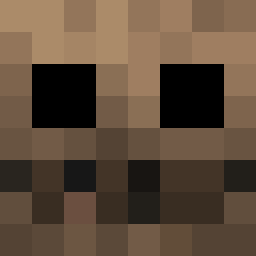
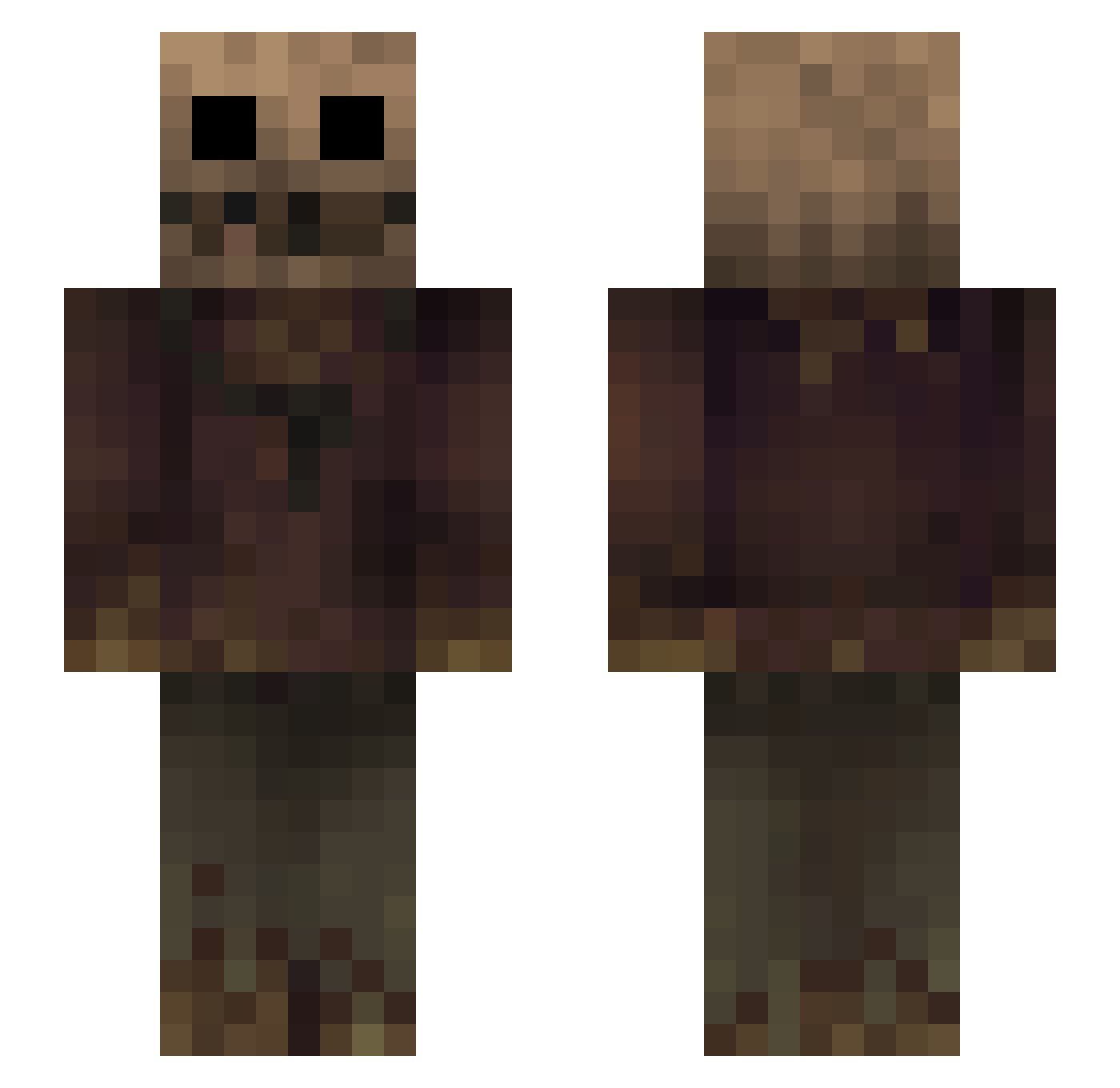
Minecraft skin of Aerossx. Rotate the 3D model with your mouse or finger to view the skin from every angle, then download it as a PNG file and use it in Minecraft: Bedrock Edition or Java Edition for free. Rate the skin with stars to help other players find the best skins in our collection.
How to install the Aerossx skin
- Press the Download button above to save the skin as a PNG file.
- Minecraft: Bedrock Edition (PE): open the Dressing Room from the main menu (or tap your character → Edit Character), go to Classic Skins → Owned, press the + (new skin) button, choose the downloaded PNG and pick the Slim (Alex) model. Works on PC and mobile; consoles cannot import custom skins.
- Minecraft: Java Edition: open the Minecraft Launcher, go to the Skins tab, click New Skin, load the PNG, pick the Slim (Alex) model and press Save & Use. You can also upload it at minecraft.net → Profile → Change Skin.
The skin does not show up after import - what should I do?
Restart Minecraft and open the Dressing Room again - imported skins sometimes appear only after a restart. Also make sure you selected the imported skin and picked the Slim (Alex) model.
Which model should I choose, Classic or Slim?
This skin is designed for the Slim (Alex) model. If you pick the wrong model, the arms of the skin will look stretched or squeezed.
Is this skin free to use?
Yes. Press Download, save the PNG file and use it in Minecraft: Bedrock Edition or Java Edition - no payment or registration needed. The skin also works on multiplayer servers and Realms.
More Scarecrow Minecraft skins
More skins
Looking for more? Go back to all Minecraft skins and check the top skins of the week, month and all time, or find any player's skin by nickname.