
Clouds54 - Minecraft Skins & Skin History
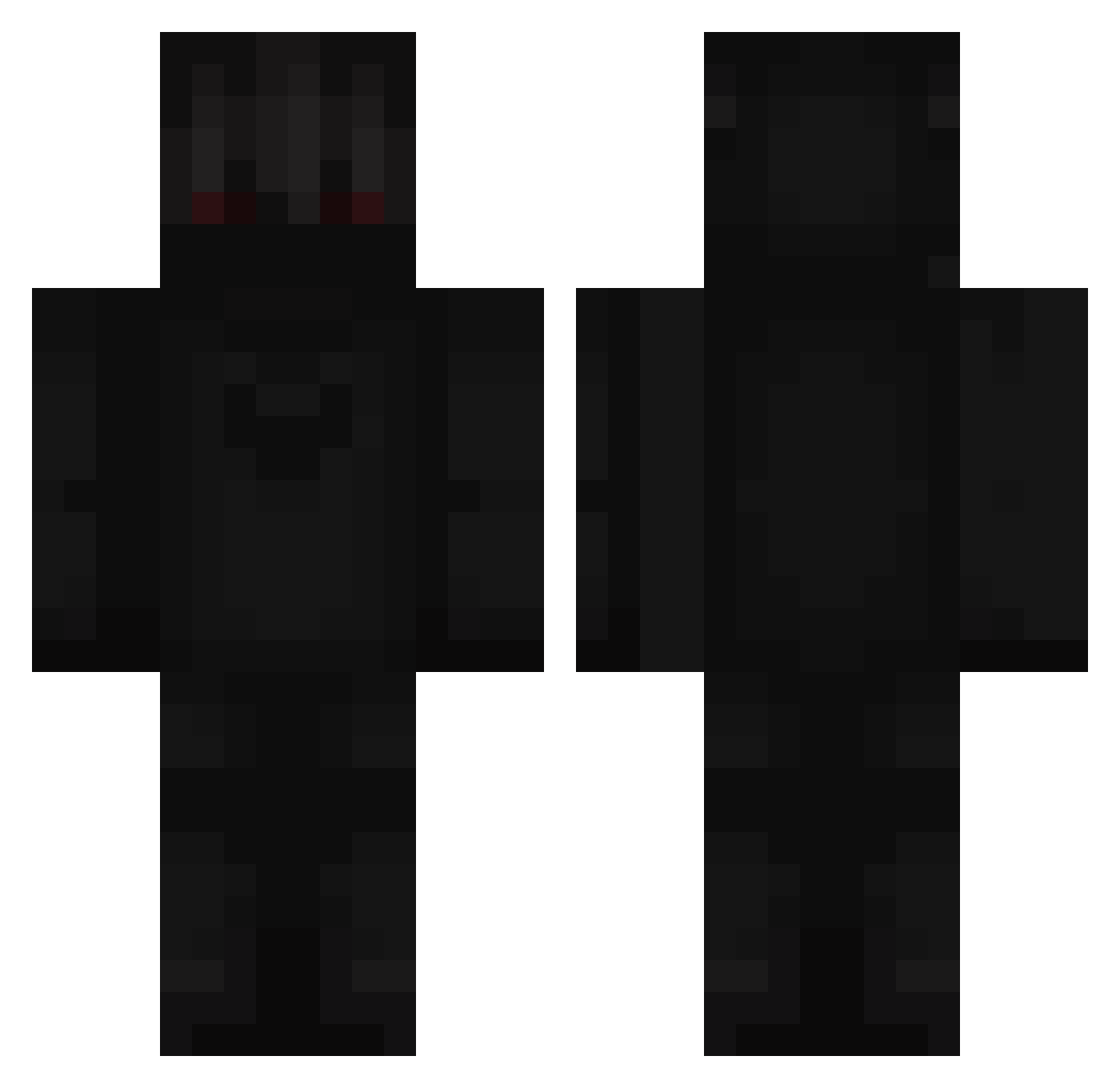
Current Minecraft skin of the player Clouds54, loaded from the official Mojang API. Rotate the 3D model with your mouse or finger, then download the skin as a PNG file and use it in Minecraft: Bedrock Edition or Java Edition for free. When Clouds54 changes their skin, this page updates automatically and the old skin stays in the history below.
Other players with this skin (366)
Clouds54 was the 48th player we have seen with this skin, first spotted on 04.08.2026. The same skin was seen on these players. Open a nickname to see their current skin and skin history.
 CalangoFrio System_CJW Darius1182000 xSifris StevyMCkiwi _Kenzx_ Alex2207 _Zefirek sota3214 Kava1 channhl Supplly UwUChanOwOXD dragon5103 Hatchit
 daliziyuQWQ Aaronshrman Block_Buster4KK Newhouss2017 Abodhunter38 Kyoozzz Mineral_Wasser_ gyurki14 JrEU Darose adamino10 LeRif BlackStoneQ Dymn1K KieriX7 Maligaaaant Erzyo Pixelvoid1 earthquack3 84234 Th0rium LIONAIRE KadoMazo RYYQ7 _Thingy Benoco0l vouchered itz_mood Jimpalos HayBug19 lxKiddGhost__ faboleos_ Renozuka bro_dameron XKrystian2011X masonsurvivor SayorisBow_4 HotDogSoda MauricioRaMa12 plares2770 fauxgeni Respyte
 Rayzi2000 Mantaloops Offline_GH777
More Shadow Minecraft skins
How to install the Clouds54 skin
- Press the Download button above to save the skin as a PNG file.
- Minecraft: Bedrock Edition (PE): open the Dressing Room from the main menu (or tap your character → Edit Character), go to Classic Skins → Owned, press the + (new skin) button, choose the downloaded PNG and pick the Classic (Steve) model. Works on PC and mobile; consoles cannot import custom skins.
- Minecraft: Java Edition: open the Minecraft Launcher, go to the Skins tab, click New Skin, load the PNG, pick the Classic (Steve) model and press Save & Use. You can also upload it at minecraft.net → Profile → Change Skin.
The skin does not show up after import - what should I do?
Restart Minecraft and open the Dressing Room again - imported skins sometimes appear only after a restart. Also make sure you selected the imported skin and picked the Classic (Steve) model.
Which model should I choose, Classic or Slim?
This skin is designed for the Classic (Steve) model. If you pick the wrong model, the arms of the skin will look stretched or squeezed.
Is the skin of Clouds54 free to download?
Yes. Press Download, save the PNG file and use it in Minecraft: Bedrock Edition or Java Edition - no payment or registration needed. The skin also works on multiplayer servers and Realms.
More skins
Looking for more? Go back to all Minecraft skins and check the top skins of the week, month and all time, or find any player's skin by nickname.