
Buddyb17 - Minecraft Skins & Skin History
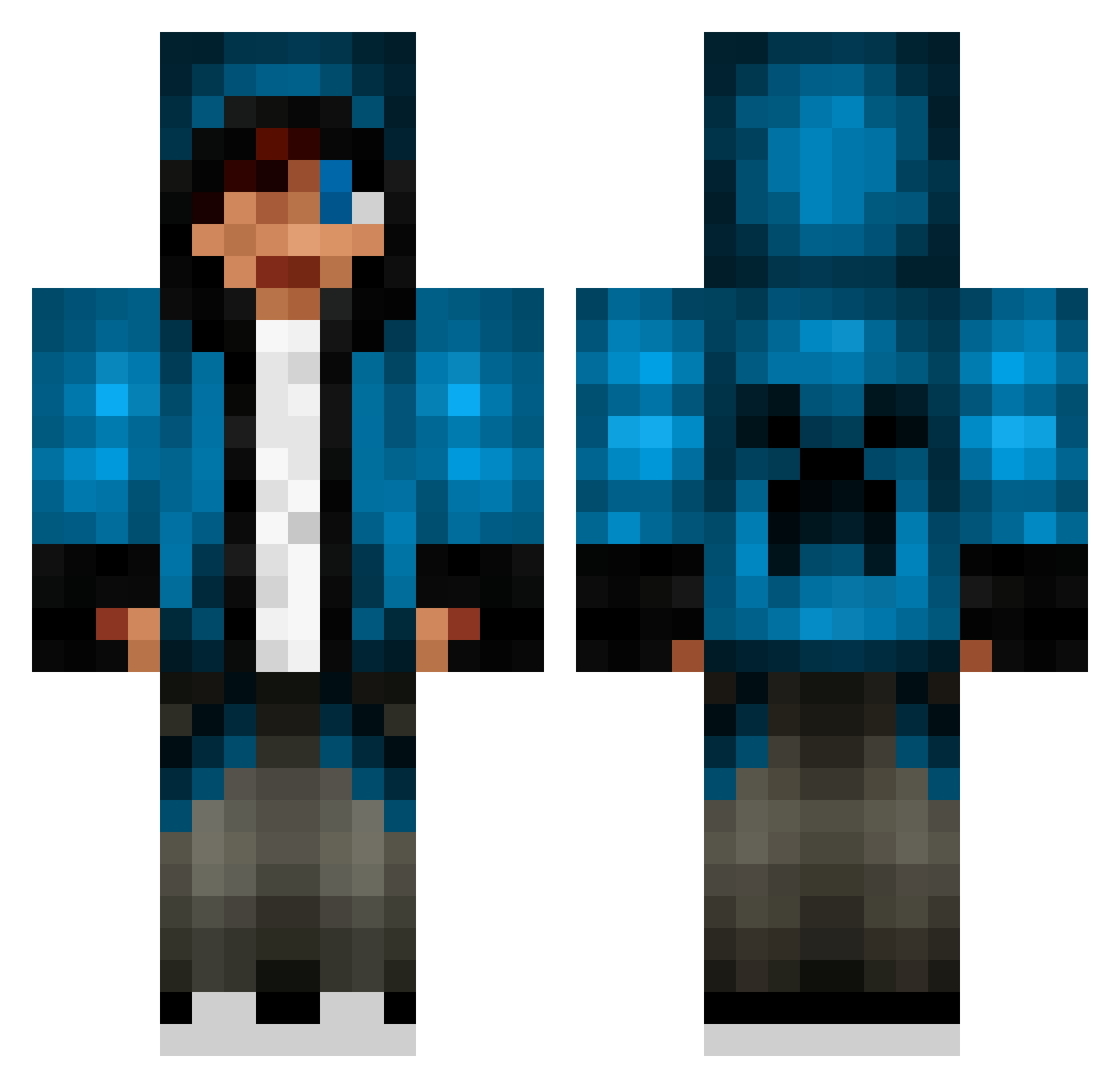
Current Minecraft skin of the player Buddyb17, loaded from the official Mojang API. Rotate the 3D model with your mouse or finger, then download the skin as a PNG file and use it in Minecraft: Bedrock Edition or Java Edition for free. When Buddyb17 changes their skin, this page updates automatically and the old skin stays in the history below.
Other players with this skin (655)
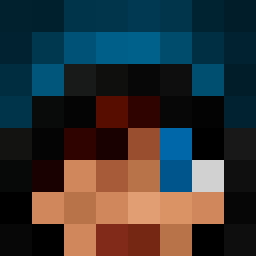
Buddyb17 was the 412th player we have seen with this skin, first spotted on 25.09.2026. The same skin was seen on these players. Open a nickname to see their current skin and skin history.
 Tomsegsu ENDERkid54 redrockutah loserkid77 huskypenguin0091 BenX_35 tubtub16 Sylen churro911 tylerbulot captainsky2003 BigGeeBee Jakeboi28 deadshort2000 cristea Hapachi threshboyz juliuslock Brainlure143 MightyLighte KOBEFIRE Spammen1 LMS_01 fizzgig2011 Haydenfinn10 SebyMicallef Tobbka Cristobal_walifr Abohoos maddy_silly Caleb1488 jonkmans ConnorAngus Unmenschlichkeit doublecbeast TymboJ LMS_03 PizzaDude8303 manatar200 gustavo7825 Jartu221 Taylor_Courtney AdventurousBros CSMShaiko Marcobohne DeadisLife HenzCheifRS 808kalai mitchy_man MightyMelo kubusbouwer moldyratdotcom bubbalub7 EarningRex ChocolateCraft UltiPrankster supervilmer bindoesminecraft sg_warrior 81jackpot
More Creeper Minecraft skins
How to install the Buddyb17 skin
- Press the Download button above to save the skin as a PNG file.
- Minecraft: Bedrock Edition (PE): open the Dressing Room from the main menu (or tap your character → Edit Character), go to Classic Skins → Owned, press the + (new skin) button, choose the downloaded PNG and pick the Classic (Steve) model. Works on PC and mobile; consoles cannot import custom skins.
- Minecraft: Java Edition: open the Minecraft Launcher, go to the Skins tab, click New Skin, load the PNG, pick the Classic (Steve) model and press Save & Use. You can also upload it at minecraft.net → Profile → Change Skin.
The skin does not show up after import - what should I do?
Restart Minecraft and open the Dressing Room again - imported skins sometimes appear only after a restart. Also make sure you selected the imported skin and picked the Classic (Steve) model.
Which model should I choose, Classic or Slim?
This skin is designed for the Classic (Steve) model. If you pick the wrong model, the arms of the skin will look stretched or squeezed.
Is the skin of Buddyb17 free to download?
Yes. Press Download, save the PNG file and use it in Minecraft: Bedrock Edition or Java Edition - no payment or registration needed. The skin also works on multiplayer servers and Realms.
More skins
Looking for more? Go back to all Minecraft skins and check the top skins of the week, month and all time, or find any player's skin by nickname.