
 ASGNxDragon Gautam9091 PoggerDavid pika1390 LeonZabijaka SharkerXDXDXD Toffife007 SEORIS BlockyOreoCookie taisei0418 Sefer_Tora NESqu1k_39 AlexD2010 TwoCentipede FangedCamp71248 rocketbear2000 Jean_Valjean___ RUZGARefso NiklasK Flokeeper SaucyShotz thedeathangel345 Mailin2020 Vitalik_001 MC_Justin99 rene2011 qwerbo10 SzebyX MASTERSHROOM85 PorkyPig10 Superior_Players namzineo atrash29 KingMax294 NitrixBoy darkentity303 DarryZ TOUCHMEUWU the_conqueror1 YourMother007 ichmussmalos ViggoJ12 Love_Shard BrotherBoi Luistiti Jagge987 warfaxi Masty_007 Sir_Levi Unknown007x Danmoretti82 AienAL Asheborne Antamon PRO3332 Rodriii21 Gmanwest8 ASIMYT7860 BijoBij FireDragon89723
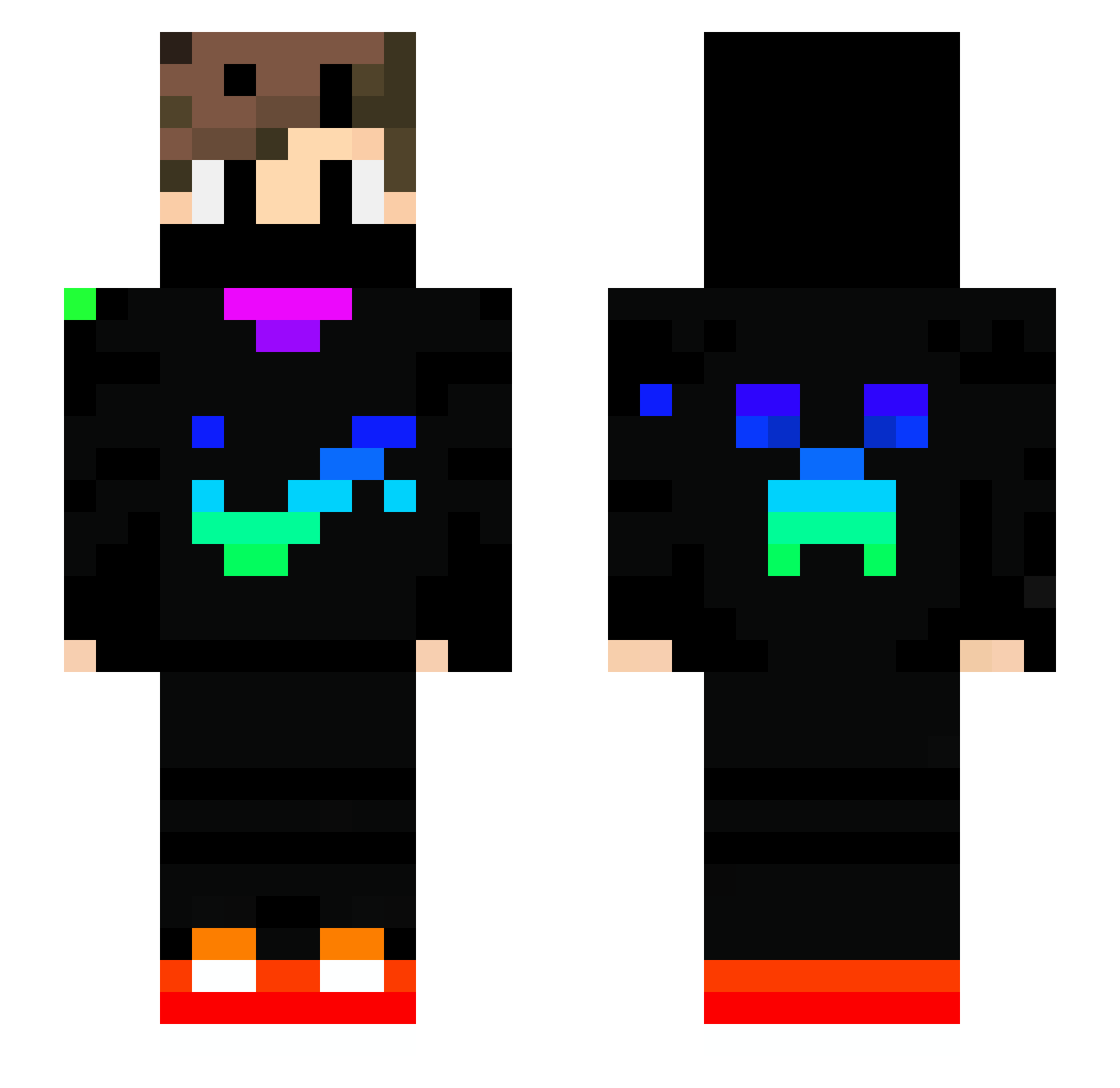
Minecraft skin of Itz_Nightlight. Rotate the 3D model with your mouse or finger to view the skin from every angle, then download it as a PNG file and use it in Minecraft: Bedrock Edition or Java Edition for free. Rate the skin with stars to help other players find the best skins in our collection.
How to install the Itz_Nightlight skin
- Press the Download button above to save the skin as a PNG file.
- Minecraft: Bedrock Edition (PE): open the Dressing Room from the main menu (or tap your character → Edit Character), go to Classic Skins → Owned, press the + (new skin) button, choose the downloaded PNG and pick the Slim (Alex) model. Works on PC and mobile; consoles cannot import custom skins.
- Minecraft: Java Edition: open the Minecraft Launcher, go to the Skins tab, click New Skin, load the PNG, pick the Slim (Alex) model and press Save & Use. You can also upload it at minecraft.net → Profile → Change Skin.
The skin does not show up after import - what should I do?
Restart Minecraft and open the Dressing Room again - imported skins sometimes appear only after a restart. Also make sure you selected the imported skin and picked the Slim (Alex) model.
Which model should I choose, Classic or Slim?
This skin is designed for the Slim (Alex) model. If you pick the wrong model, the arms of the skin will look stretched or squeezed.
Is this skin free to use?
Yes. Press Download, save the PNG file and use it in Minecraft: Bedrock Edition or Java Edition - no payment or registration needed. The skin also works on multiplayer servers and Realms.
More Creeper Minecraft skins
More skins
Looking for more? Go back to all Minecraft skins and check the top skins of the week, month and all time, or find any player's skin by nickname.